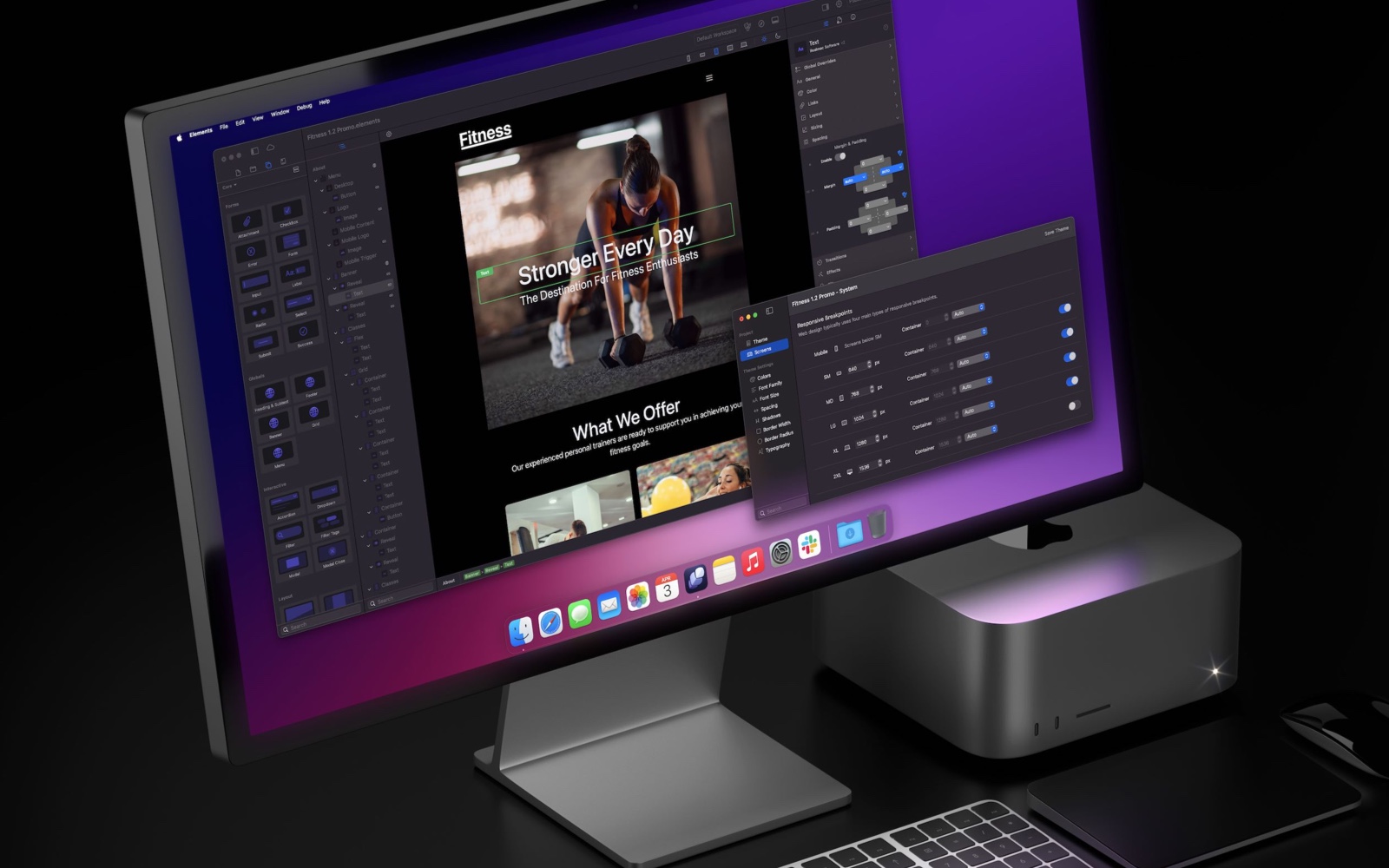
We’re launching a new newsletter called Elements Weekly.
Each week we’ll be sharing what’s new in RapidWeaver Elements. including development updates, feature previews, and web design tips.
We’ll also highlight some of our favourite Mac tools, plus useful resources to help you build better websites faster.
If you’re into Elements, web design, or just enjoy seeing how things are built, this one’s for you.
➡️ Subscribe to Elements Weekly
The first issue drops this Thursday, then every Tuesday after that.
title: "Test" date: "2025-11-06" tags: [] categories: []
Text floating around image
Add an image as you do in plain HTML. Don't worry; the HTML-code will not be displayed as text. The image used can be taken from resources folder of Elements' Marketplace free Audio Component demo project "Solo".

This paragraph text will wrap around the image on the right-hand side. You can keep writing Markdown as usual, and it will flow around the floated image. Another paragraph continues to wrap naturally, giving the appearance of floating text. This paragraph text will wrap around the image on the right-hand side. You can keep writing Markdown as usual, and it will flow around the floated image. Another paragraph continues to wrap naturally, giving the appearance of floating text. This paragraph text will wrap around the image on the right-hand side. You can keep writing Markdown as usual, and it will flow around the floated image. Another paragraph continues to wrap naturally, giving the appearance of floating text. This paragraph text will wrap around the image on the right-hand side. You can keep writing Markdown as usual, and it will flow around the floated image. Another paragraph continues to wrap naturally, giving the appearance of floating text. This paragraph text will wrap around the image on the right-hand side. You can keep writing Markdown as usual, and it will flow around the floated image. Another paragraph continues to wrap naturally, giving the appearance of floating text. This paragraph text will wrap around the image on the right-hand side. You can keep writing Markdown as usual, and it will flow around the floated image. Another paragraph continues to wrap naturally, giving the appearance of floating text. This paragraph text will wrap around the image on the right-hand side. You can keep writing Markdown as usual, and it will flow around the floated image. Another paragraph continues to wrap naturally, giving the appearance of floating text. This paragraph text will wrap around the image on the right-hand side. You can keep writing Markdown as usual, and it will flow around the floated image. Another paragraph continues to wrap naturally, giving the appearance of floating text. This paragraph text will wrap around the image on the right-hand side. You can keep writing Markdown as usual, and it will flow around the floated image. Another paragraph continues to wrap naturally, giving the appearance of floating text. This paragraph text will wrap around the image on the right-hand side. You can keep writing Markdown as usual, and it will flow around the floated image. Another paragraph continues to wrap naturally, giving the appearance of floating text. This paragraph text will wrap around the image on the right-hand side. You can keep writing Markdown as usual, and it will flow around the floated image. Another paragraph continues to wrap naturally, giving the appearance of floating text.
another image with floating text around plus a caption with the image
A little more "complicated" raw HTML including some "styling".

You can keep writing Markdown as usual, and it will flow around the floated image. Another paragraph continues to wrap naturally, giving the appearance of floating text. This paragraph text will wrap around the image on the right-hand side. You can keep writing Markdown as usual, and it will flow around the floated image. Another paragraph continues to wrap naturally, giving the appearance of floating text. This paragraph text will wrap around the image on the right-hand side. You can keep writing Markdown as usual, and it will flow around the floated image. Another paragraph continues to wrap naturally, giving the appearance of floating text. This paragraph text will wrap around the image on the right-hand side. You can keep writing Markdown as usual, and it will flow around the floated image. Another paragraph continues to wrap naturally, giving the appearance of floating text. This paragraph text will wrap around the image on the right-hand side. You can keep writing Markdown as usual, and it will flow around the floated image. Another paragraph continues to wrap naturally, giving the appearance of floating text. This paragraph text will wrap around the image on the right-hand side. You can keep writing Markdown as usual, and it will flow around the floated image. Another paragraph continues to wrap naturally, giving the appearance of floating text. This paragraph text will wrap around the image on the right-hand side. You can keep writing Markdown as usual, and it will flow around the floated image. Another paragraph continues to wrap naturally, giving the appearance of floating text. This paragraph text will wrap around the image on the right-hand side. You can keep writing Markdown as usual, and it will flow around the floated image. Another paragraph continues to wrap naturally, giving the appearance of floating text.