
Squash press kit
Facts, screenshots and the app icon for Squash, the image compressor for Mac.
Press enquiries: [email protected]
Fact sheet
- Developer
- Realmac Software
- First released
- 2016
- Current version
- Squash 4
- Platform
- Mac, macOS Sonoma 14.6 or later
- Free version
- The full app with no watermark: 25 exports on the first day, then 5 a day
- Licence
- $49 with a year of updates, for unlimited exports, Watched Folders and beta updates. Renews each year; cancel any time and Squash stays yours
- Setapp
- Setapp
- Languages
- English, German, French, Italian, Spanish, Japanese and Simplified Chinese
- Website
- realmacsoftware.com/squash
- Press contact
- [email protected]
About Squash
Use either description as it is, or cut it to fit.
Short description
About 60 words
Squash is an image compressor for Mac. It compresses, resizes and converts whole batches of photos in one go, from HEIC to JPG or from JPEG to WebP and AVIF. It can also crop, rename, watermark and redact images and choose which metadata to keep. Squash is free to download, with a $49 licence for unlimited exports and a year of updates.
Long description
About 160 words
Squash is an image compressor for Mac from Realmac Software. Drop in a single photo or a whole shoot, choose a format, quality and size, and Squash exports smaller files ready for a website, an email or a client.
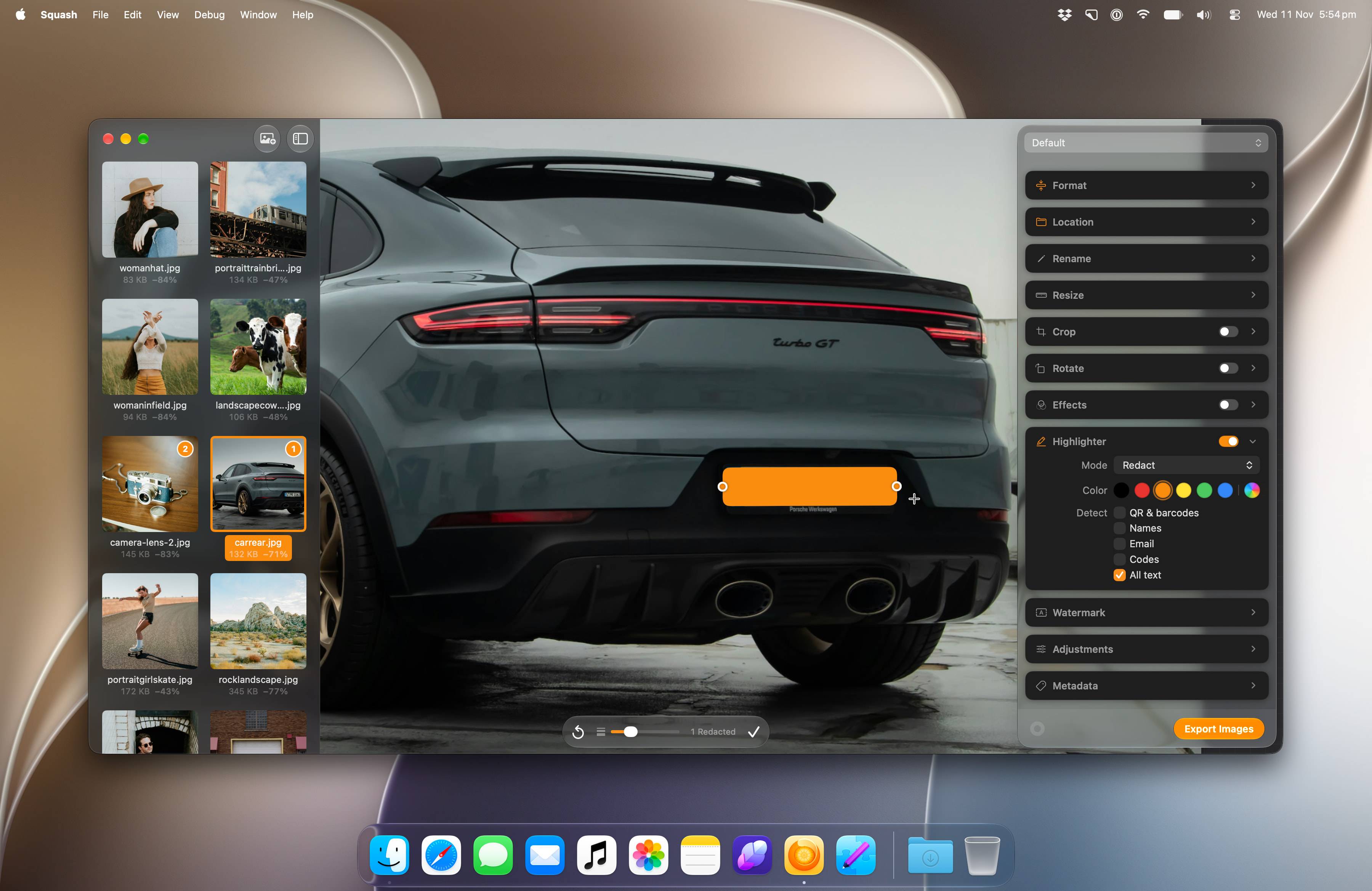
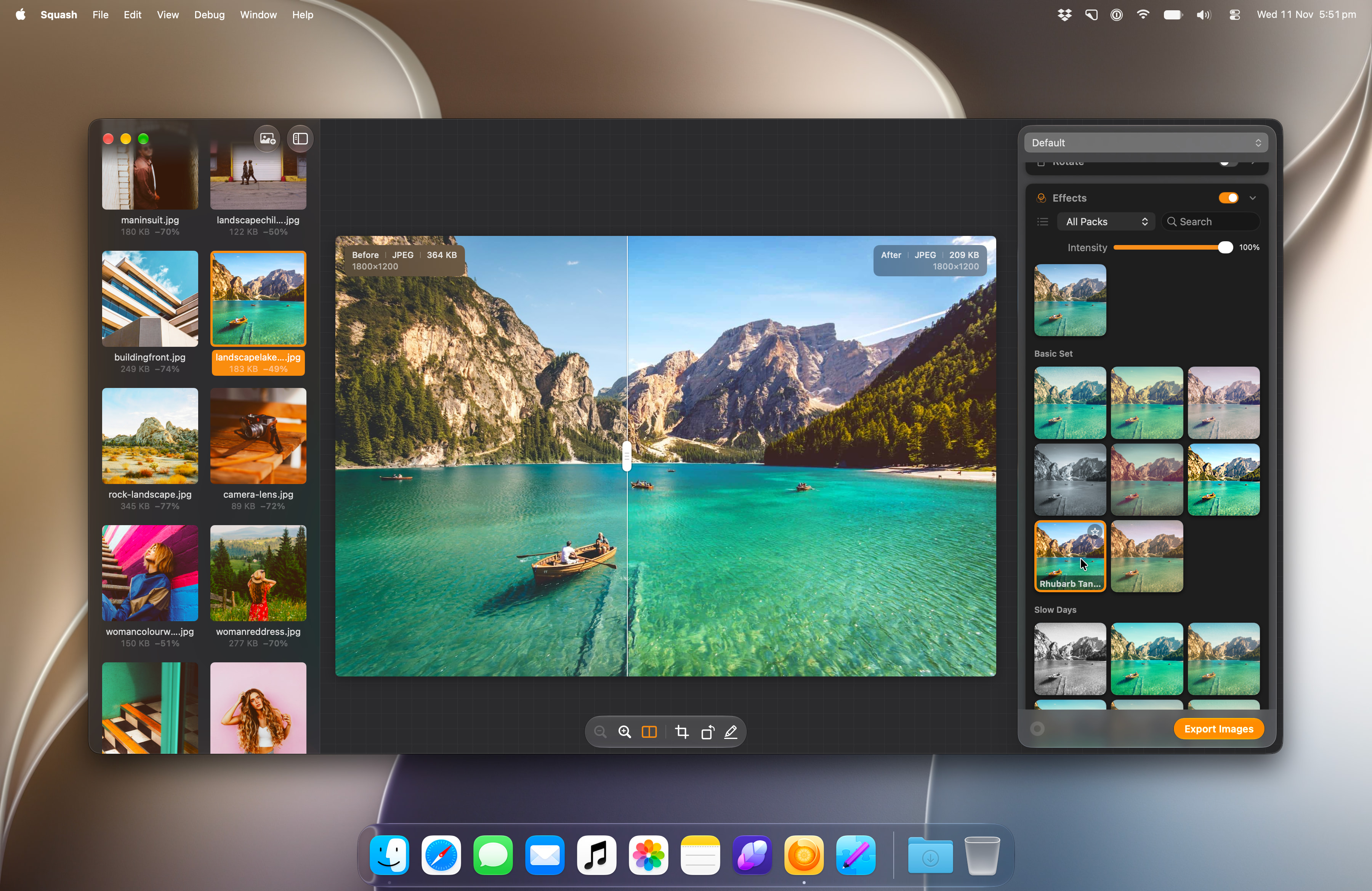
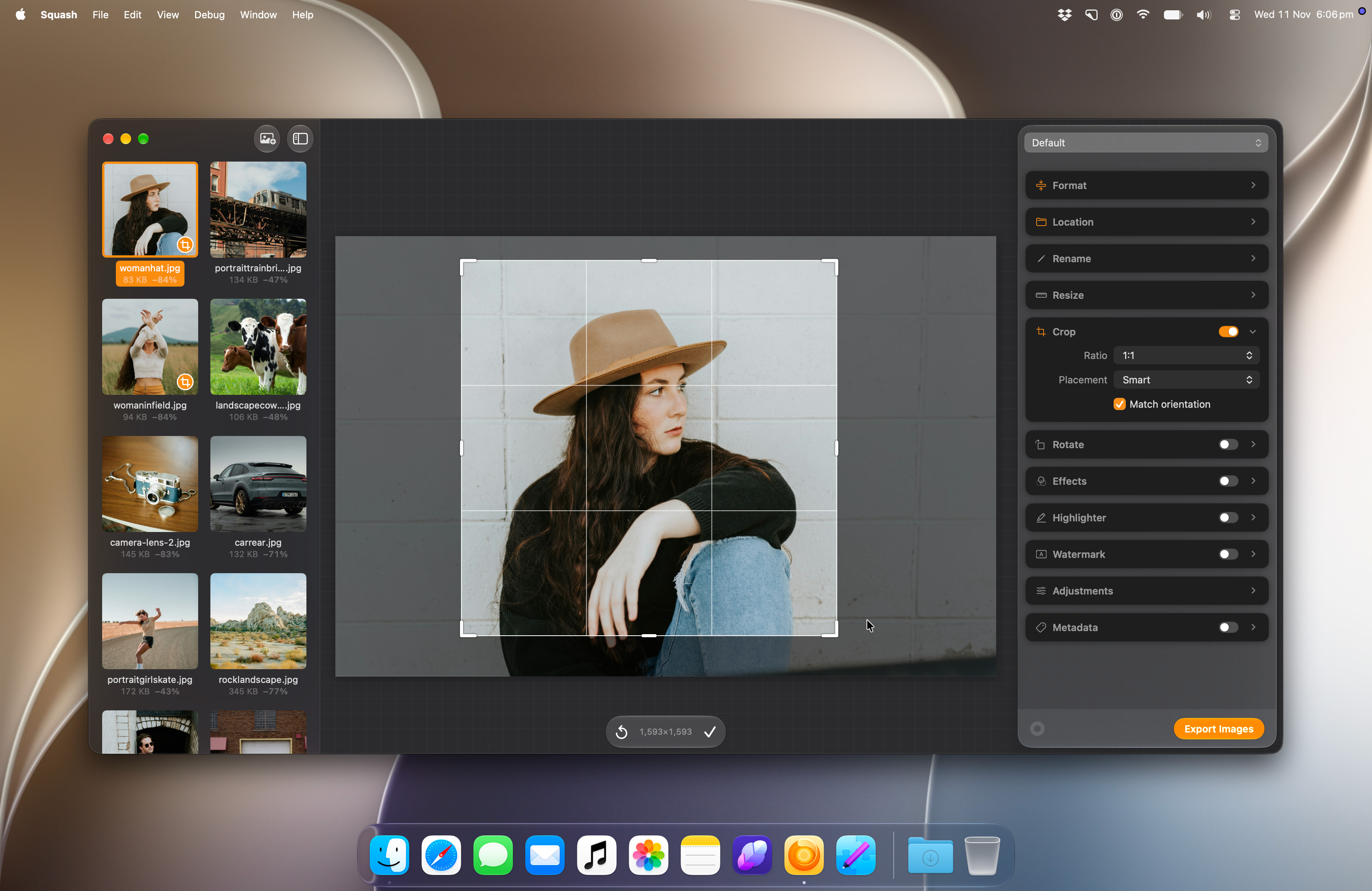
It opens JPEG, PNG, HEIC, WebP, AVIF, PSD, TIFF and camera RAW files, and exports JPG, WebP and AVIF. In the same export it can resize, crop with Smart Crop, rename with Apple Intelligence, add a watermark, apply photo effects, redact names and addresses, and choose which metadata to keep. Presets save each set of choices, and Watched Folders convert new images as soon as they arrive.
Squash first shipped in 2016. Squash 4 is free to download, with 25 exports on the first day and 5 a day after that. A $49 licence unlocks unlimited exports, Watched Folders and beta updates, with a year of updates. It renews each year, and Squash keeps working if you cancel. It's also on Setapp.
Key features
- Compress JPEG, PNG, WebP and AVIF, with control over format and quality
- Convert HEIC, PNG, WebP and AVIF to JPG, WebP or AVIF
- Batch processing: choose your settings once for a whole folder
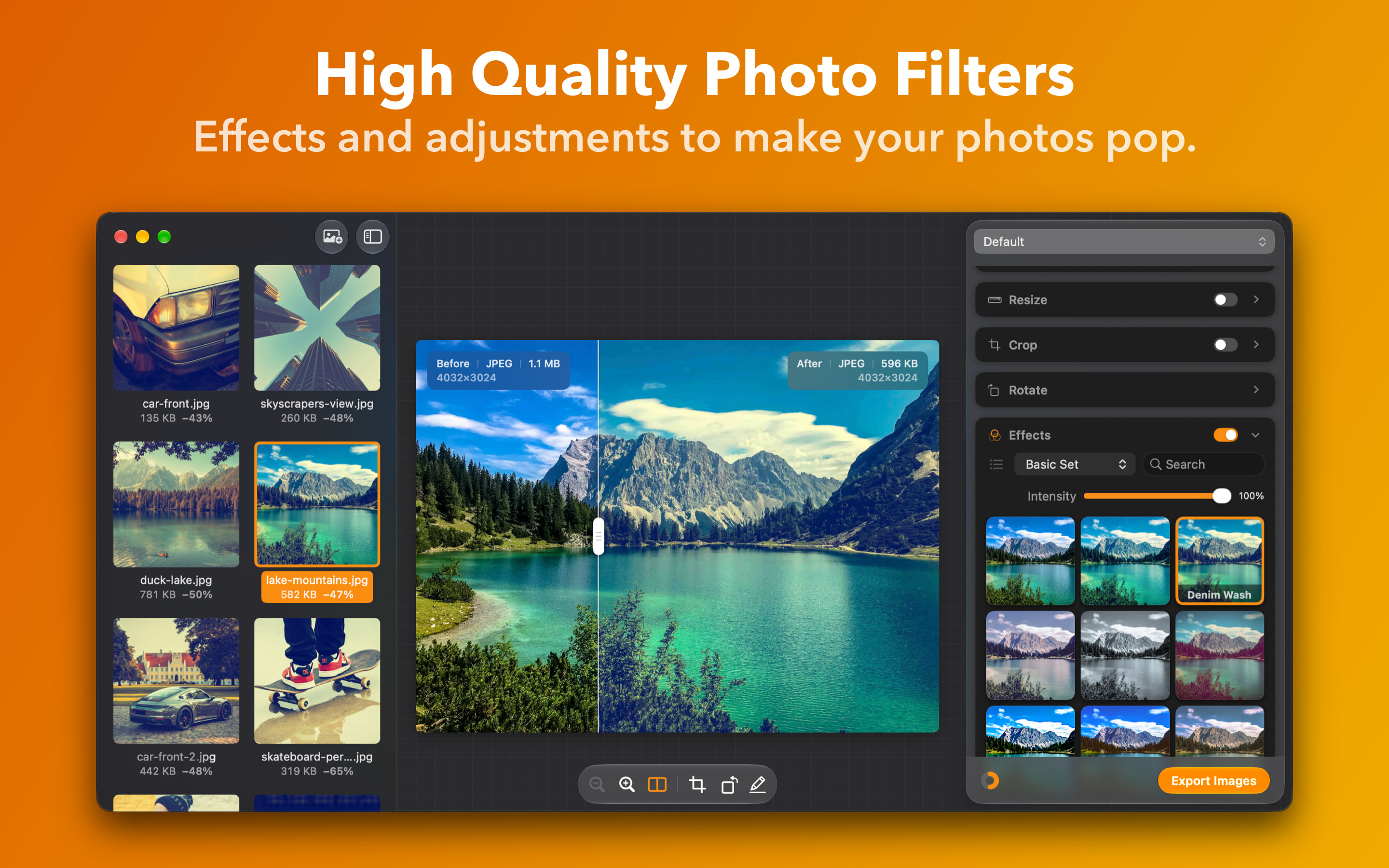
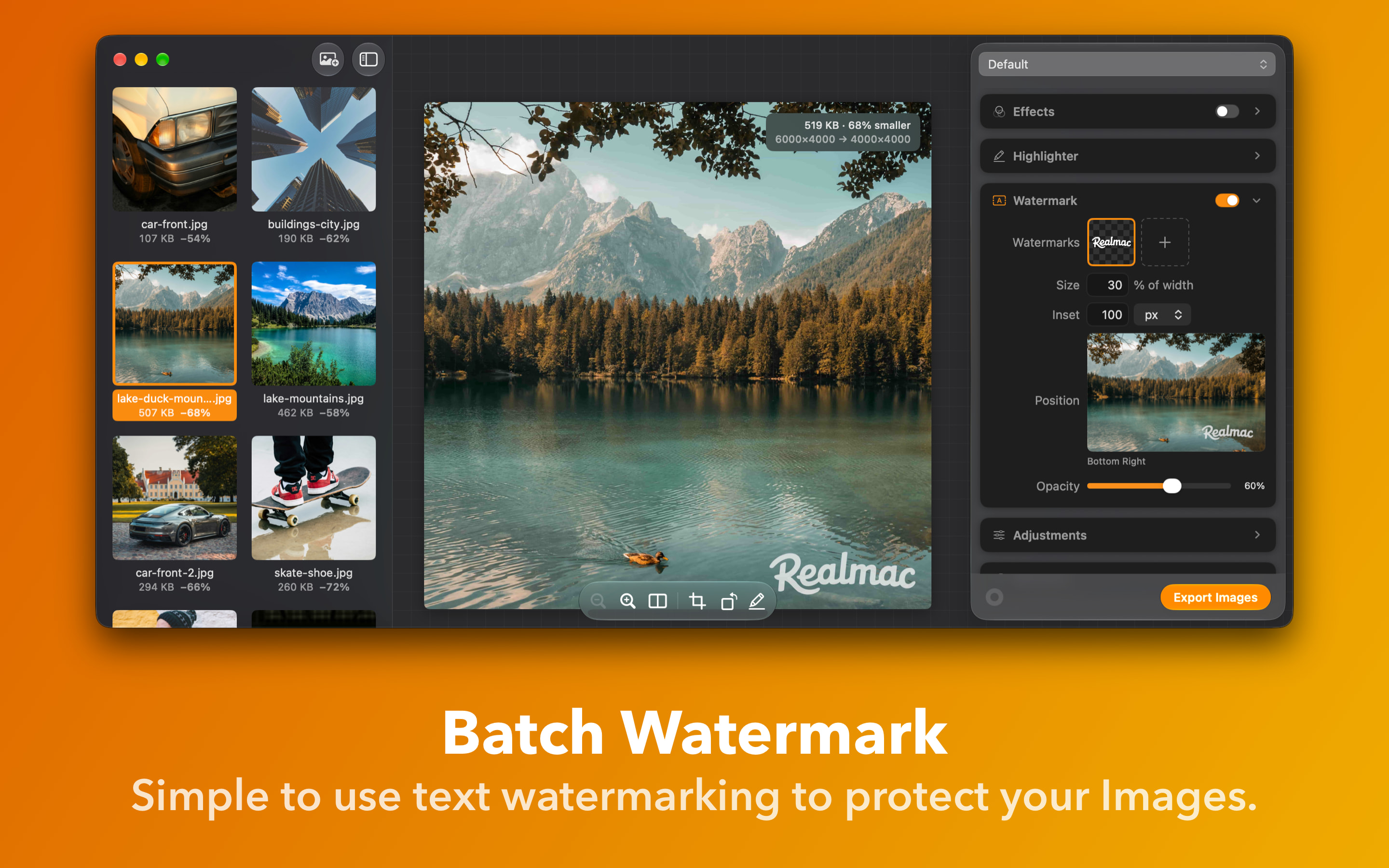
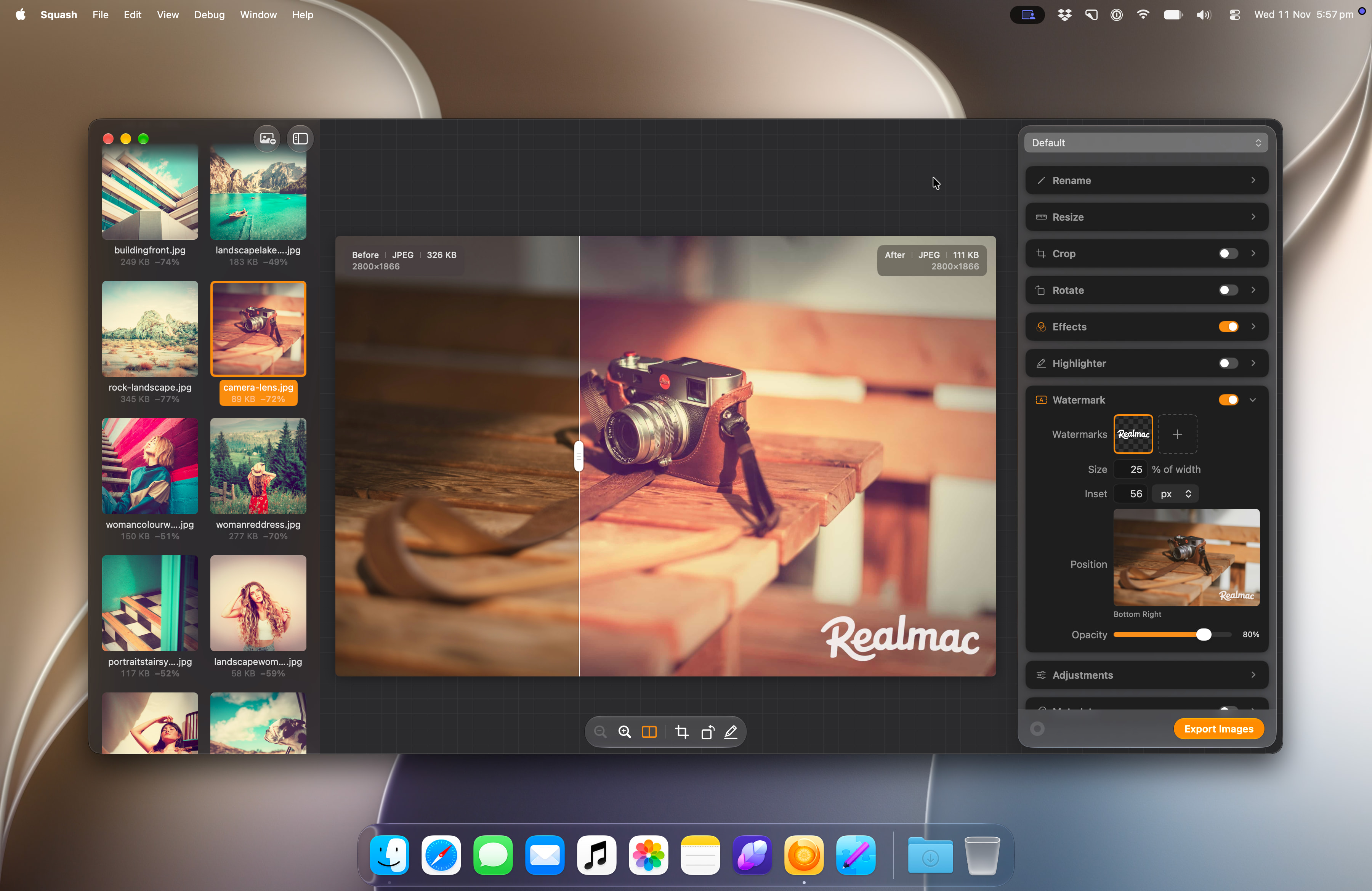
- Resize, Smart Crop, watermarks, auto rotate and photo effects in the same export
- Smart Rename with Apple Intelligence, metadata editing and automatic redaction
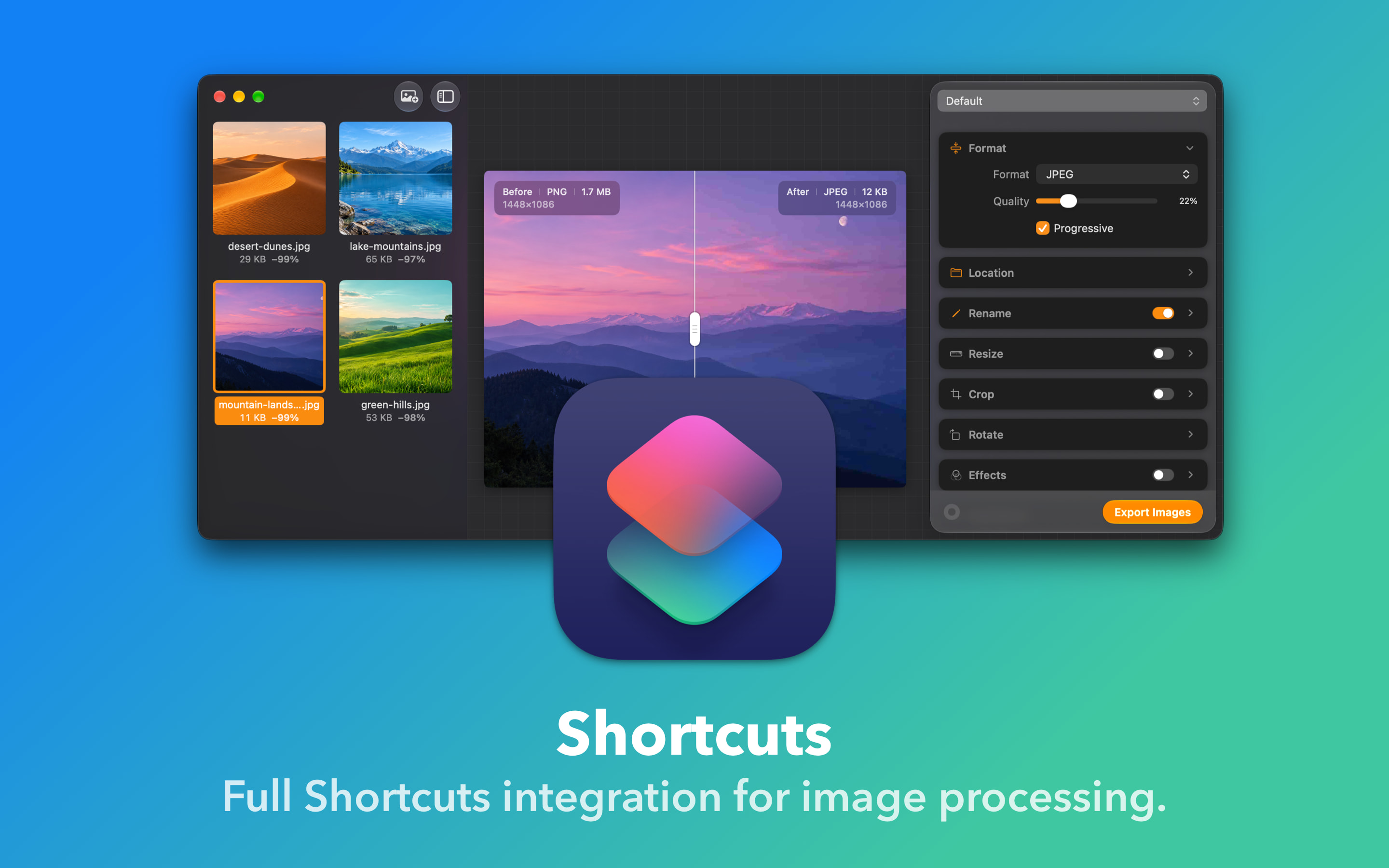
- Custom presets, Watched Folders and Shortcuts for the jobs you repeat
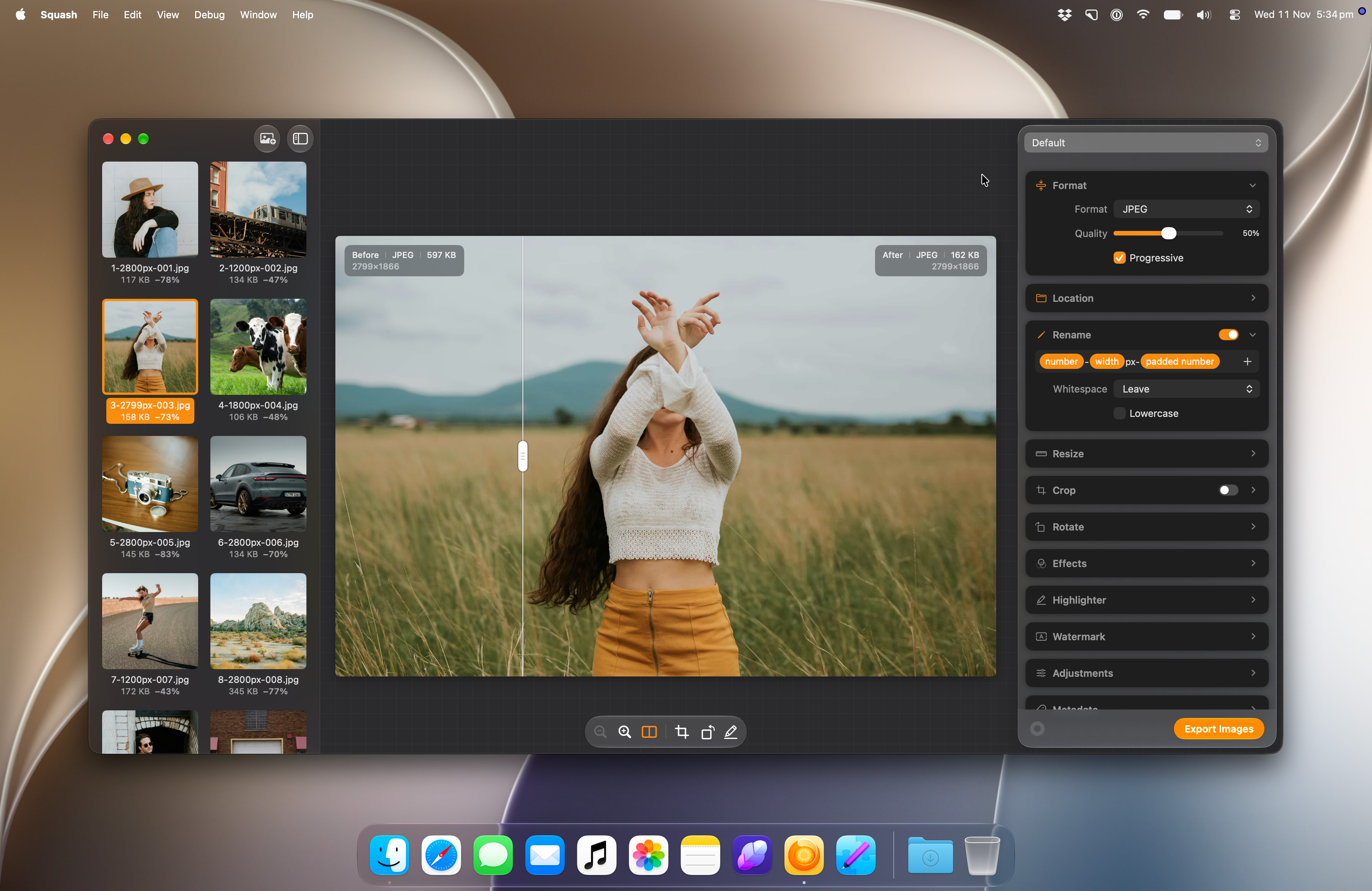
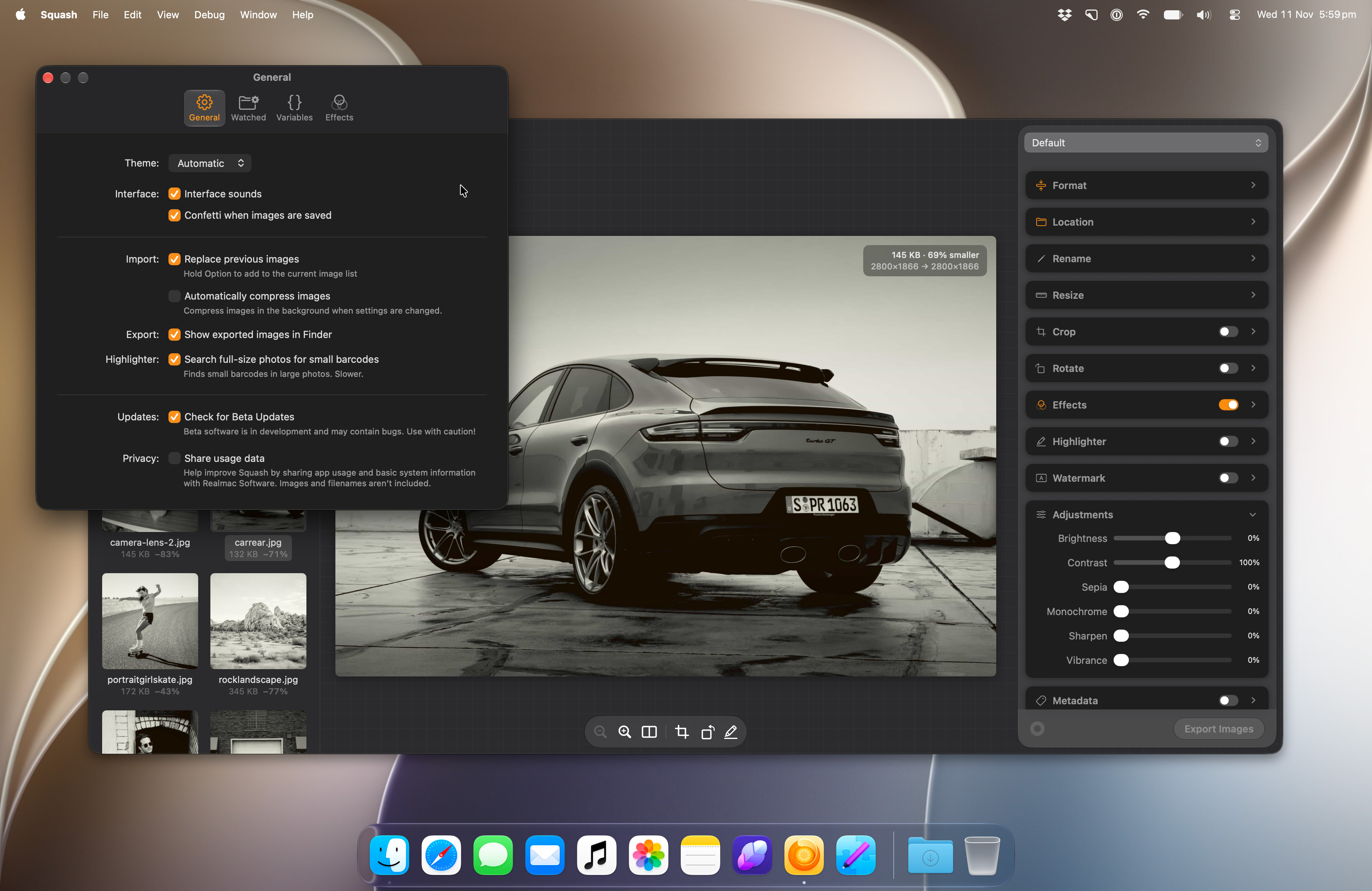
Screenshots
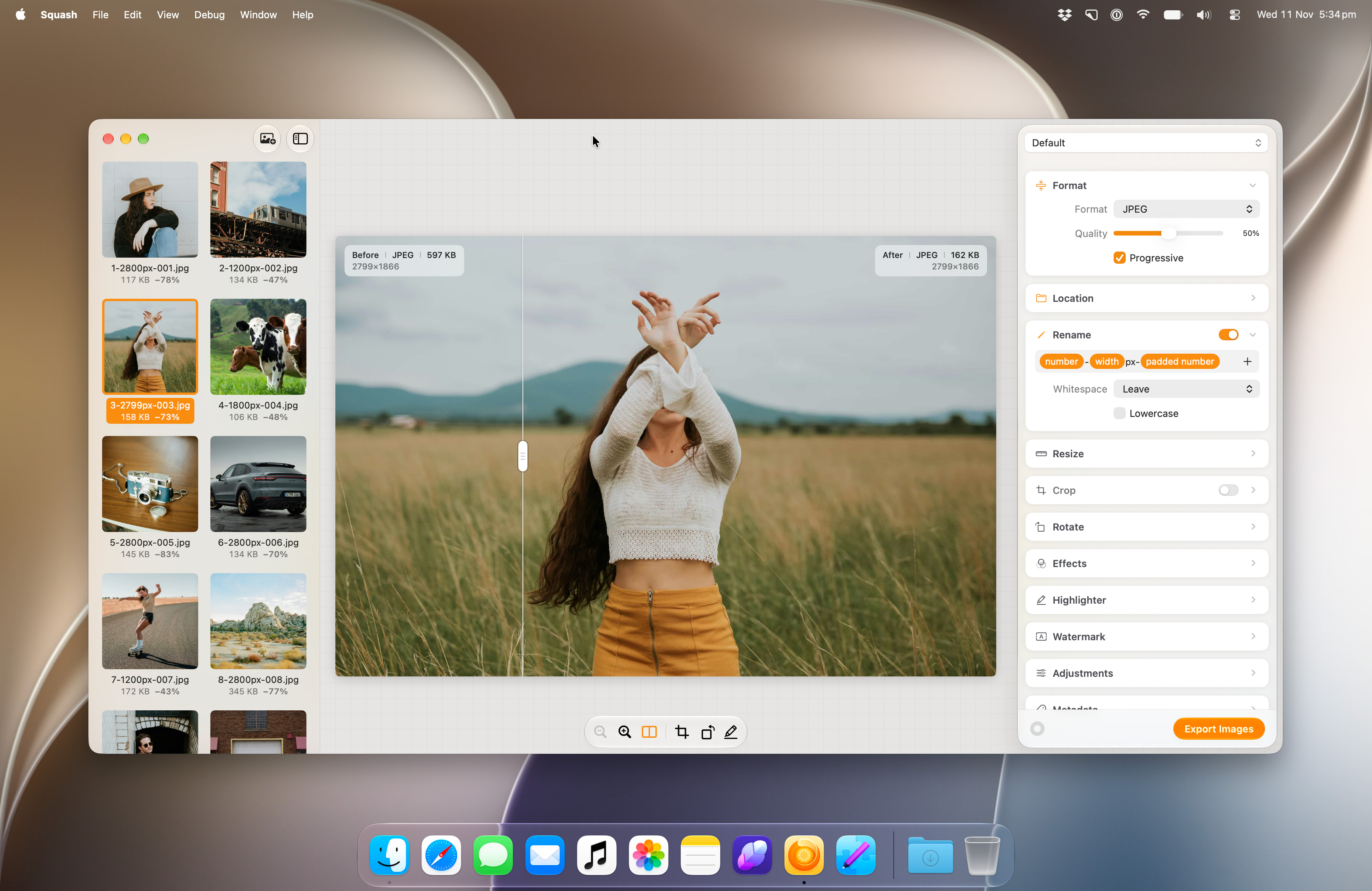
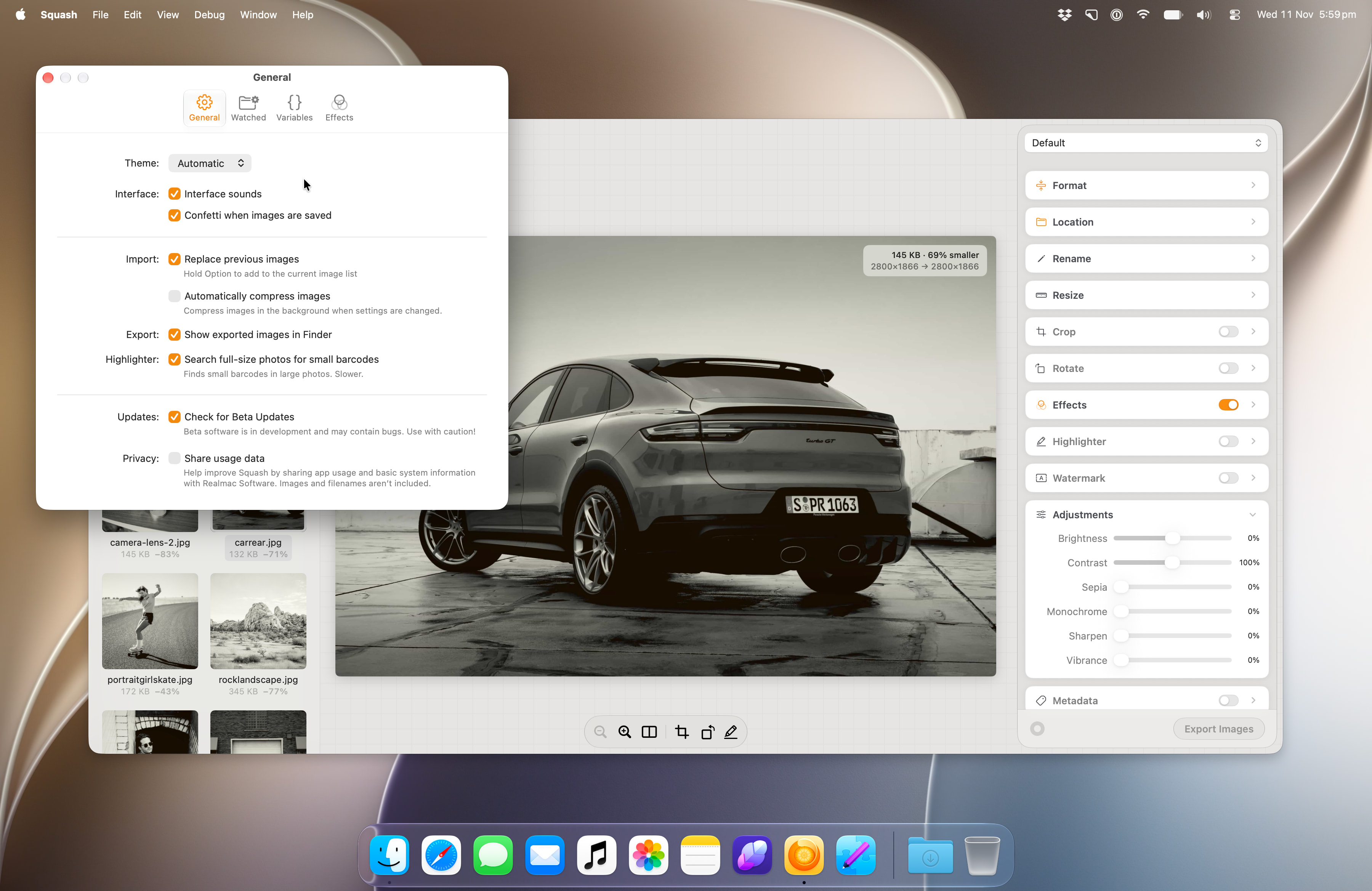
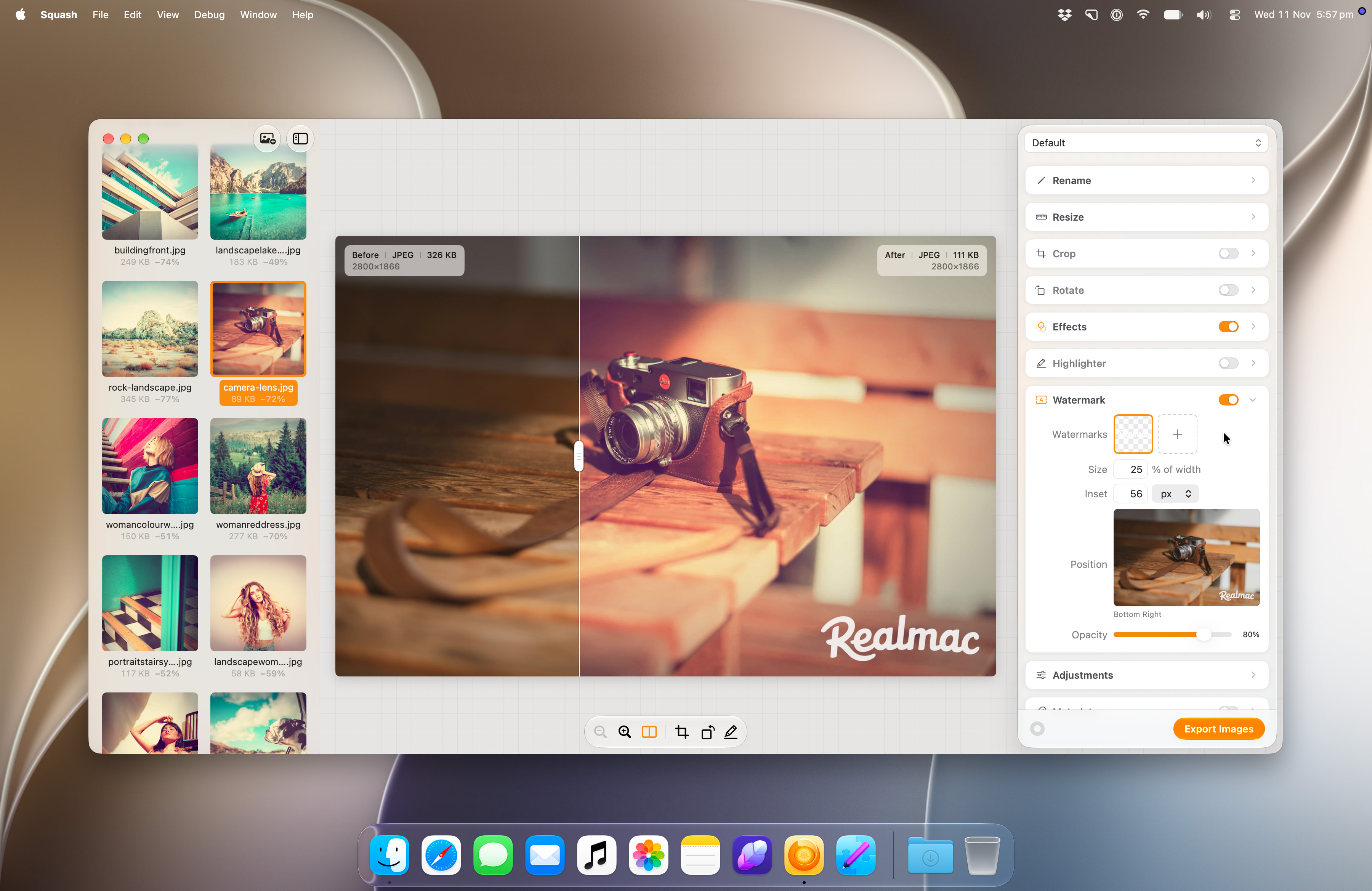
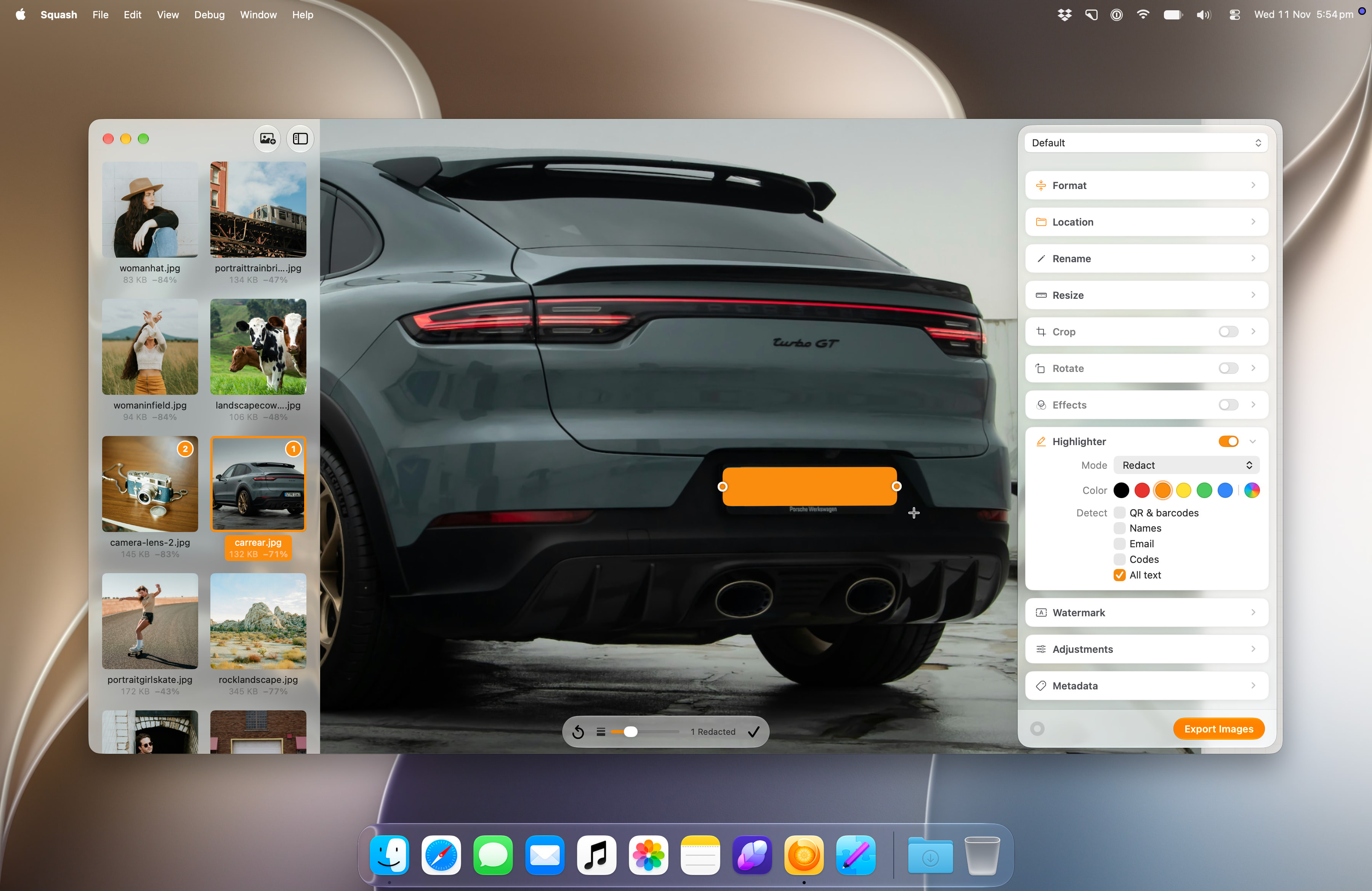
Full-size JPEGs. Click a screenshot to open it, or use the links to download.
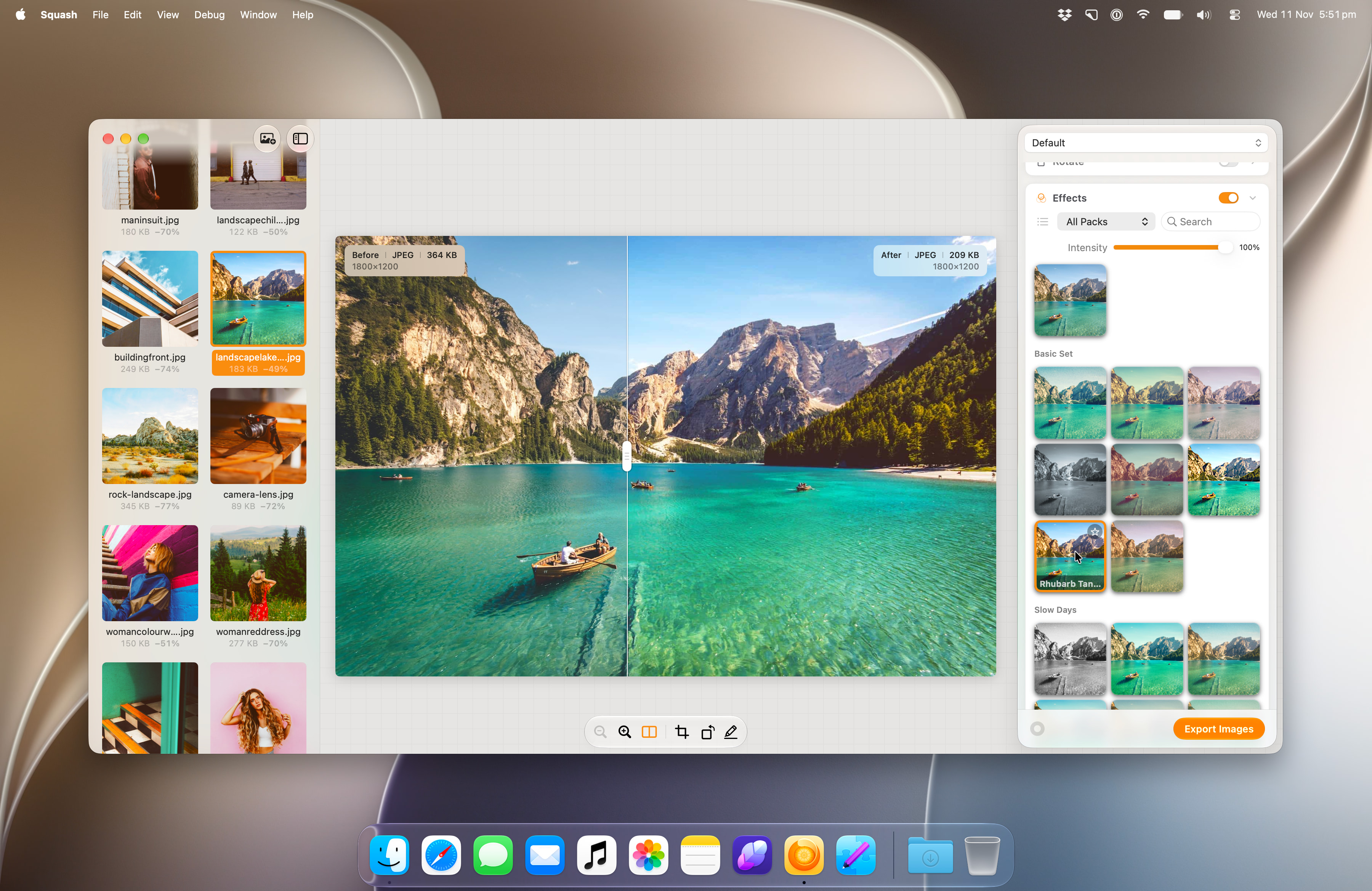
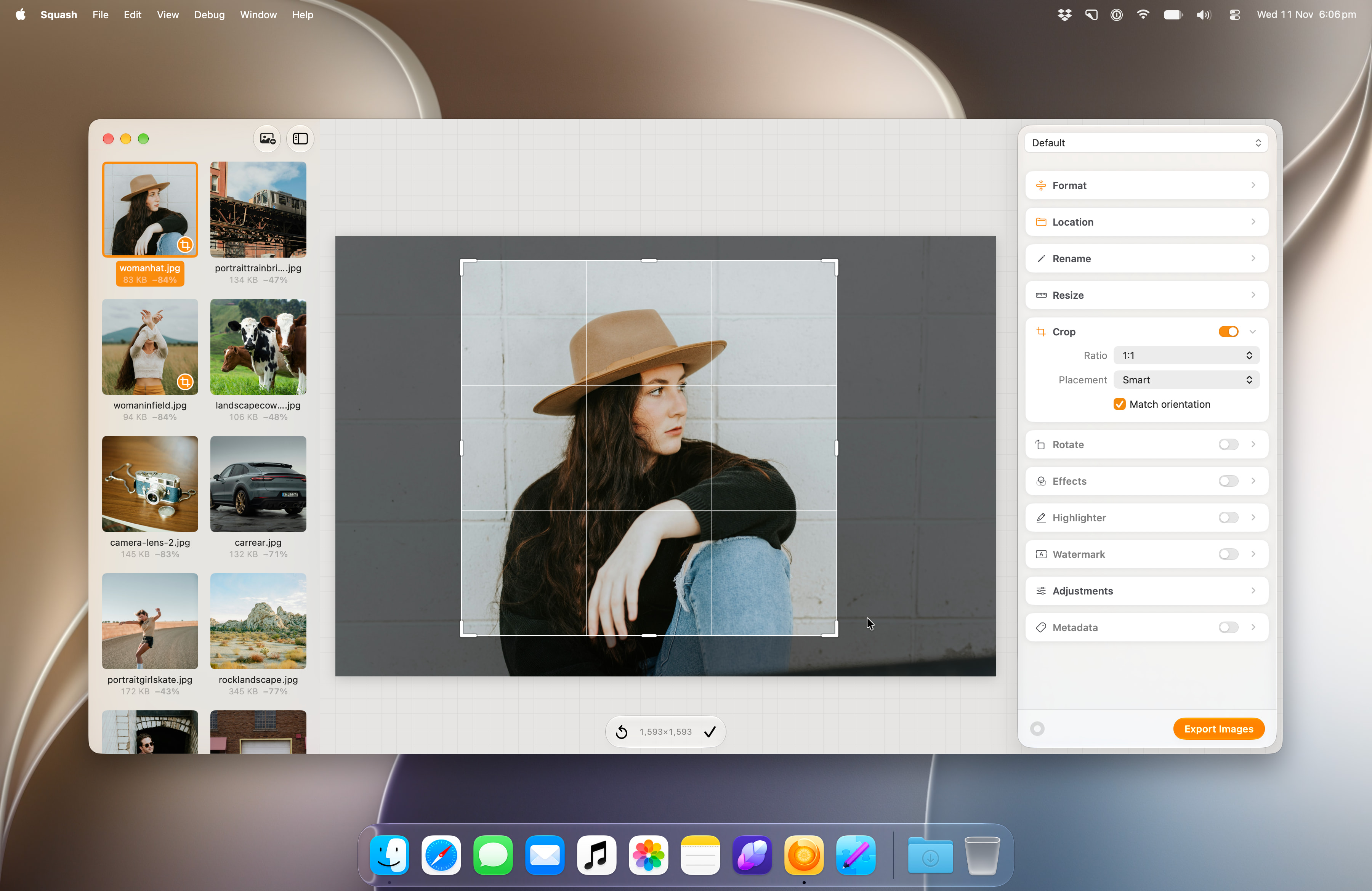
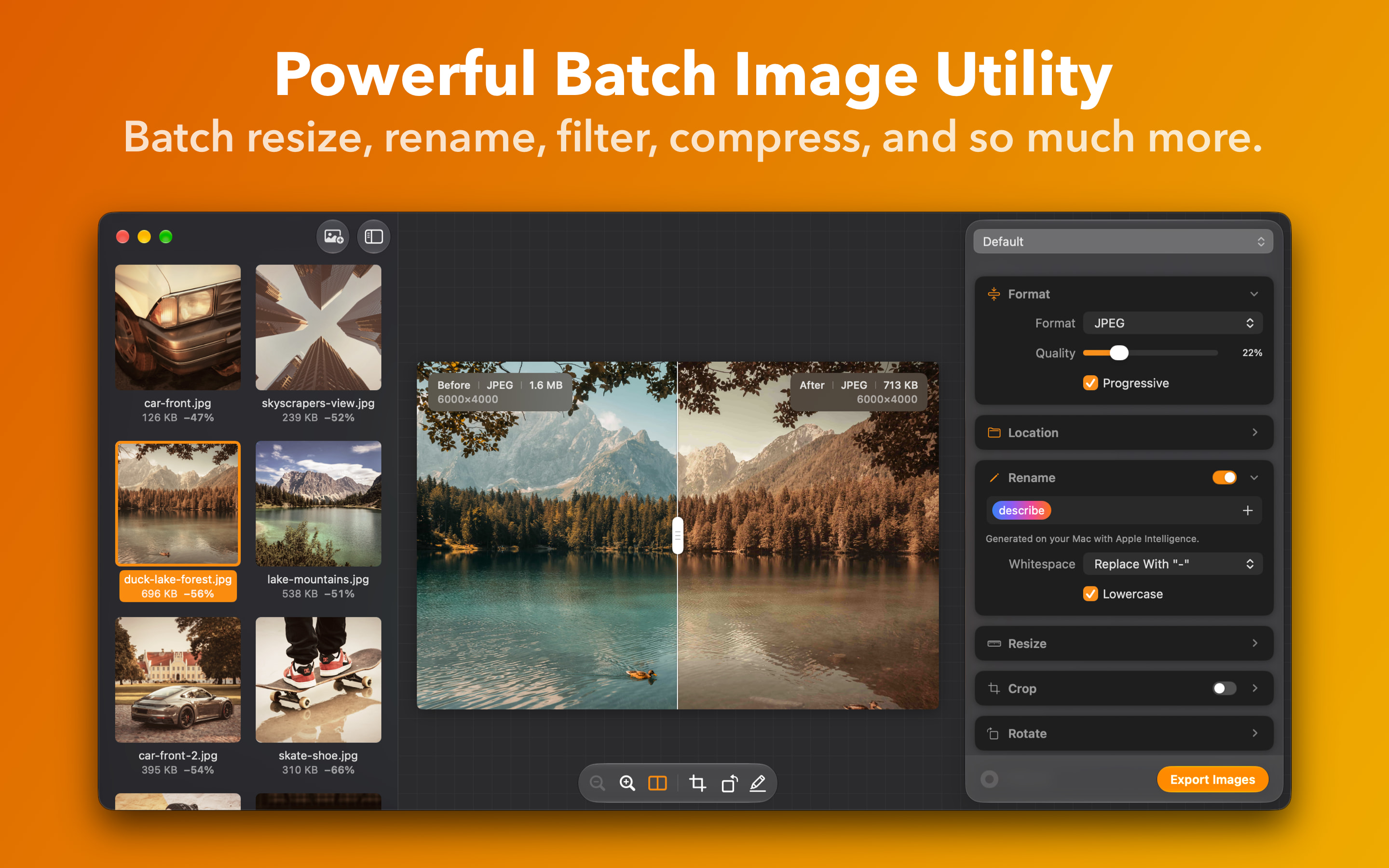
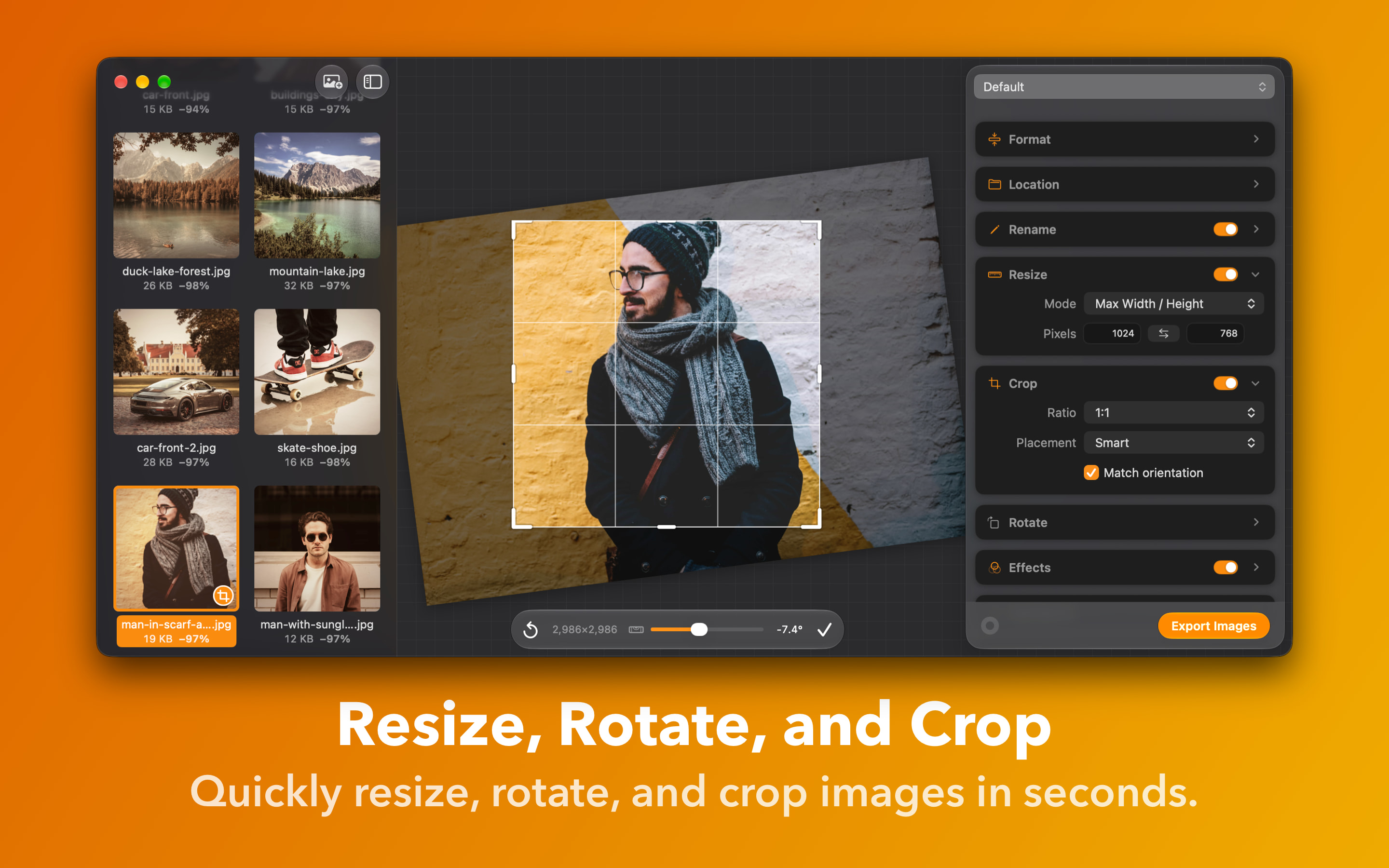
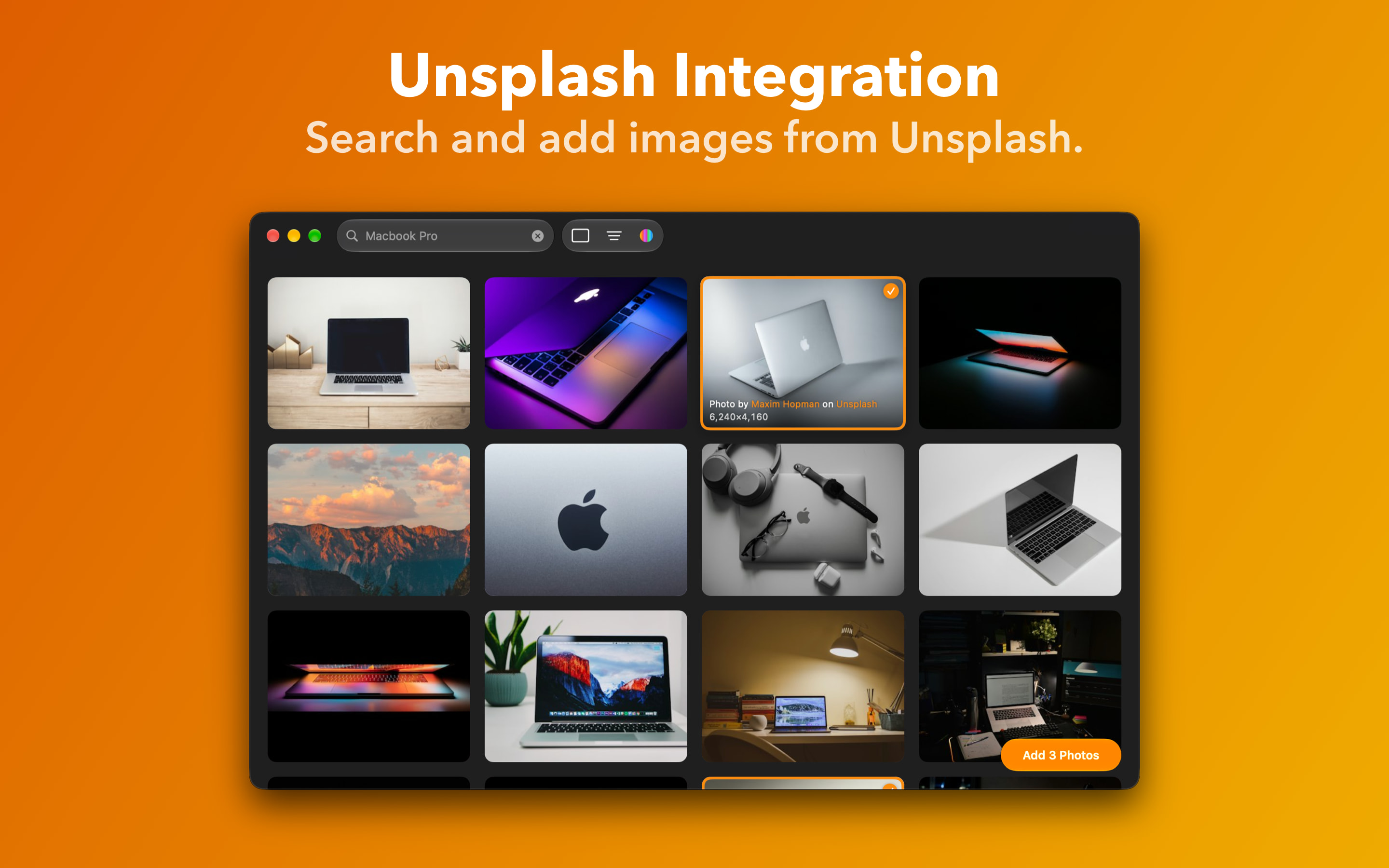
Feature images
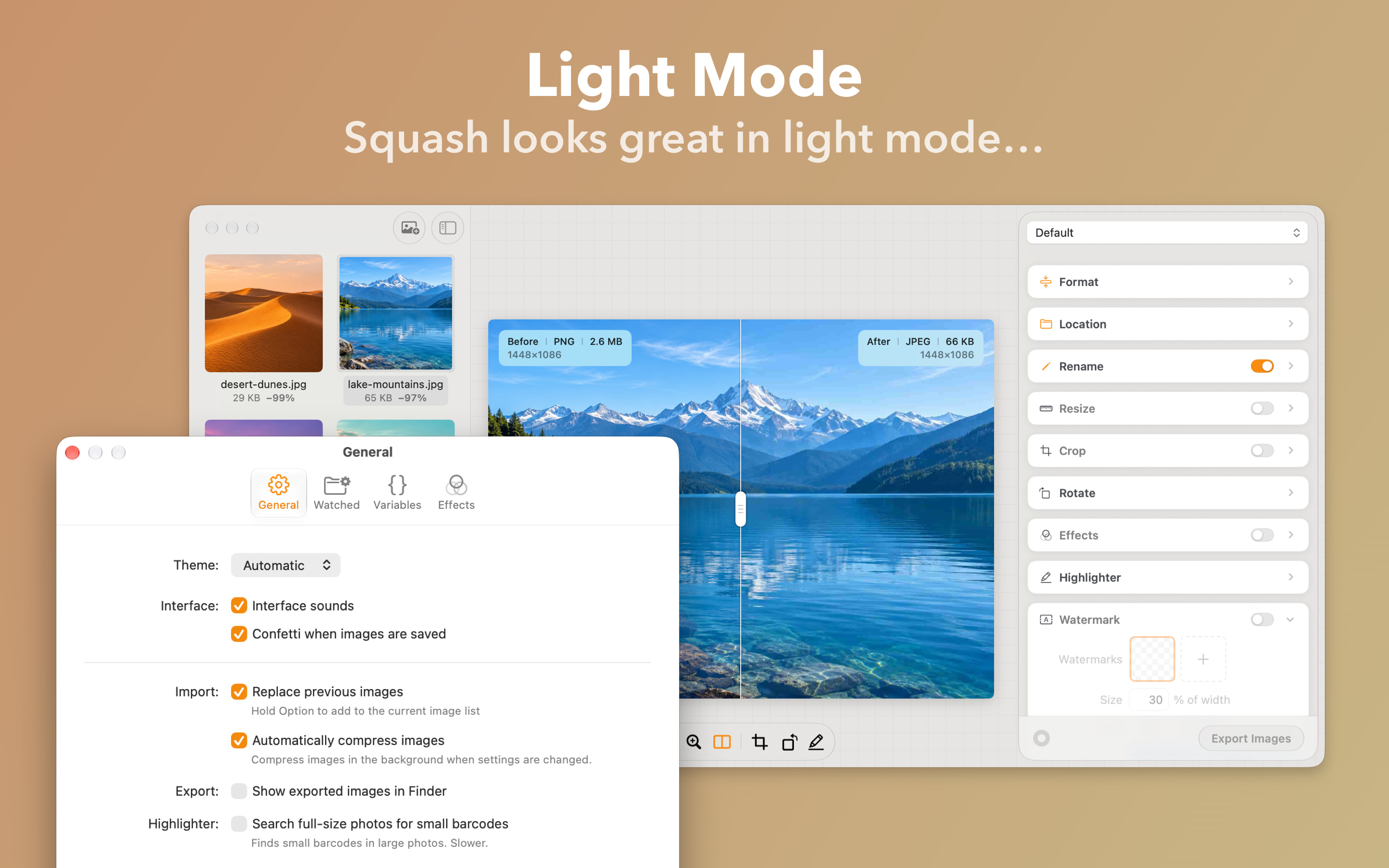
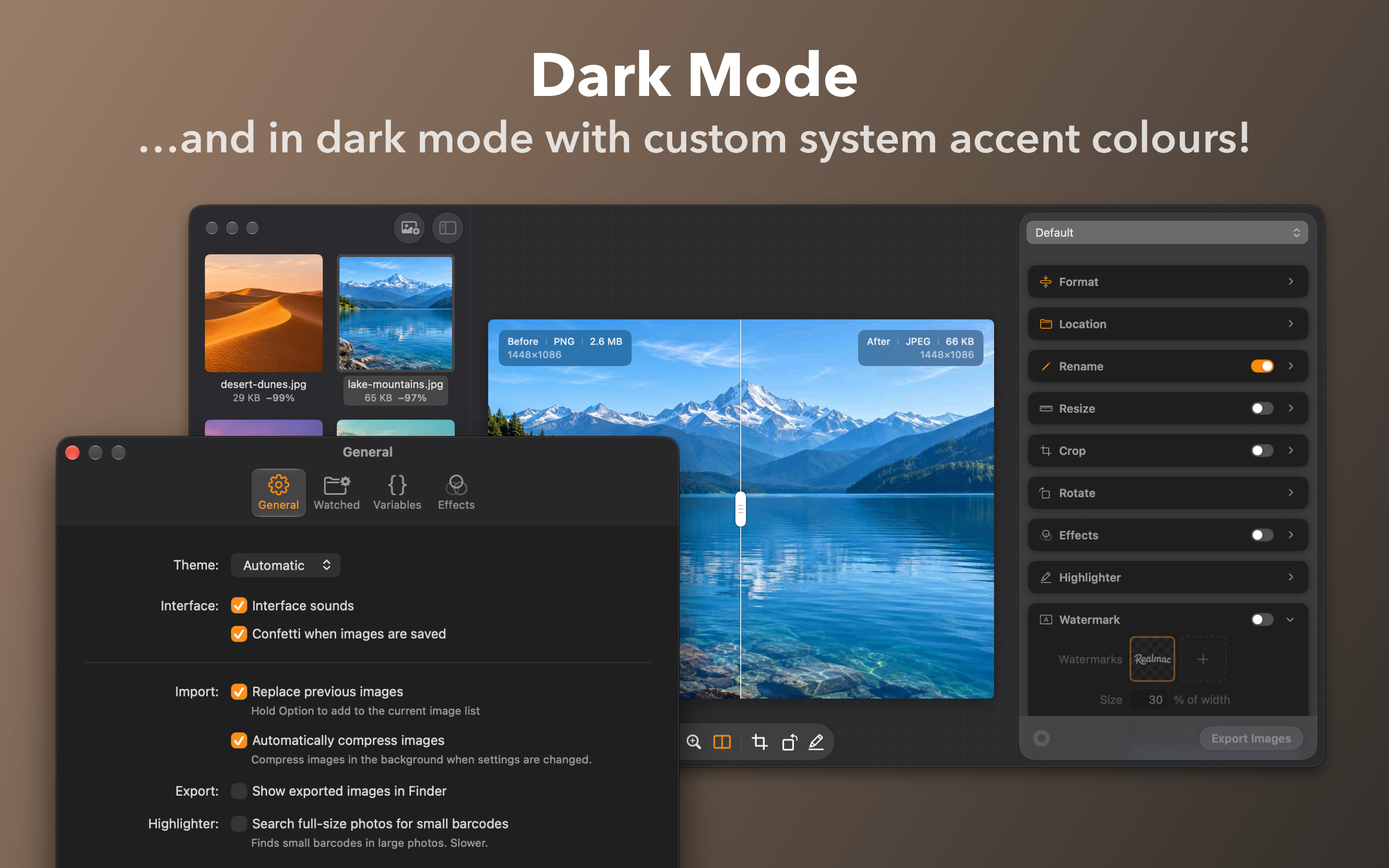
Squash 4's main features, each with a headline, ready to use as they are. Full-size JPEGs.
App icon



What the press says
“Squash affordably streamlines processing, compressing, and watermarking batches of images with the quality of high-end tools.”
“Squash delivers a focused, privacy-first workflow that makes optimizing images fast, reliable, and refreshingly easy.”
“What distinguishes Squash from its competition is that Realmac has managed to make an image compression app fun.”
“a powerful, fast, and easy-to-use tool for bulk-processing images”
“Squash is a batch image processor that has a range of tricks up its sleeve.”
“it does an extremely impressive job, both in terms of ease of use and end result.”
Writing about us?
Email [email protected] for review licences, interviews or anything this kit doesn’t cover. We read every message.