Component
Linehover
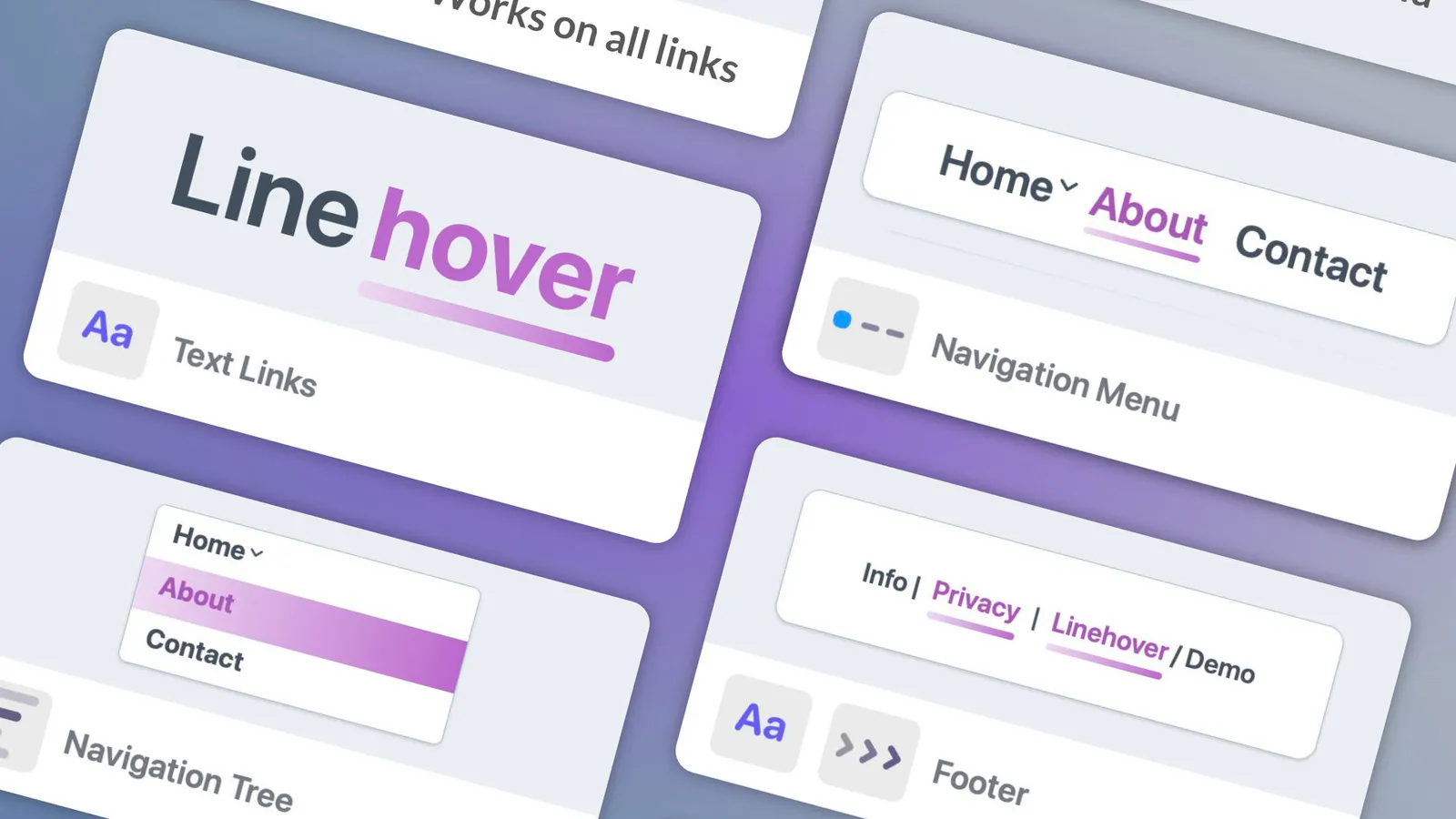
Linehover improves readability and navigation by highlighting important links with subtle, elegant visual effects.
By Multithemes
$24.99
- Updated
- 11 Nov 2026
- Build
- 3
- Released
- 11 Nov 2026
- Requires
- RapidWeaver Elements
Screenshots
About Linehover
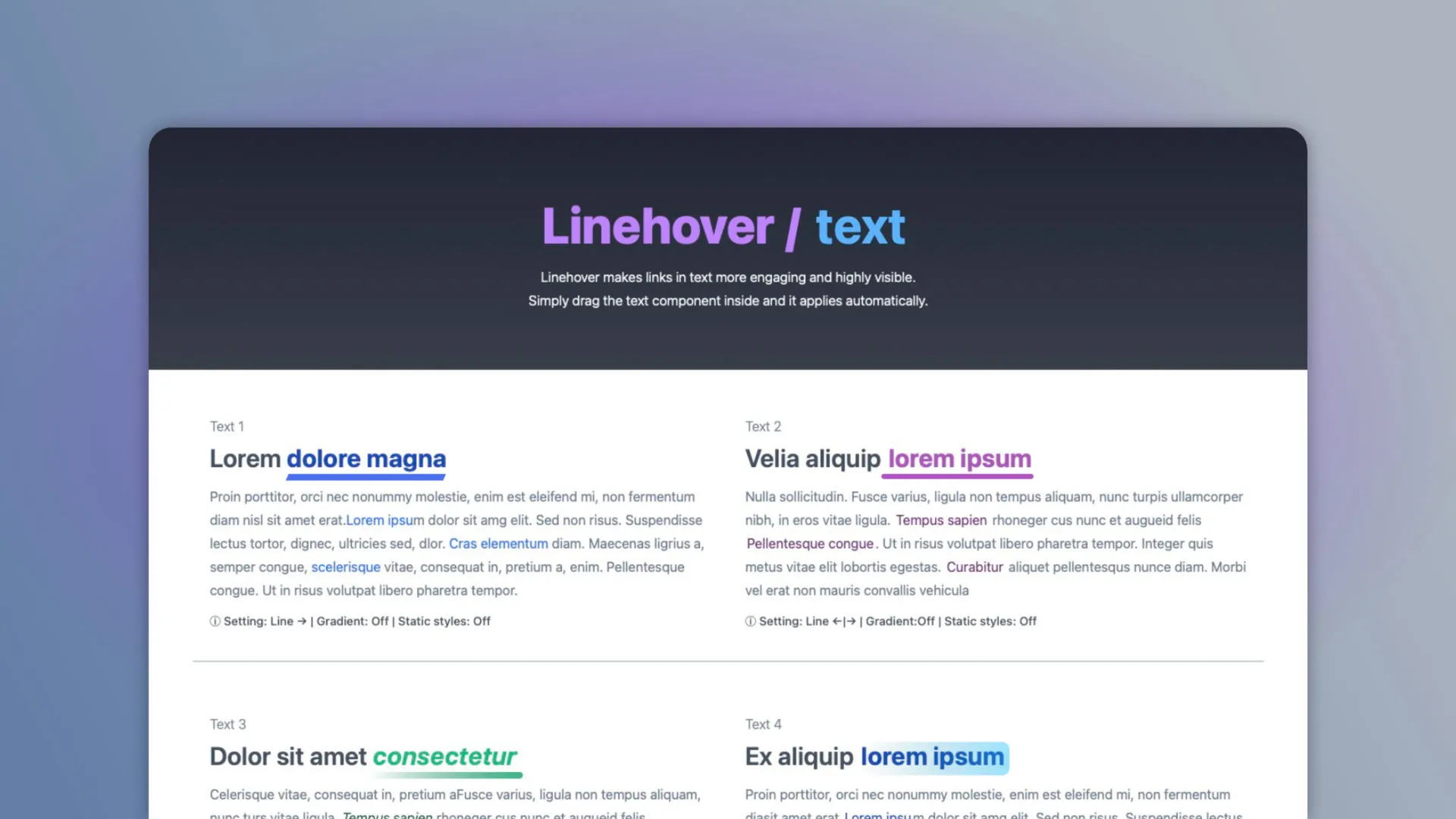
Linehover improves readability and navigation by highlighting important links with subtle, elegant visual effects. It is fully customizable, allowing you to adapt its behavior and appearance to match any design system or visual style.
Fully compatible with the Elements AI Assistant. Every option now carries a clear, plain-language description, so the AI understands what each setting does, how the options work together, and the best way to use the component.
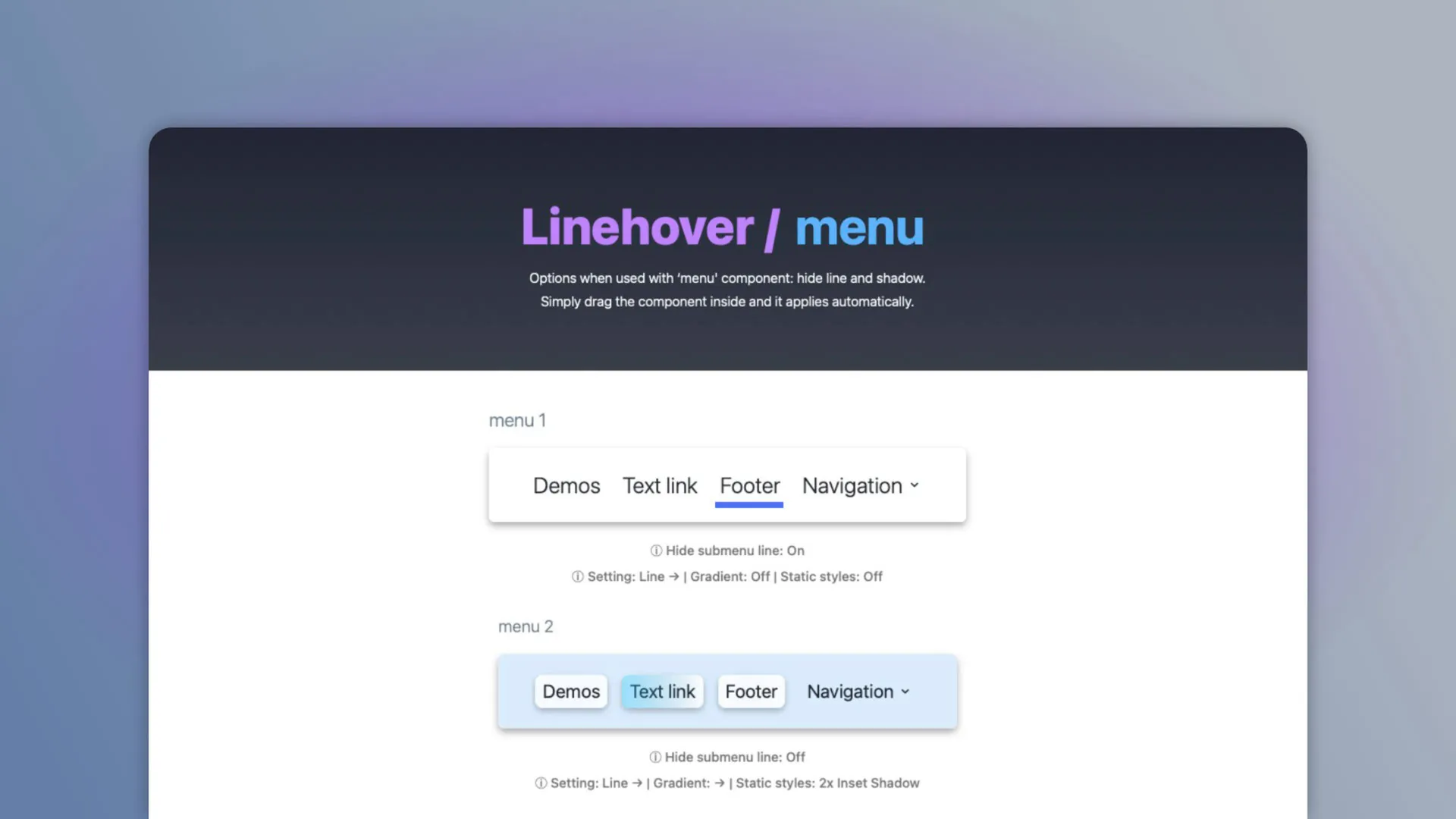
Built with smart logic, it automatically excludes images and SVG links to ensure clean, predictable behavior. It also includes dedicated configurations for standard links as well as integration with menu components.
Linehover is a component where you can drag and drop elements to apply animated link effects.
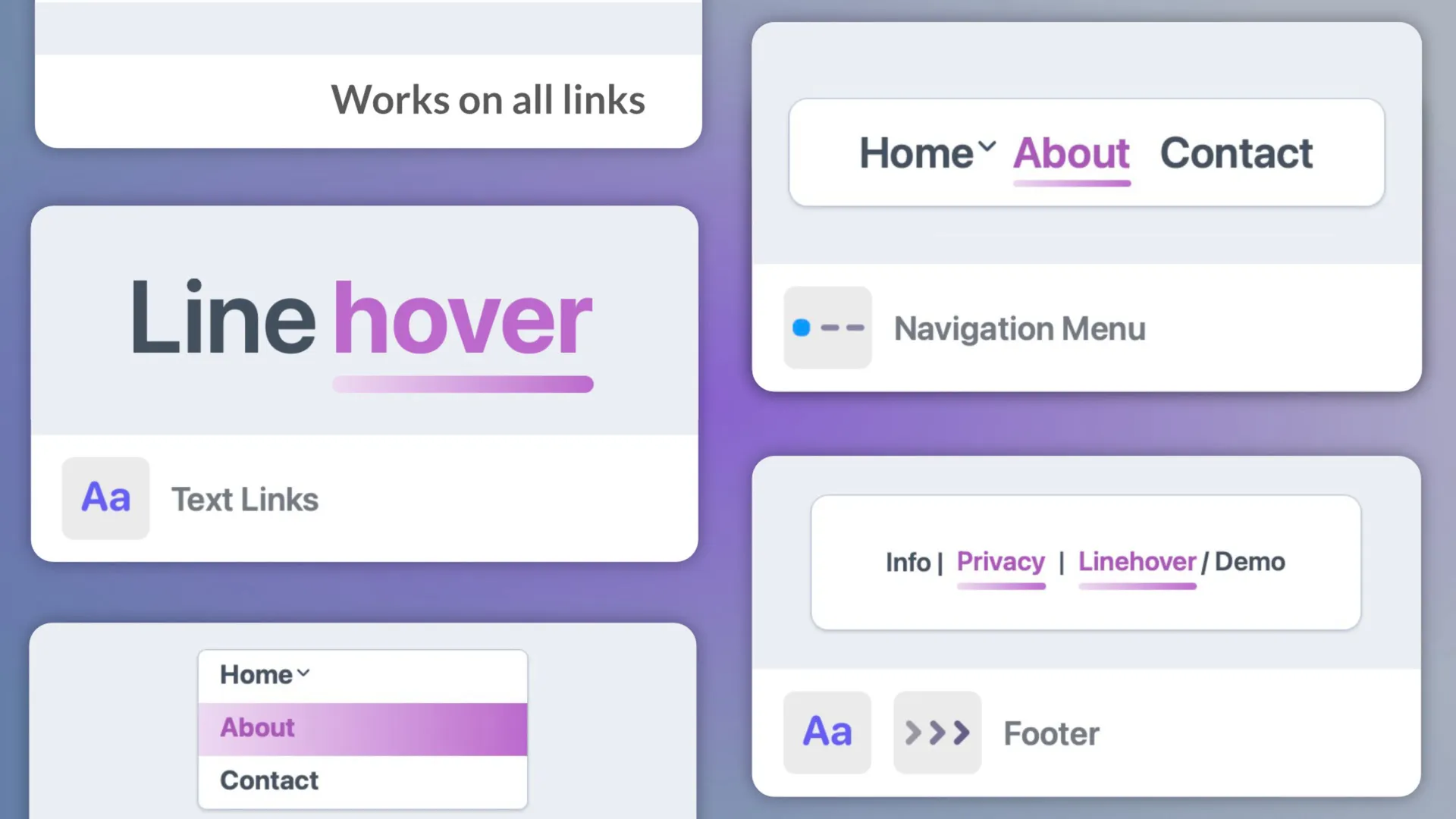
Text links – highlight links in content without disrupting layout
Navigation menus – improve clarity and interaction in menus
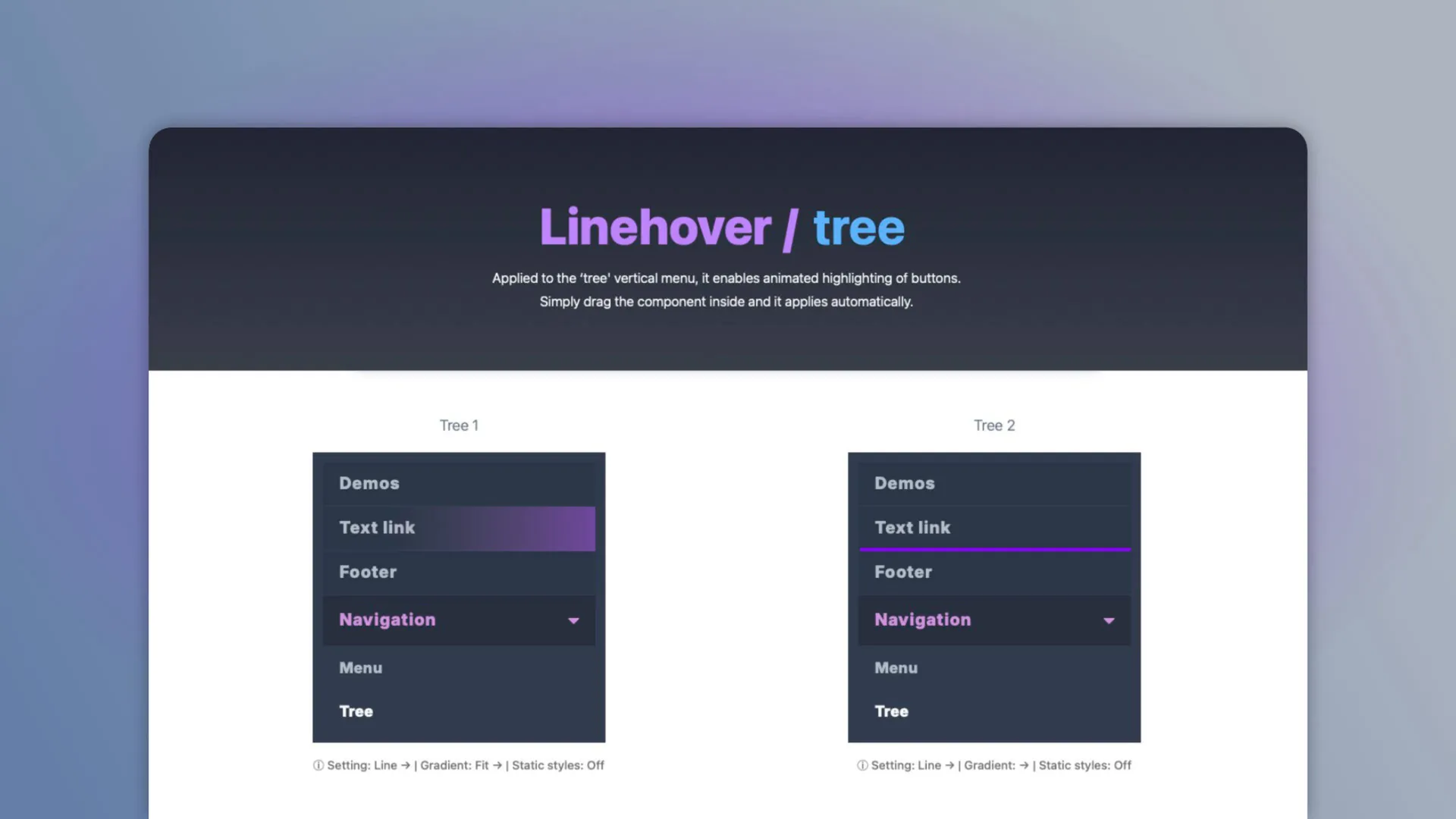
Tree navigation – for hierarchical side menus
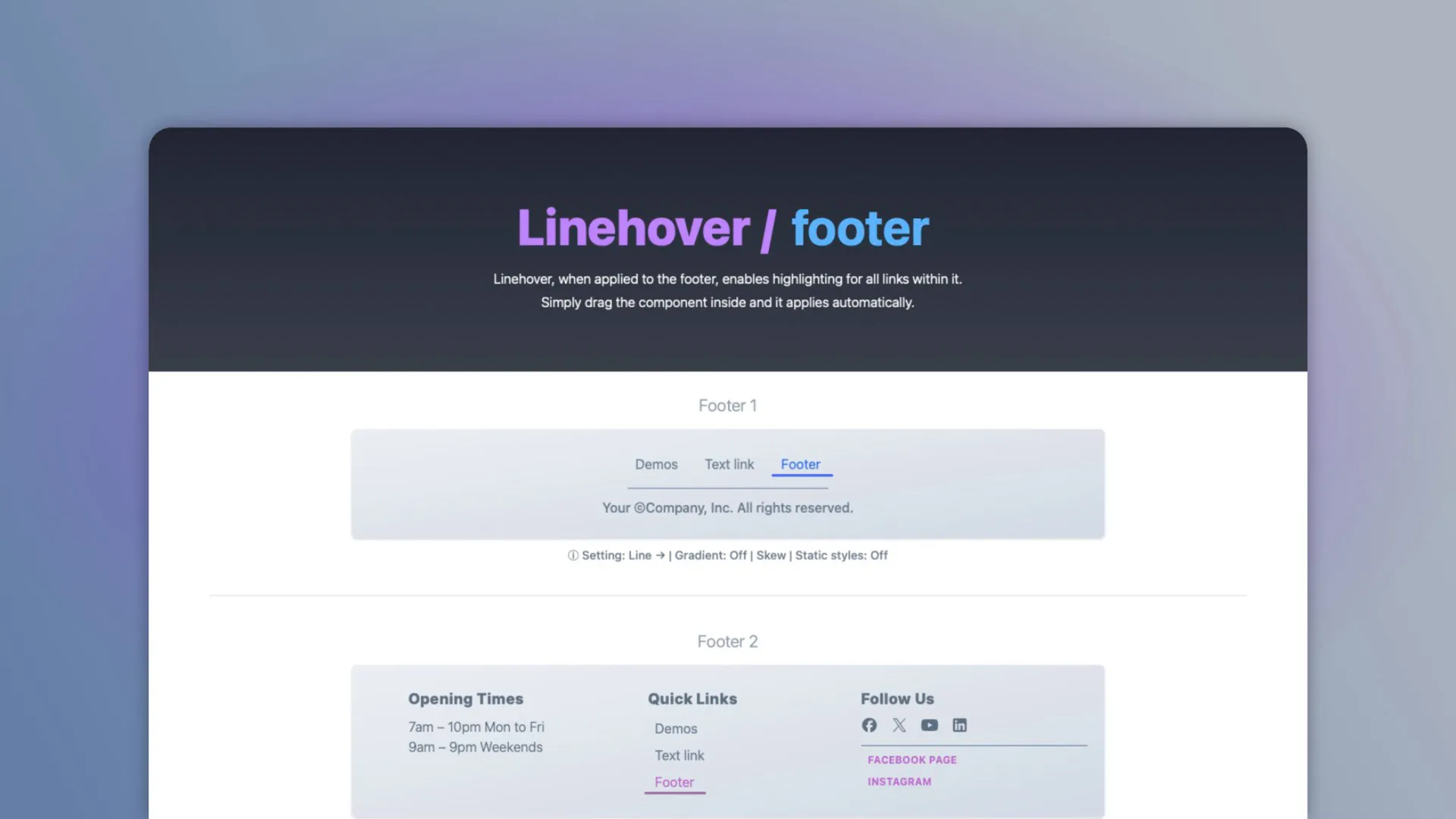
Footer & breadcrumbs – enhance secondary navigation visibility
UI components – apply to any link-based interface elements
- line
- link
- text
- menu
- tree
- breadcrumbs
- animation
- hover
What's new
Build 3
Added Elements AI support
You might also like
More add-ons for RapidWeaver Elements.
-
Info Pop-Up Pro
Component · Multithemes
-
EMPTY SPACER
Component · beaver-media GbR
-
Obscure Contact
Component · Multithemes
-
Back To Top Pro
Component · Multithemes
-
Typewriter
Component · Multithemes
-
-
-