Project
Maximilian
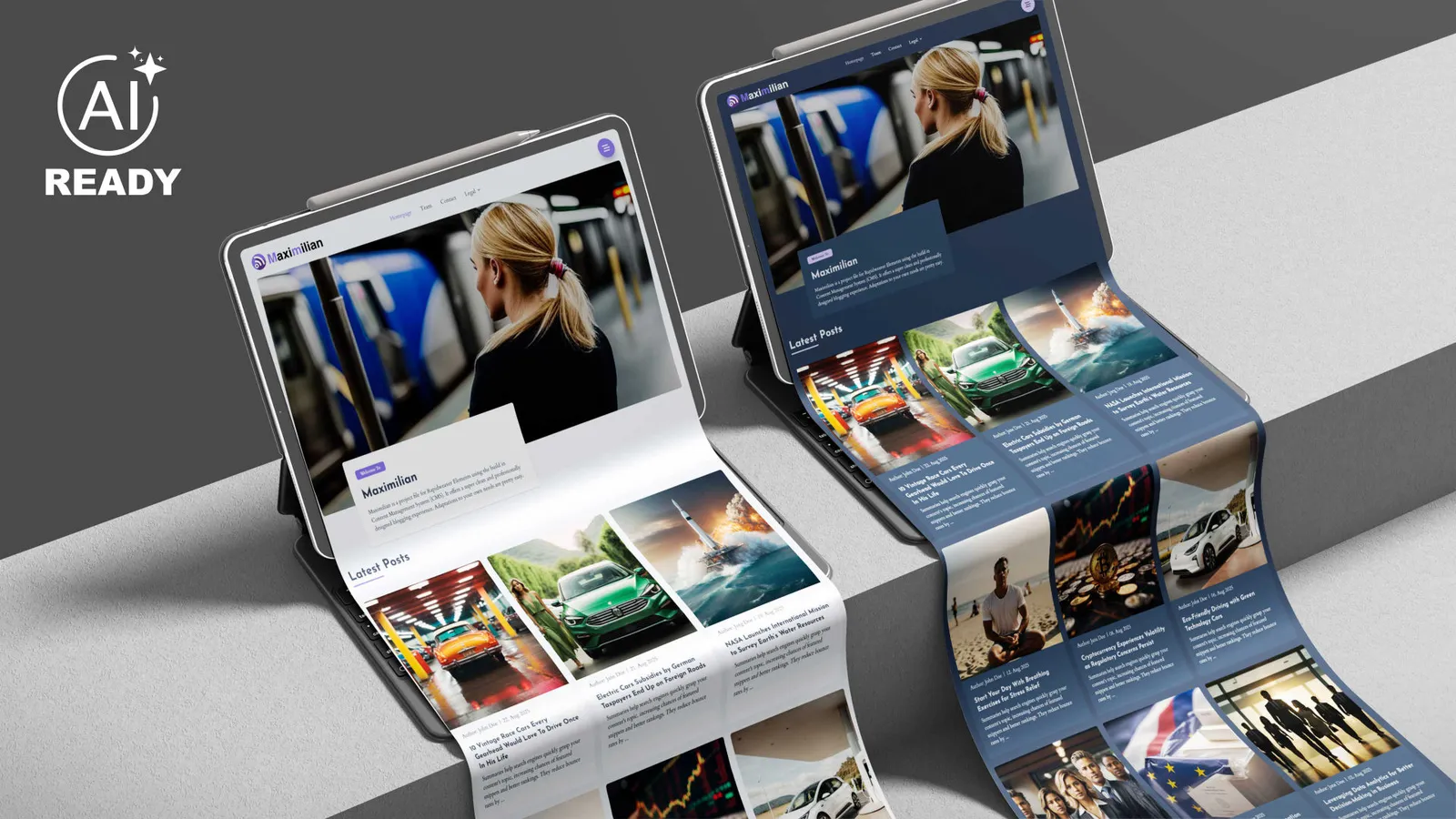
Maximilian provides a sleek, minimalist and professionally designed blogging experience with a hint of technical flair.
By WeaverPixel
$59.95
- Updated
- 5 Nov 2026
- Build
- 6
- Released
- 5 Nov 2026
- Requires
- RapidWeaver Elements
Screenshots
About Maximilian
Maximilian provides a sleek, minimalist and professionally designed blogging experience with a hint of technical flair. If you’re looking for a cool blog, Maximilian is the perfect solution.
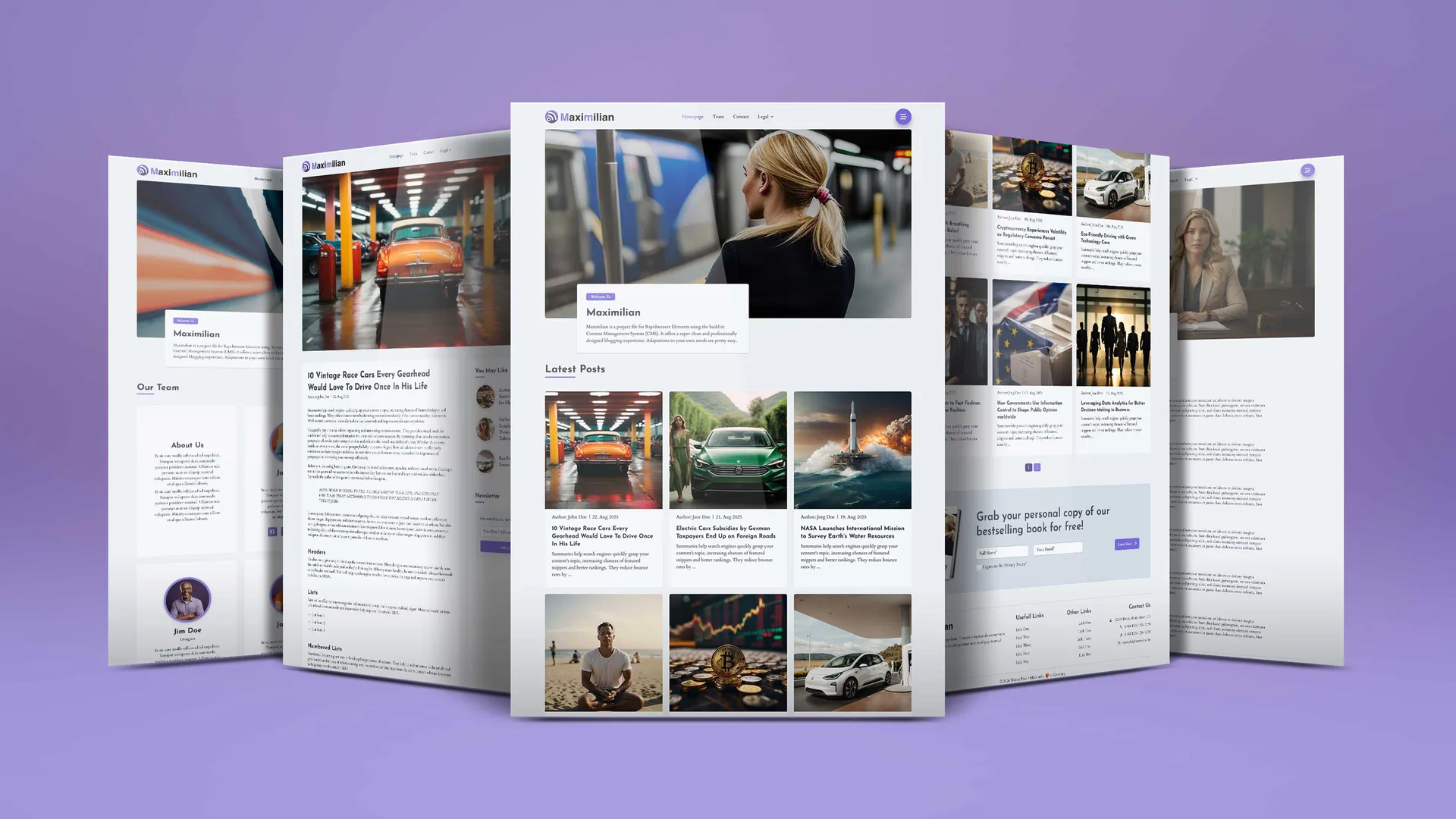
It offers a clean, minimalistic and professionally crafted blogging experience with a subtle technical appearance with a 3-column layout and topbar navigation. A fantastic, easy to handle blog template. It is fully based on the Elements CMS.
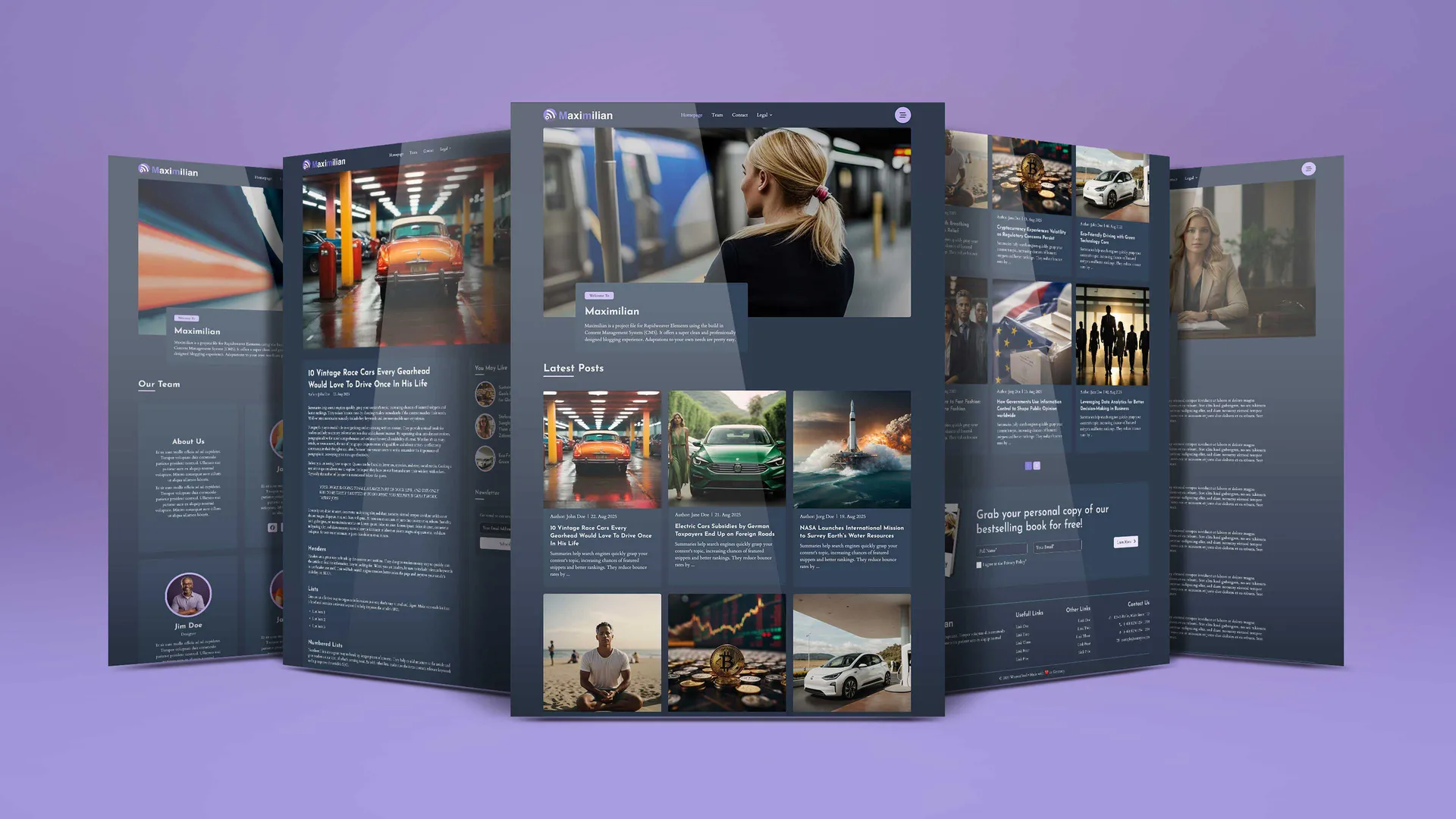
Maximilian delivers everything you’d expect from a modern Elements template, including light and dark mode using its own Google fonts and color scheme. This allows for easy customization to suit your personal preferences and needs.
Beyond the blog pages, you’ll find a range of other useful design templates for team pages, contact pages and legal documents. A built-in design guide helps Elements AI and other AI assistants keep new pages in the Maximilian style.
Maximilian: The Blogging Solution using Elements CMS
What you get:
- Complete project file built with Elements CMS, with ready-made example content
- Clean homepage design with a 3-column post grid, page numbers and a call to action
- Post pages with related posts and a newsletter box in the sidebar
- CMS search on the homepage
- Global modal in the navigation to present additional content anywhere on your site
- Four pre-built pages covering your legal requirements
- A dedicated team page
- A dedicated contact page
- Built-in AI design guide – Elements AI and other AI assistants build new pages in the Maximilian style
- Full light and dark mode support
- All images included in the Elements file are copyright-free and ready to use in your own projects
- Layouts are easy to adapt to your needs
- Fully responsive – works on all screen sizes
- Fully compatible with Rapidweaver Elements themes – change the theme and get a totally different design experience
Required:
- Rapidweaver Elements 3 or higher
- CMS
- Blog
What's new
Build 6
IMPROVED: Design consistency
Version history
Build 5
NEW: AI design guide for Elements AI and AI assistants IMPROVED: Design consistency IMPROVED: Compatibility with Elements 3
Build 4
Compatibility tested with Elements 3
Build 3
- Now with integration of the new Elements CMS search function
- Some Bugfixes in the Navigation Bar
Build 2
All sections available now as templates to be used in all your projects.
Build 1
Initial Elements Store Release - Equal to V1.03
You might also like
More add-ons for RapidWeaver Elements.
-
-
-
-
-
Linear One
Project · Multithemes
-
-
-