Component
Preloader
Fully compatible with the Elements AI Assistant.
By Multithemes
$19.99
- Updated
- 30 Oct 2026
- Build
- 4
- Released
- 30 Oct 2026
- Requires
- RapidWeaver Elements
Screenshots
About Preloader
Fully compatible with the Elements AI Assistant. Every option now carries a clear, plain-language description, so the AI understands what each setting does, how the options work together, and the best way to use the component.
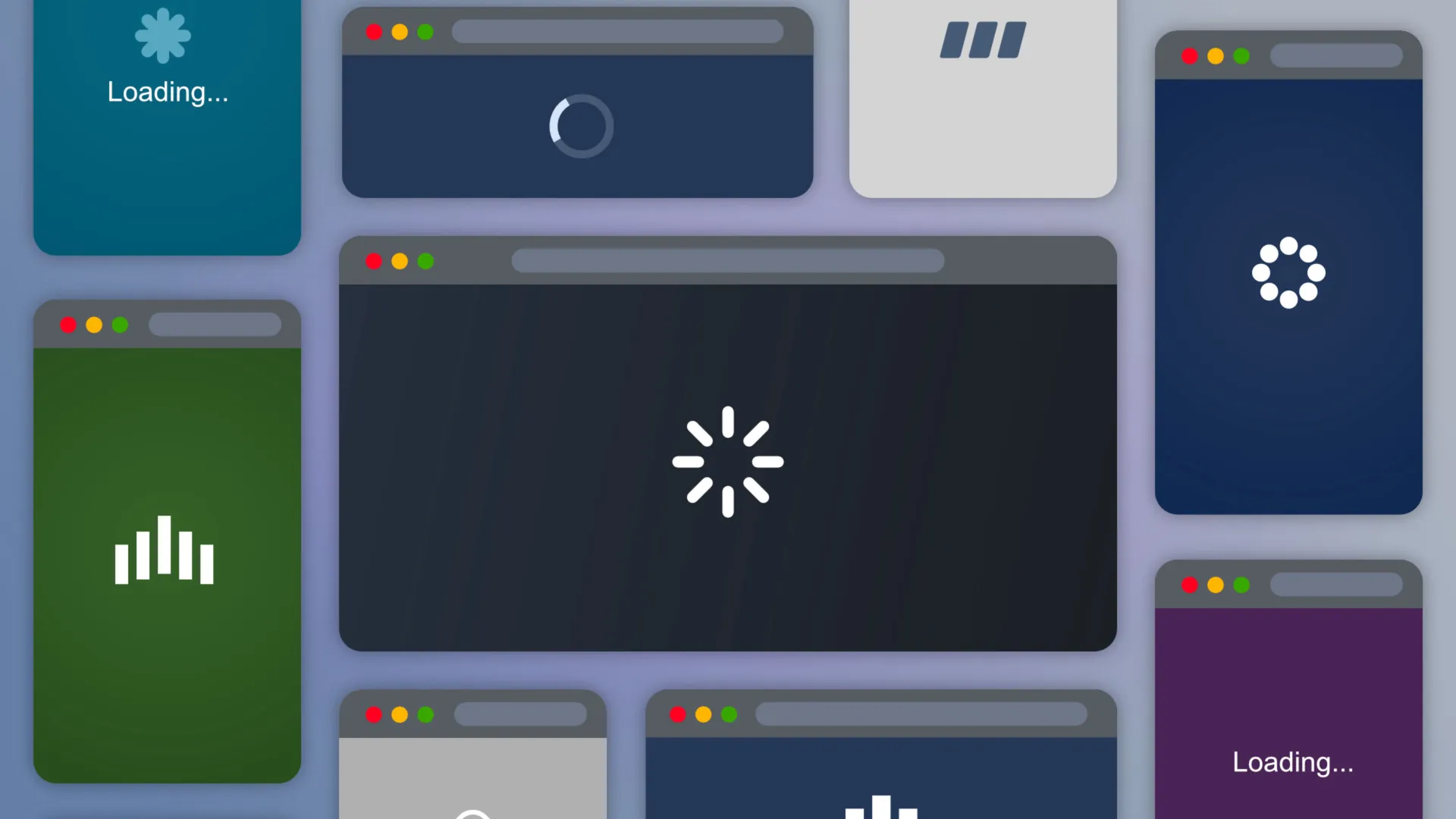
Displays a customizable full-screen overlay while your page loads, then fades away smoothly to reveal your content. Multiple and fully customizable built-in spinner styles, optional overlay text with vignetting support, and full fade control.
Works in two modes: waits for the page to fully load before hiding, or runs for a fixed duration regardless of load state. All configurable directly from the Elements panel.
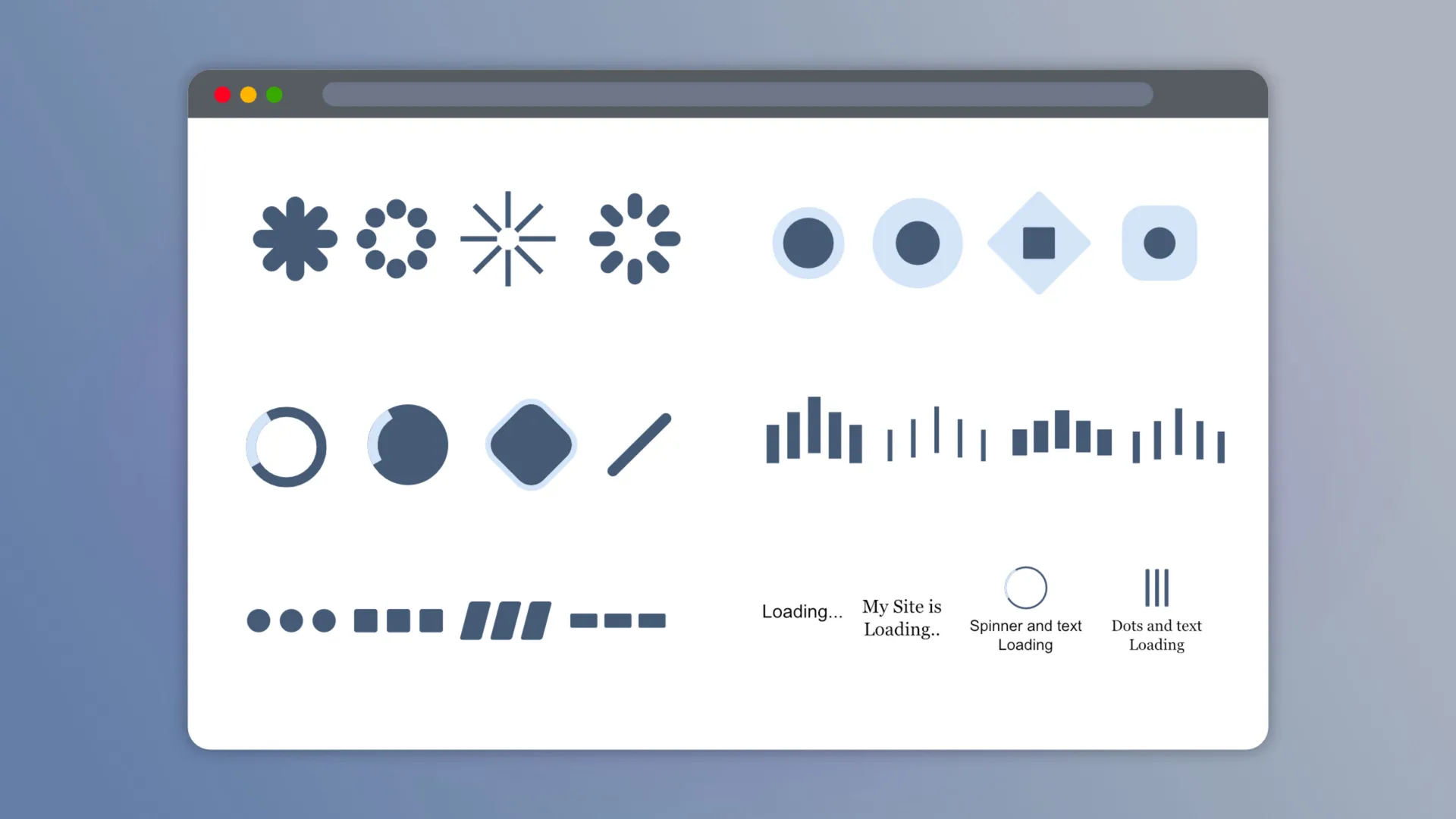
Spinner: Multiple animation styles, each with dedicated controls visible only when active.
Circle, Dots, Pulse, Wave, Ray, Off — size, thickness, rounded corners, color, speed
Text: Optional loading message with full typography control using system-safe fonts.
Custom content, font, text style, spacing, italic, color, pulse animation, spinner gap
Overlay: Full-screen background fully integrated with your theme color palette.
Preload Setting: Two trigger modes with full fade-out control.
Page Load mode with optional delay, Fixed Time mode with custom timeout, ease curve and duration
Demo file included ready to use styles
The Project includes a curated collection of ready-to-use designs, thoughtfully organized into categories to help you quickly find the perfect style for your project. Each preset is crafted to combine functionality with visual appeal, making it easy to enhance your pages with minimal effort.
ⓘ Once installed, you’ll find the demo project in the available projects panel when creating a new one (Expand the list with ‘view all’, See all library items, to see all projects.)
- preloader
- loading
- load page
- spinner
- icon
What's new
Build 4
Added Elements Al support
Version history
Build 3
Updated Component Info
You might also like
More add-ons for RapidWeaver Elements.
-
Parallax Image
Component · Multithemes
-
Fade-In Body Pro
Component · Multithemes
-
Custom Scroll
Component · Multithemes
-
Custom Cursor
Component · Multithemes
-
-
-
-
SEO SCHEMA
Component · beaver-media GbR