Component
CMS COLLECTION plus
Your content deserves more than one card layout.
By beaver-media GbR
$34.95
- Updated
- 13 Nov 2026
- Build
- 6
- Released
- 13 Nov 2026
- Requires
- RapidWeaver Elements
Screenshots
About CMS COLLECTION plus
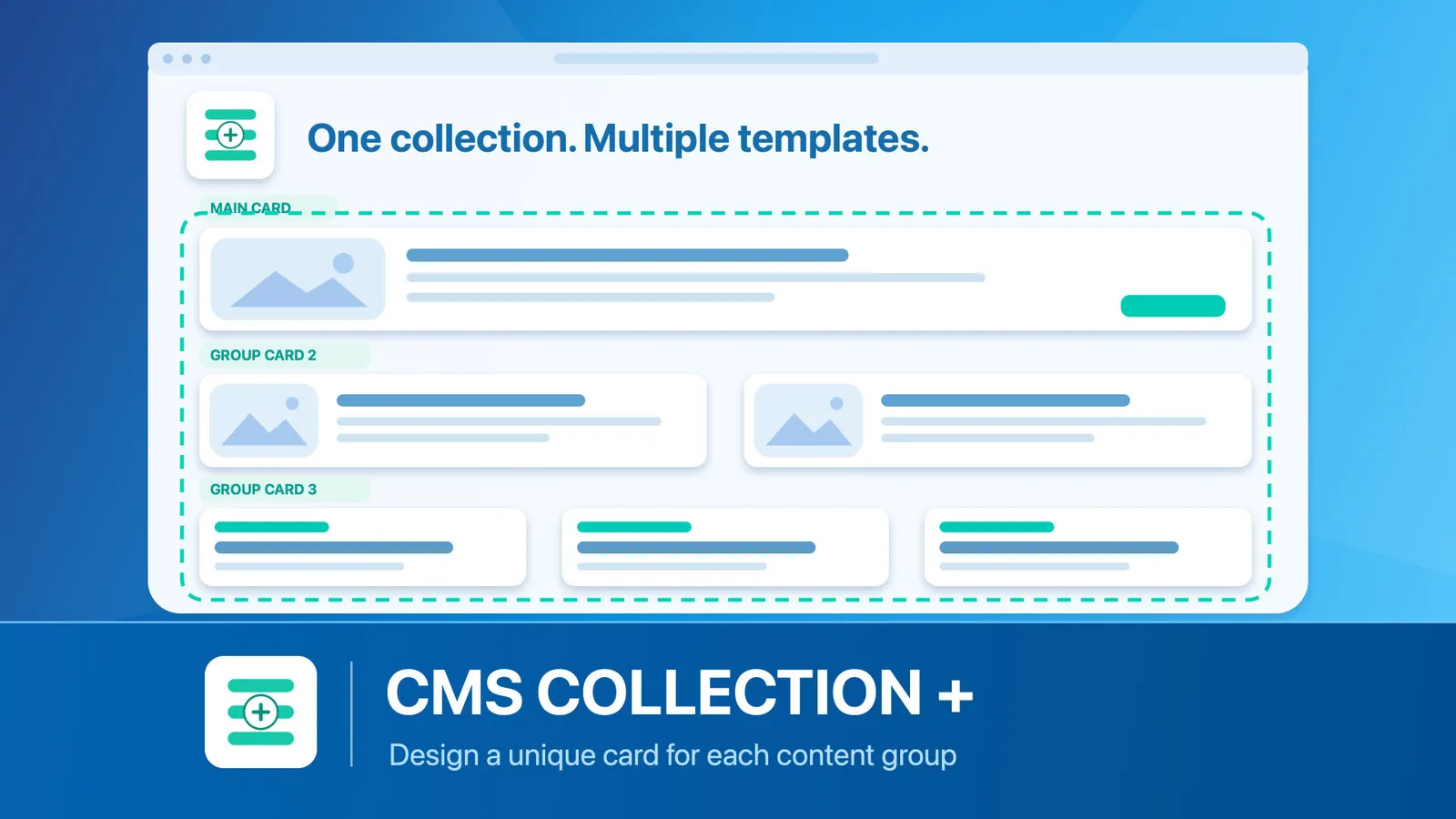
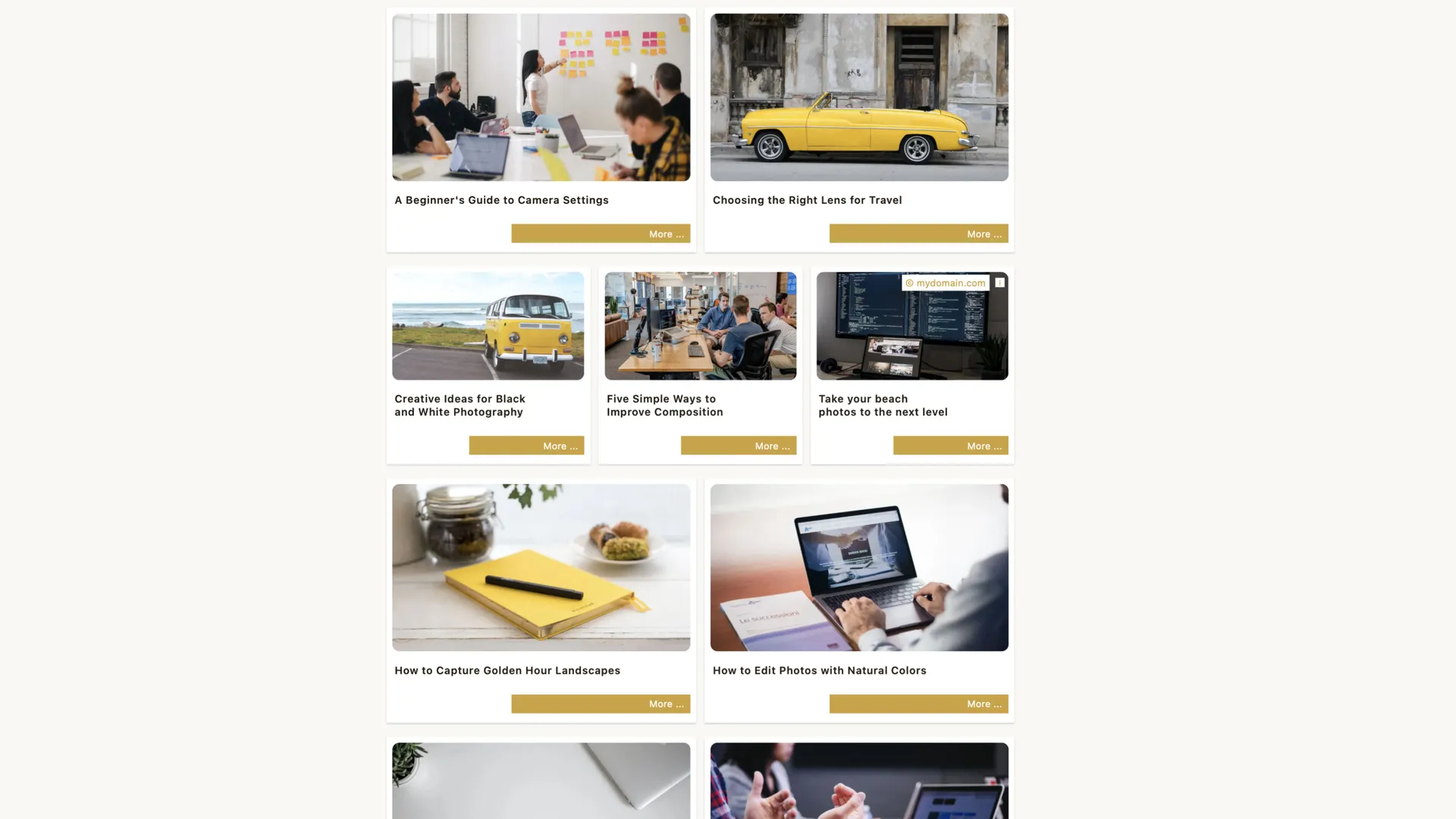
Your content deserves more than one card layout. CMS COLLECTION + gives you more control over how your Elements CMS content appears.
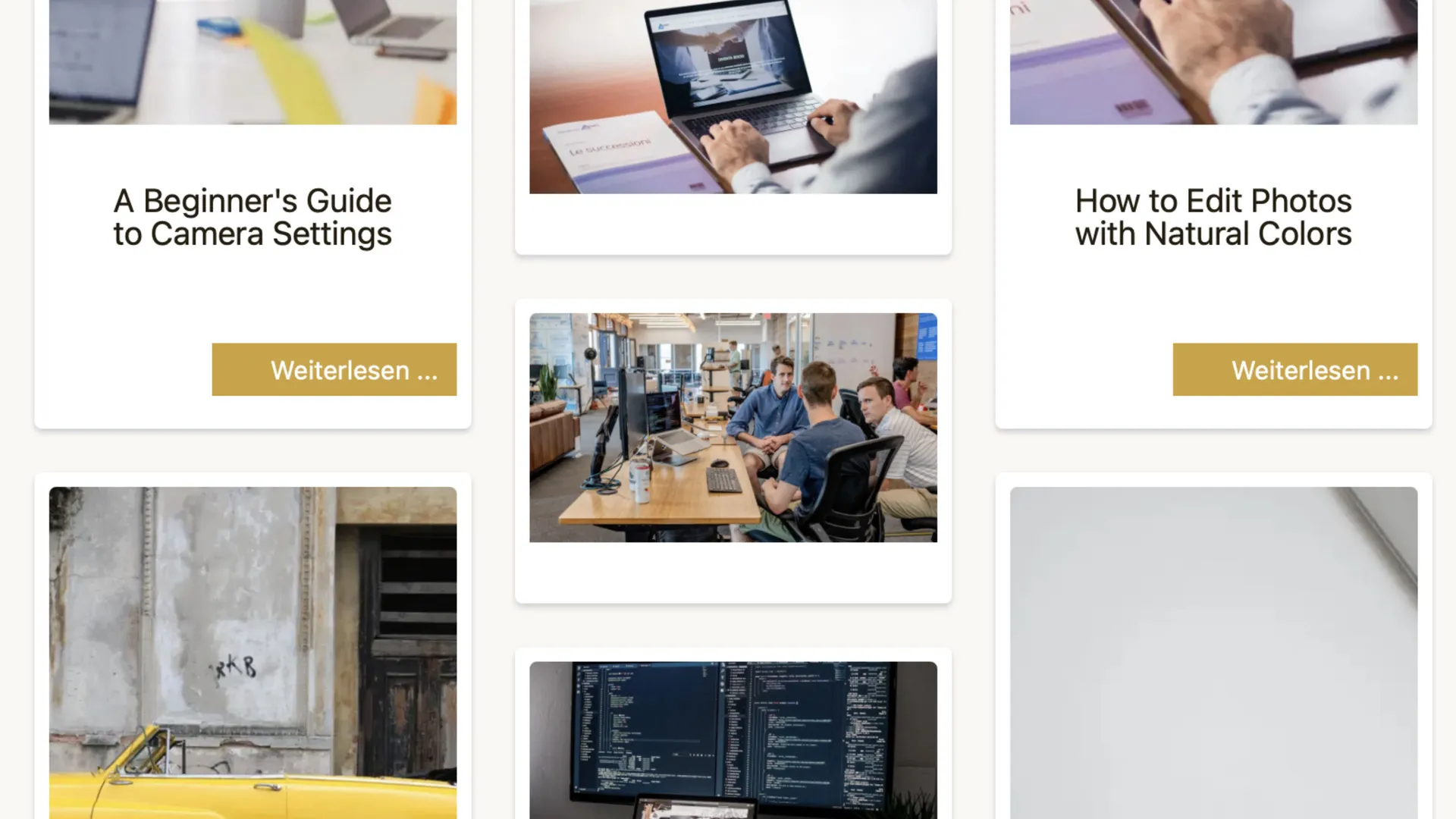
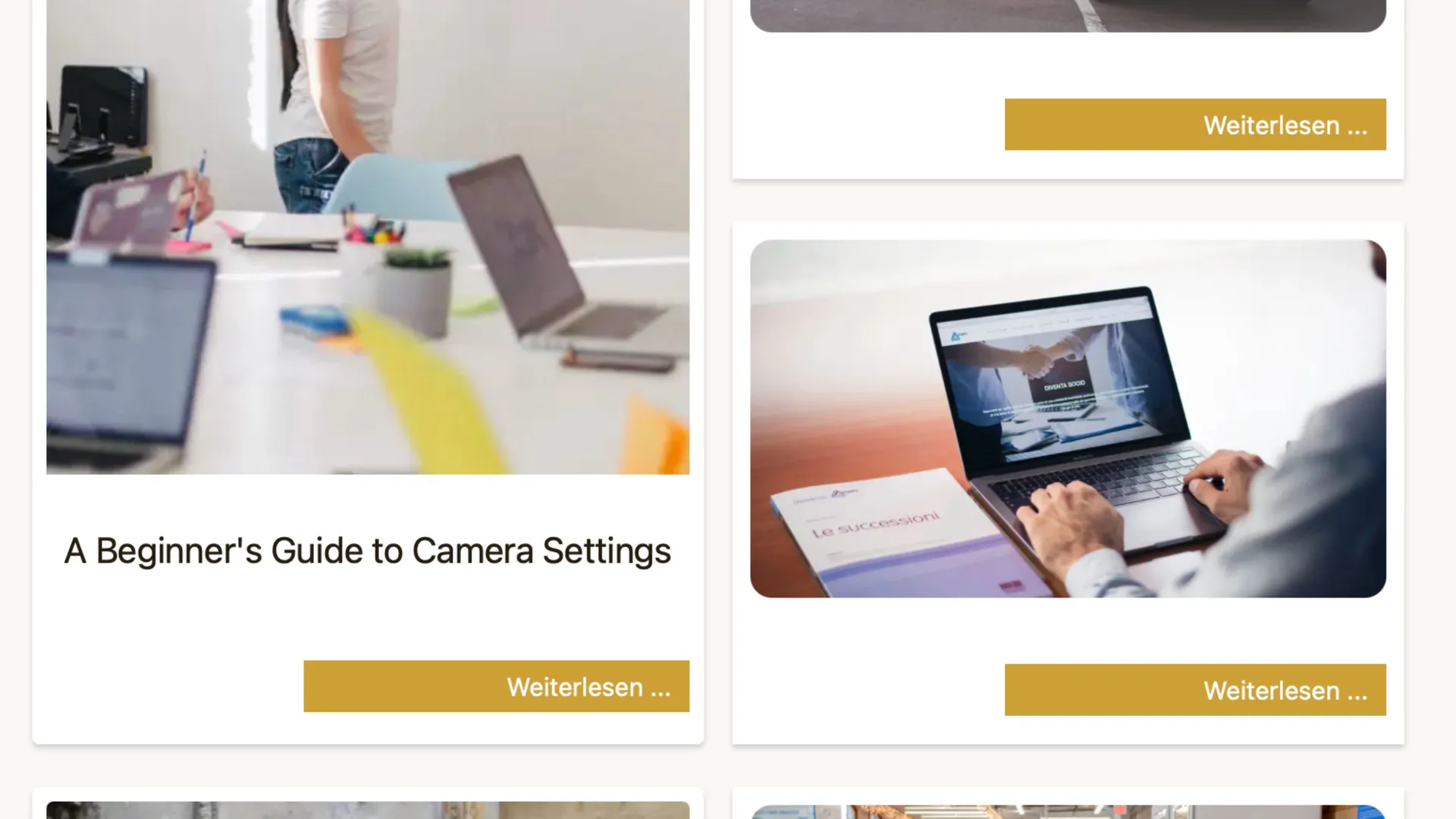
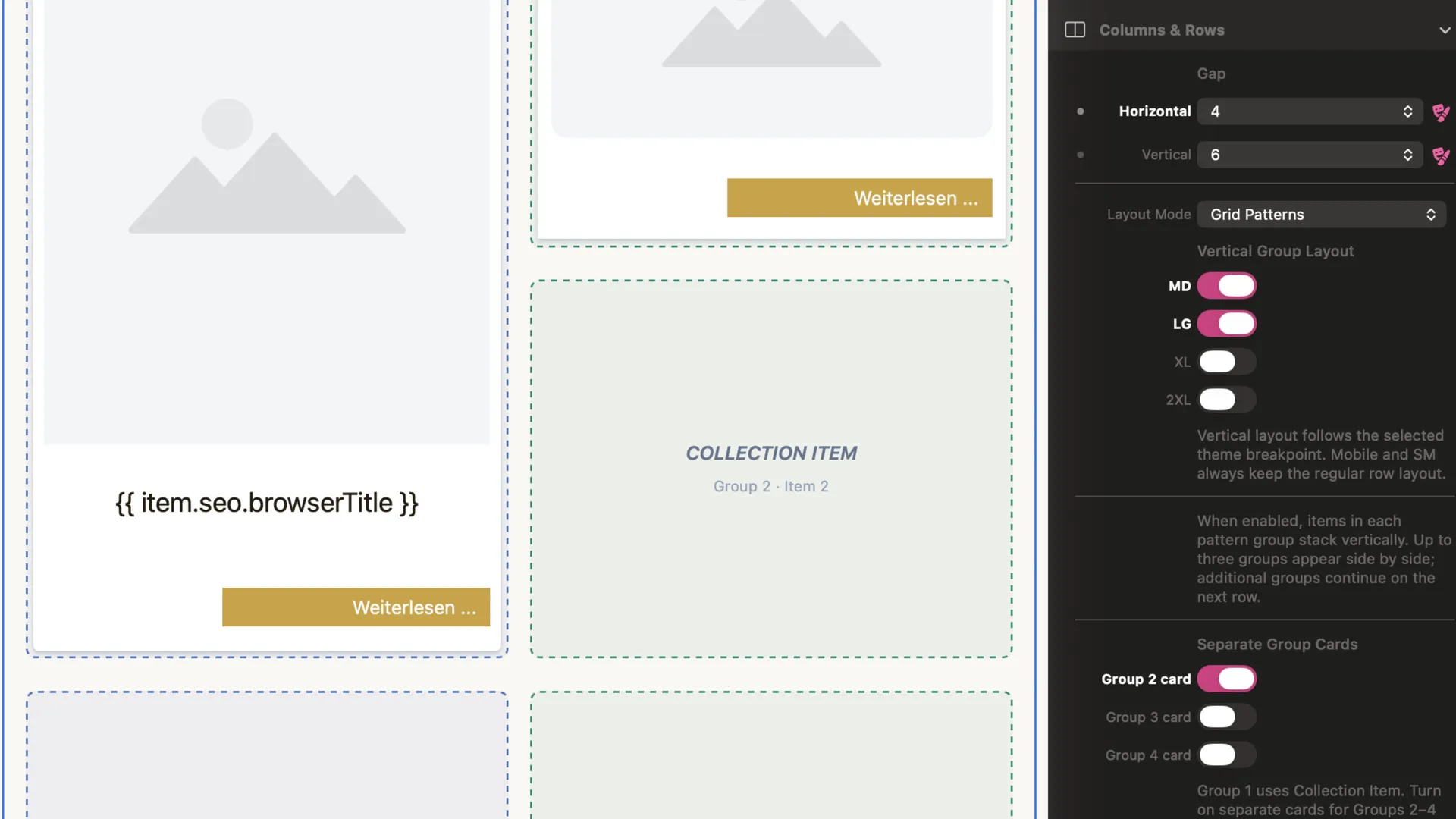
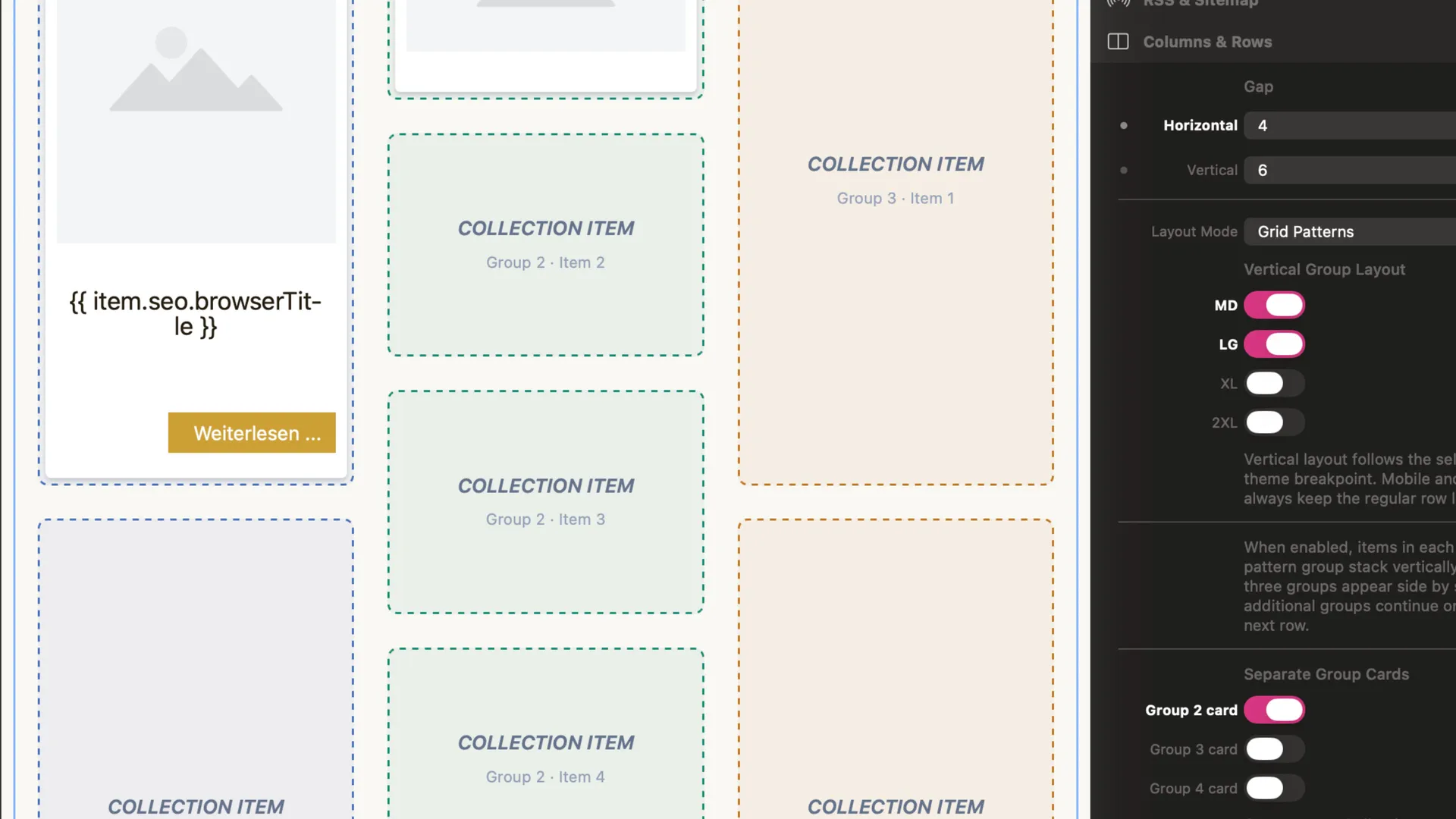
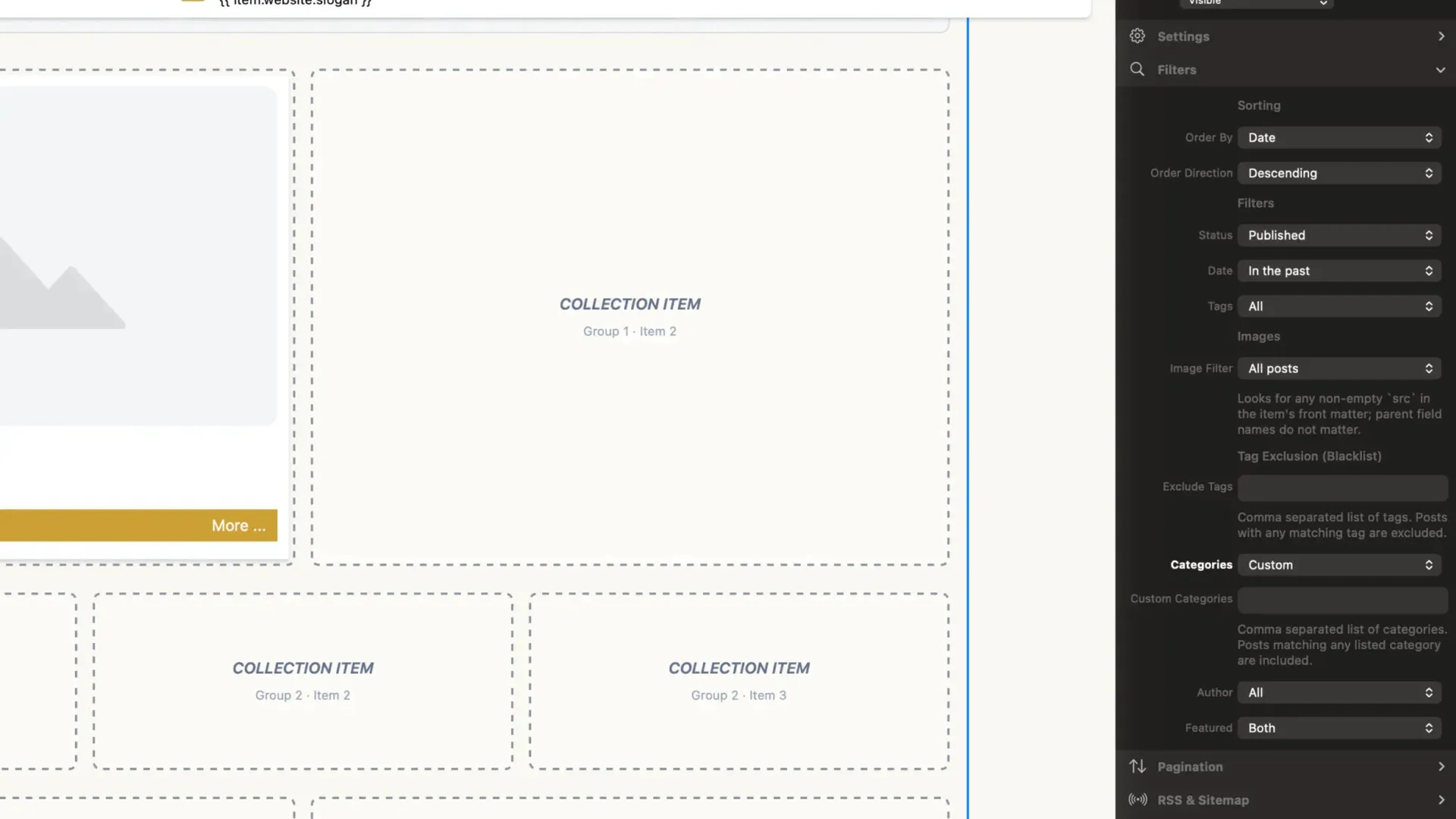
Connect a folder of Markdown content and design your cards directly in Elements. Start with a Main Card, then create different designs for Group Cards 2–4. Choose fixed columns or repeating Grid Patterns and adapt them to your theme’s active breakpoints.
Filter posts by categories, tags, author, featured status, date, or image availability. Adjust spacing, items per page, and offset for responsive layouts. Optional RSS feeds and XML sitemaps include a diagnostic view to help you check their output.
CMS COLLECTION + is made for blogs and other content collections that need more visual variety from the same CMS content.
- cms
- collection
- blog
- plus
- beaver-media
What's new
Build 6
- fixed a breakpoint bug in the Editor-Mode
Version history
Build 5
Ad Spotlight Group The Spotlight Group adds a dedicated feature area to CMS COLLECTION +. It can display selected CMS posts or content designed directly inside the component—separate from the main collection.
Key facts:
- Choose the content source: Select a CMS folder, or leave the Folder Path empty to use the content placed in the Spotlight Item zone.
- Control the placement: Choose which content group the Spotlight Group follows.
- Show up to four cards: Set the number of Spotlight cards for each active breakpoint.
- Design cards independently: Use a dedicated Spotlight Item template, separate from the main collection’s card template.
- Filter Spotlight posts: Use Featured selection and custom tags to control which posts qualify.
- Add variety: Random selection can show different eligible posts on each request.
- Set the spacing: Configure the horizontal gap between Spotlight cards.
- Keep filters scoped: Spotlight filters affect only Spotlight content; they do not change the main collection.
Build 4
- install bugfix
Build 3
More flexible Grid Patterns: Vertical groups are available at MD, LG, XL, and 2XL. Vertical layouts support up to three groups, with up to six items per group.
Clearer Edit Mode: Placeholders follow breakpoints more closely. Group colors, subtle backgrounds, and equal-height vertical groups make the layout easier to read.
Smaller HTML output: Each post is rendered only for the active breakpoint, instead of being duplicated across every layout.
Safer multiple instances: Wrapper repair uses each instance’s own settings, and each item occupies one grid cell.
More reliable RSS and sitemaps: Rebuild requests are protected, absolute URLs are handled correctly, and visitor-specific offsets no longer affect XML output.
Better output protection and caching: Persistent ownership prevents different pages from overwriting the same XML file. A valid cache limits Markdown rescans to once every 60 seconds.
Build 2
Match the outer CMS COLLECTION + border to the COLLECTION ITEM placeholders: use the same dashed line, color, and corner radius.
Build 1
- initial release
You might also like
More add-ons for RapidWeaver Elements.
-
-
-
Progress Bar Pro
Component · Multithemes
-
-
Info Pop-Up Pro
Component · Multithemes
-
EMPTY SPACER
Component · beaver-media GbR
-
Obscure Contact
Component · Multithemes
-
Back To Top Pro
Component · Multithemes