Component
CMS Prev Next
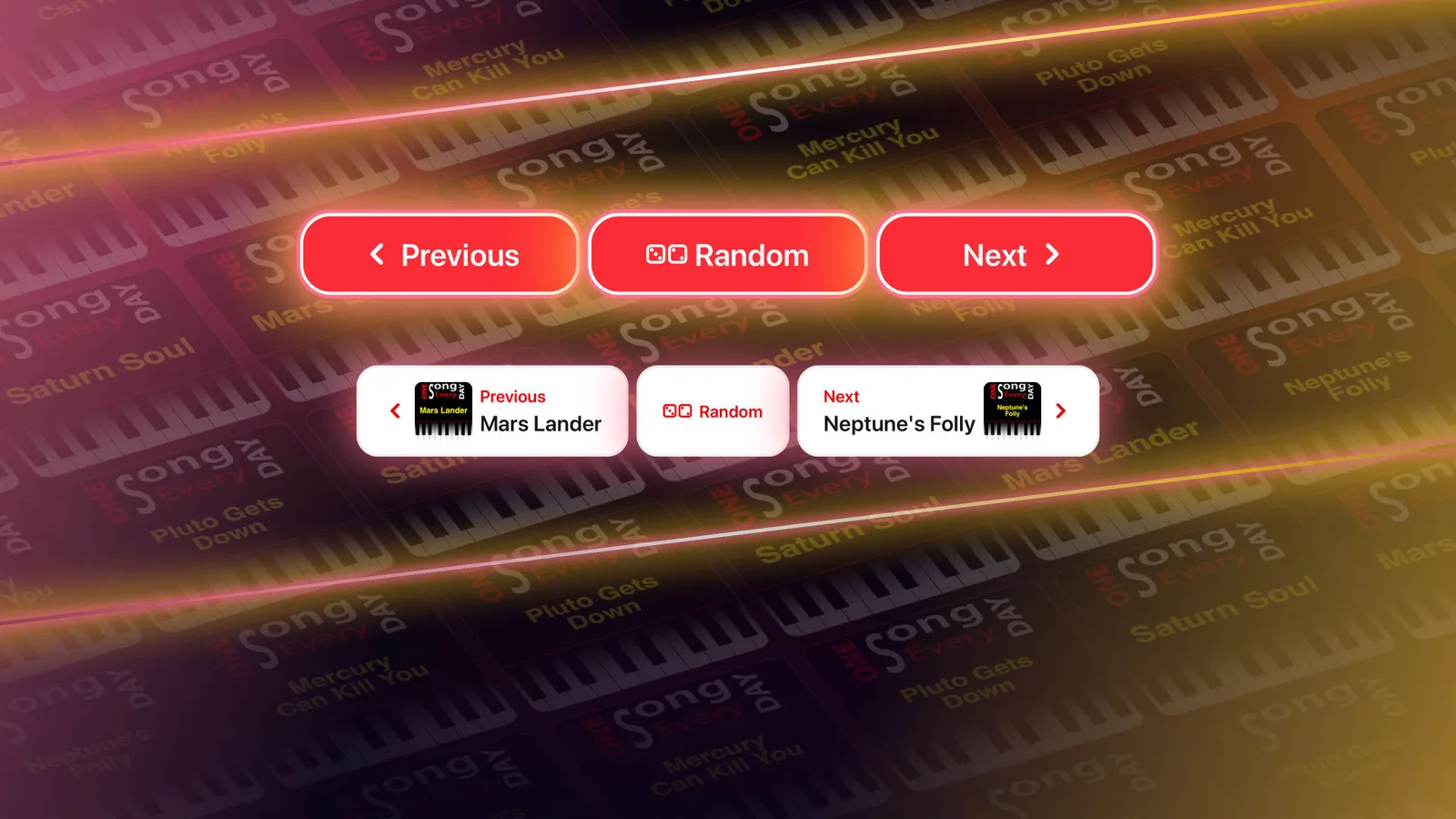
Previous, Next and Random buttons for your CMS item pages.
By Windy Town
- Updated
- 20 Nov 2026
- Build
- 3
- Released
- 20 Nov 2026
- Requires
- RapidWeaver Elements
Screenshots
About CMS Prev Next
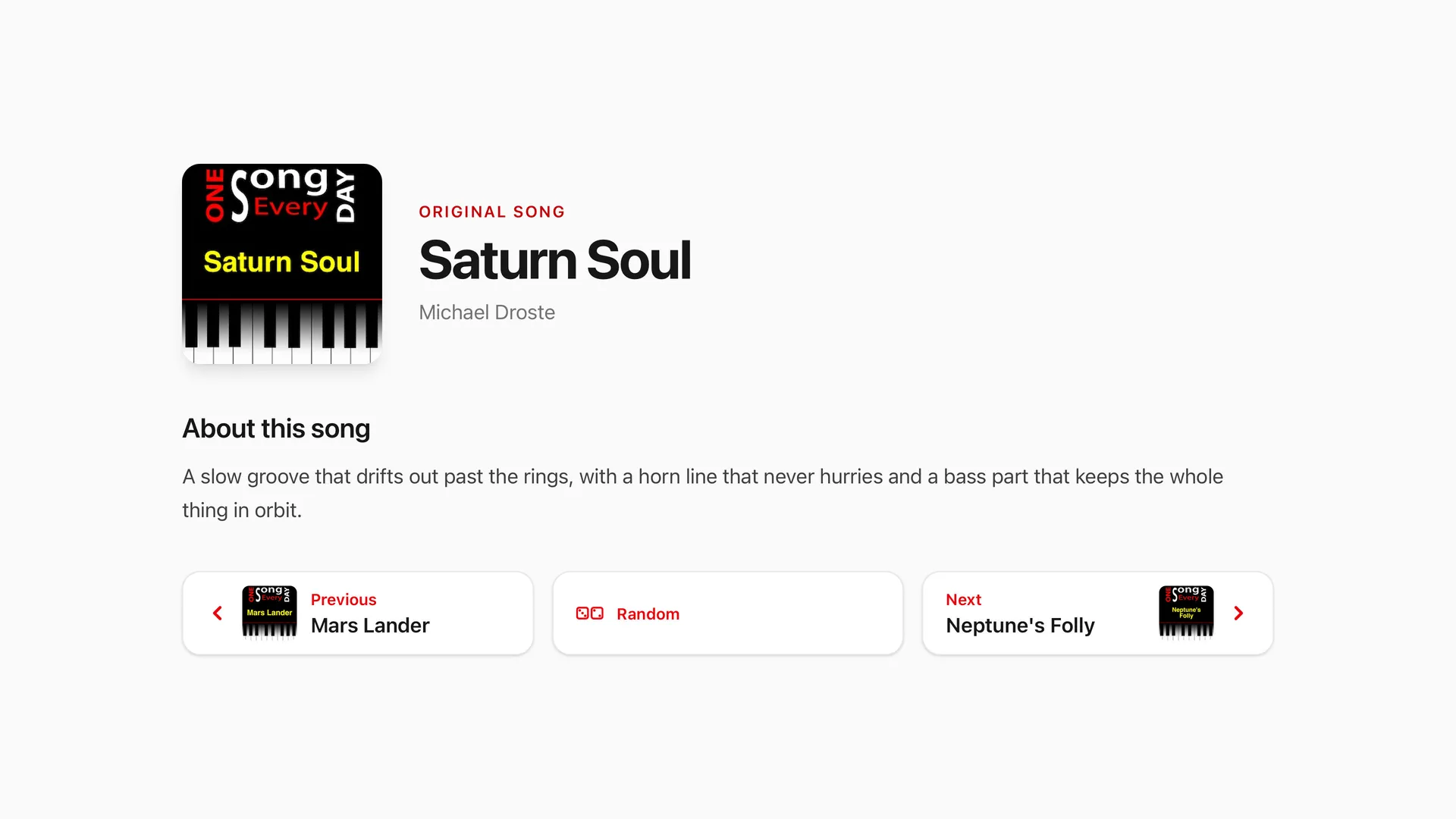
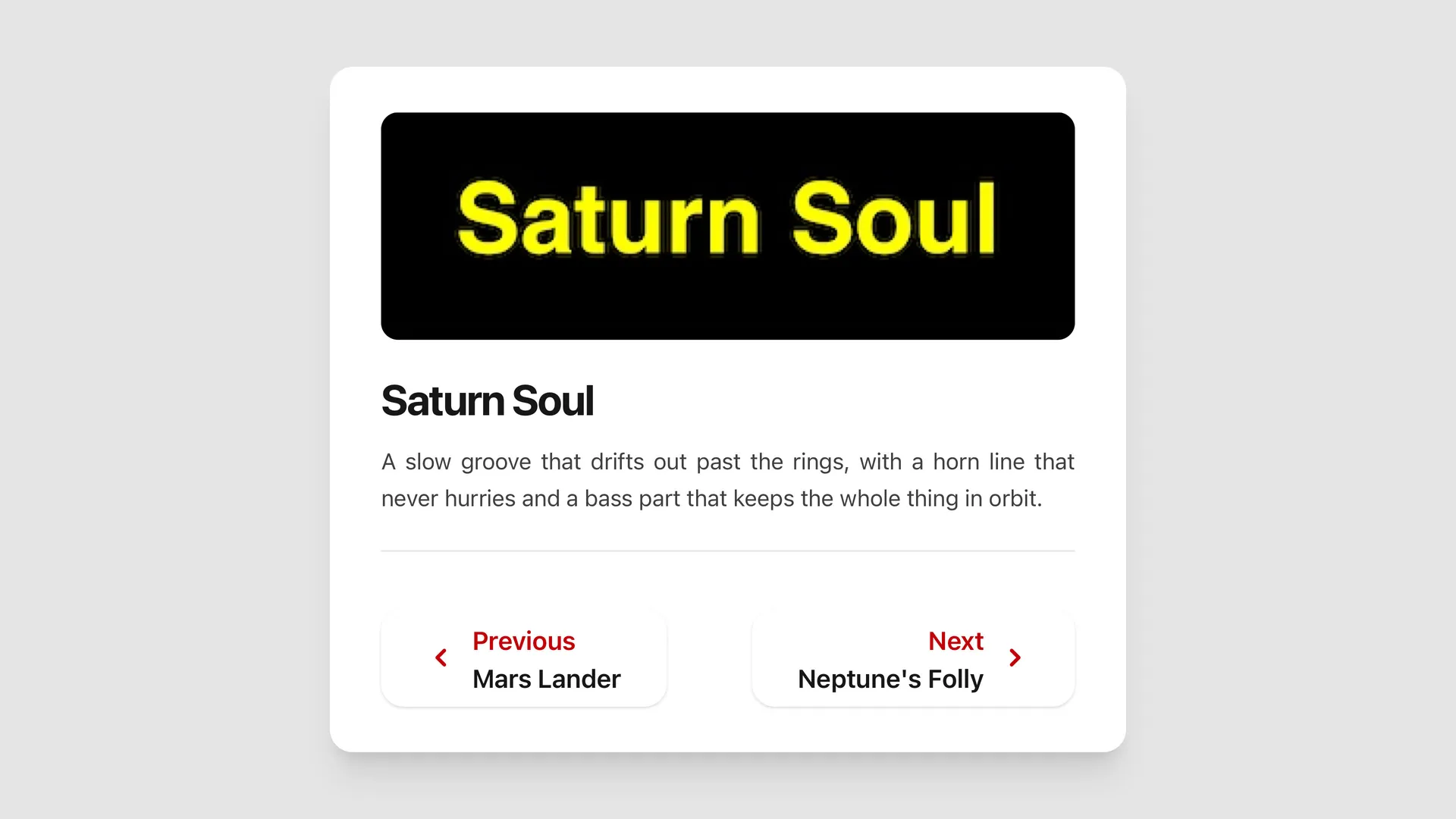
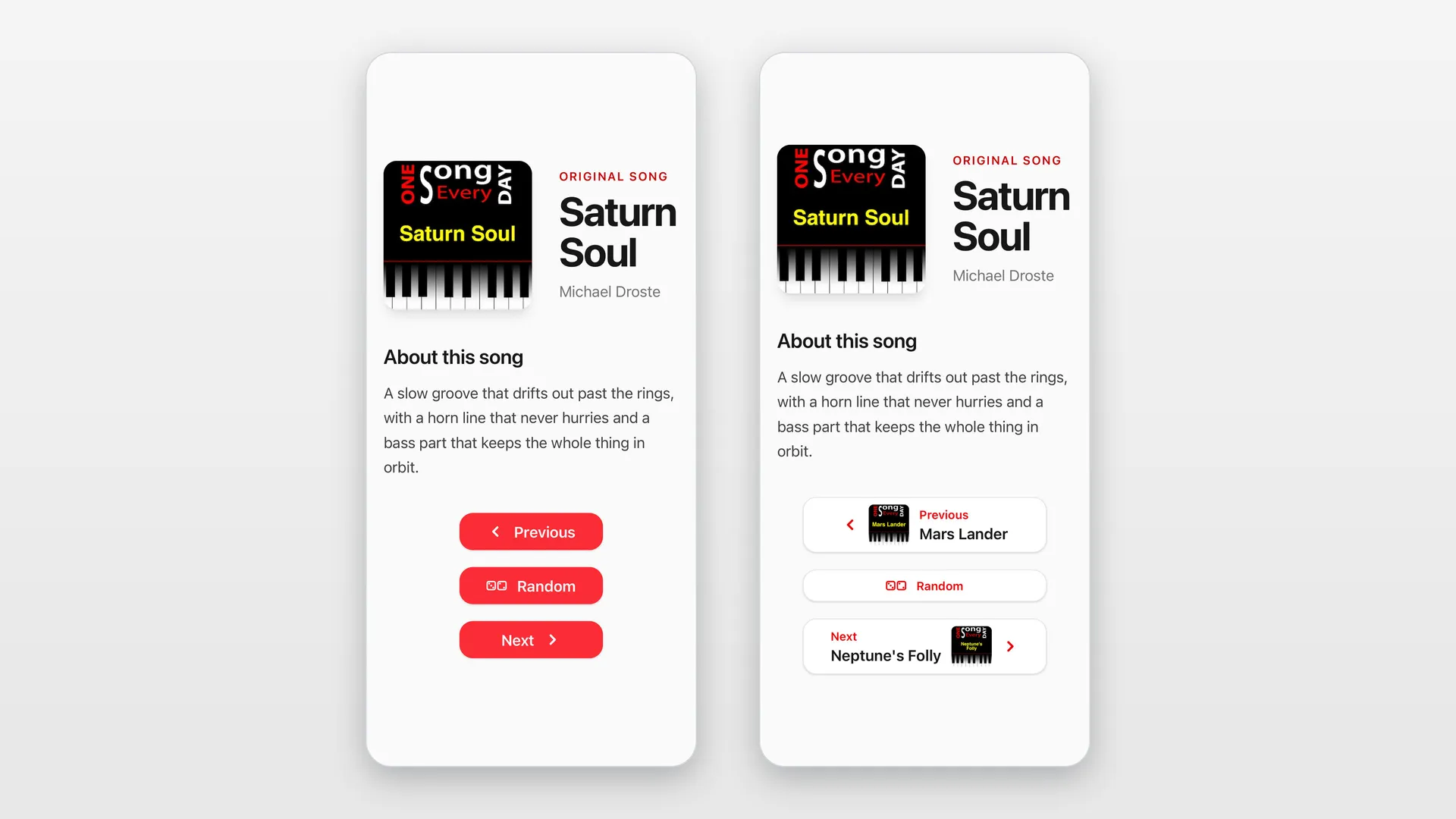
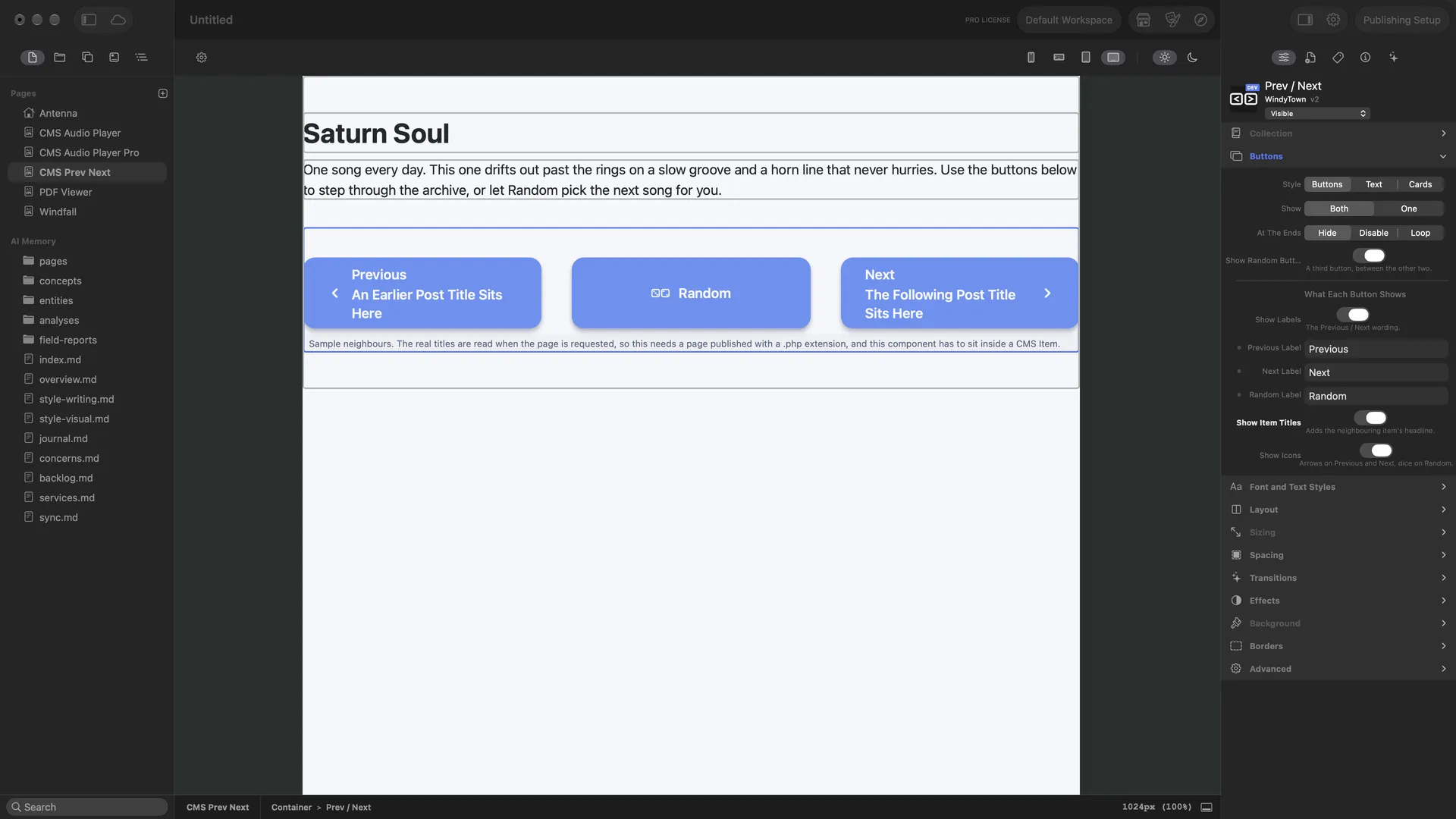
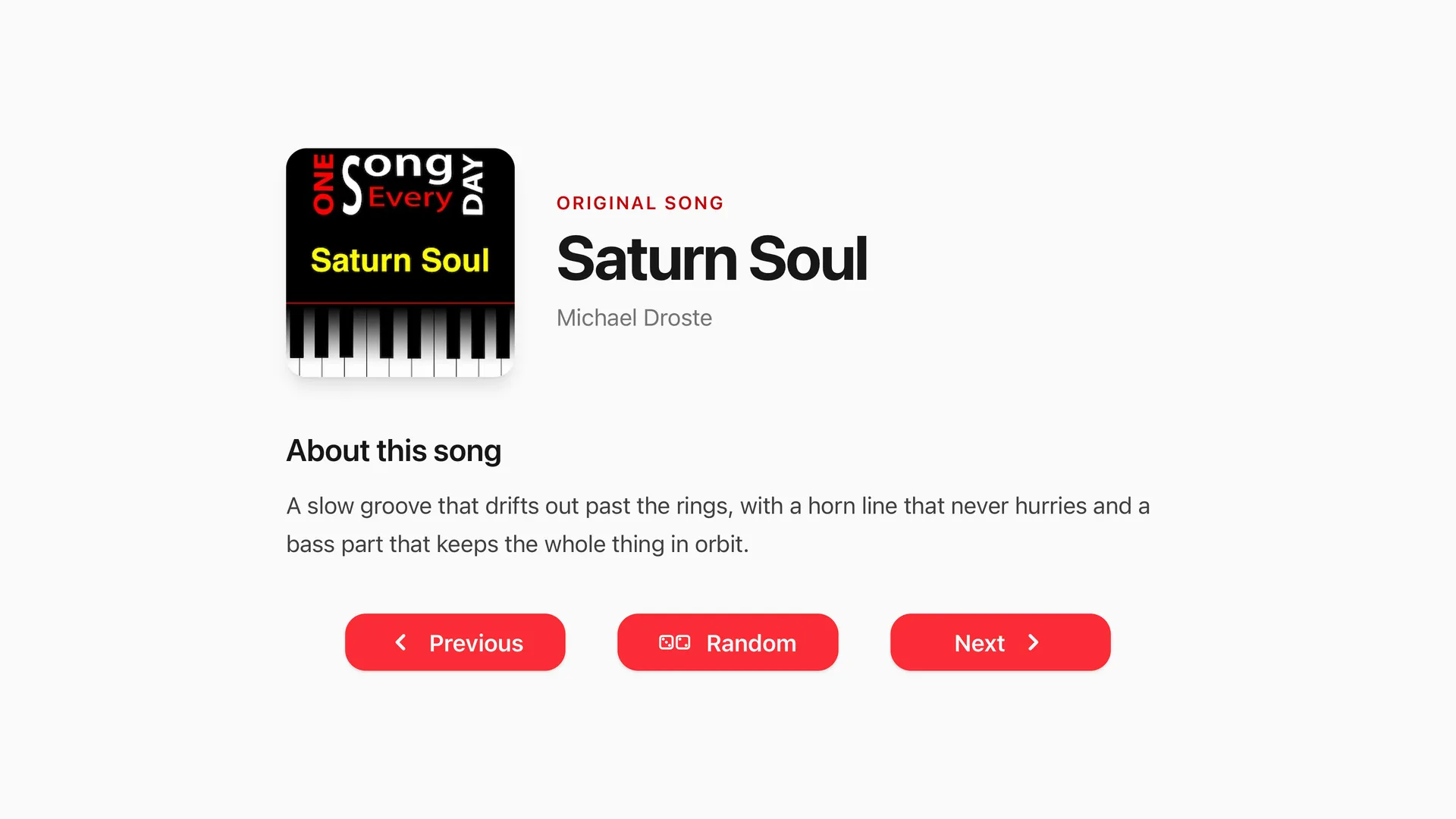
Previous, Next and Random buttons for your CMS item pages. Drop it into a CMS Item and it finds the neighbouring posts on its own.
There is no hidden collection, no page picker and no list to maintain.
- Previous, Random and Next out of the box. Random is one switch away from off.
- Follows your collection's order: by date published, title or file name, in either direction, with the same status and date filters (published only, and nothing dated in the future, out of the box)
- Optional item titles and feature images on the Previous and Next buttons
- Reads subfolders exactly as your licensed CMS does (Elements 3.1.5 and later)
- Styled from your theme: matched button widths, 44-pixel tap targets, a choice of layouts, and every colour, radius and font from Theme Studio
- Works without JavaScript; the Random button also works with scripting off
Needs PHP hosting, like every CMS page: the neighbours are worked out when the page is requested. Elements 3.0.9 or later.
- cms · navigation · blog · previous next · random
You might also like
More add-ons for RapidWeaver Elements.
-
CMS Audio Player
Component · Windy Town
-
CMS Audio Player Pro
Component · Windy Town
$18.74 Save 25% -
Cyclops Content Studio
Component · Cyclops Studios
$79.20 Save 20% -
-
ShortCodes
Component · WeaverPixel
-
SiteSearch
Component · WeaverPixel
-
CMS COLLECTION plus
Component · beaver-media GbR
-