Component
Download Files
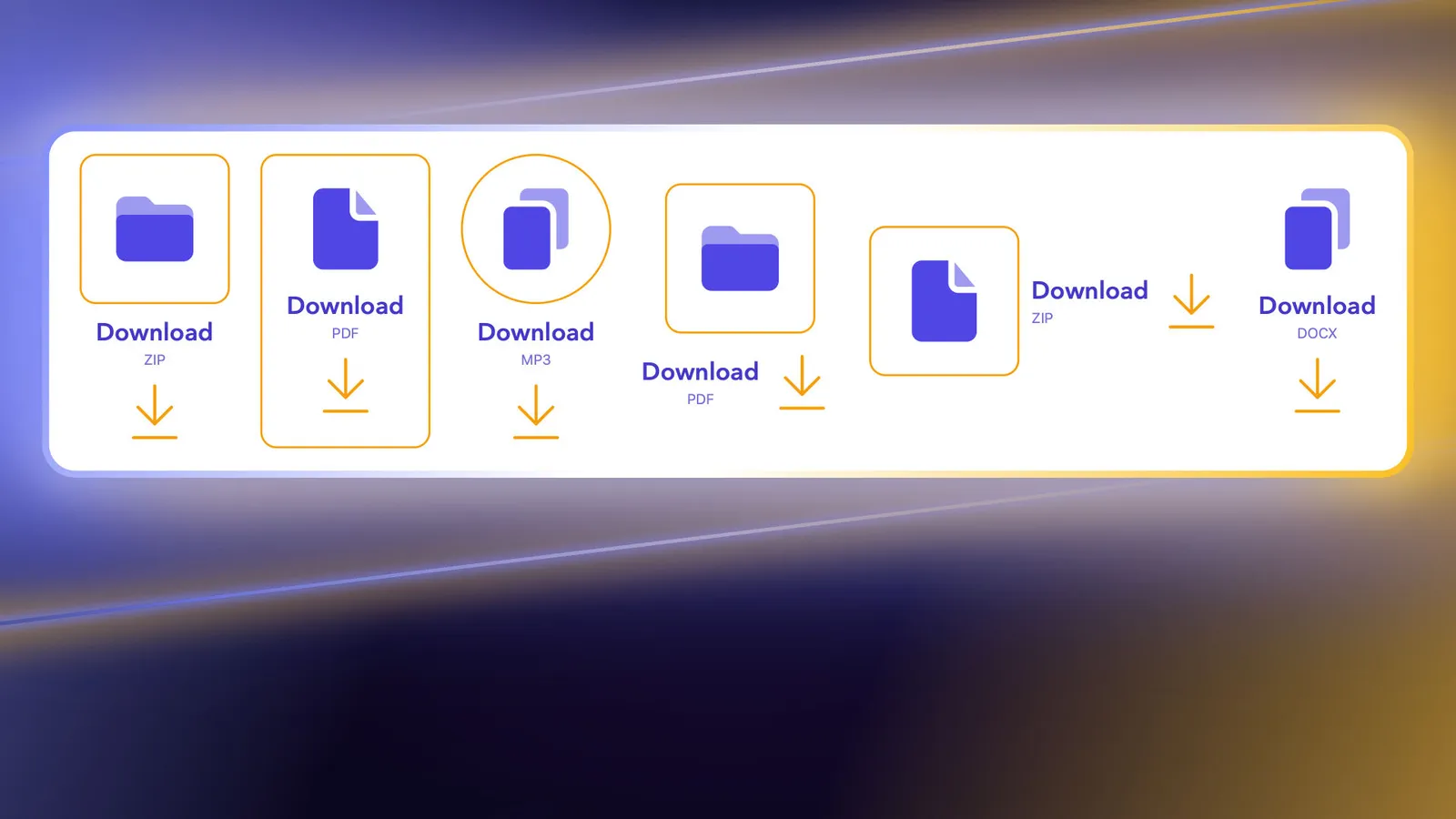
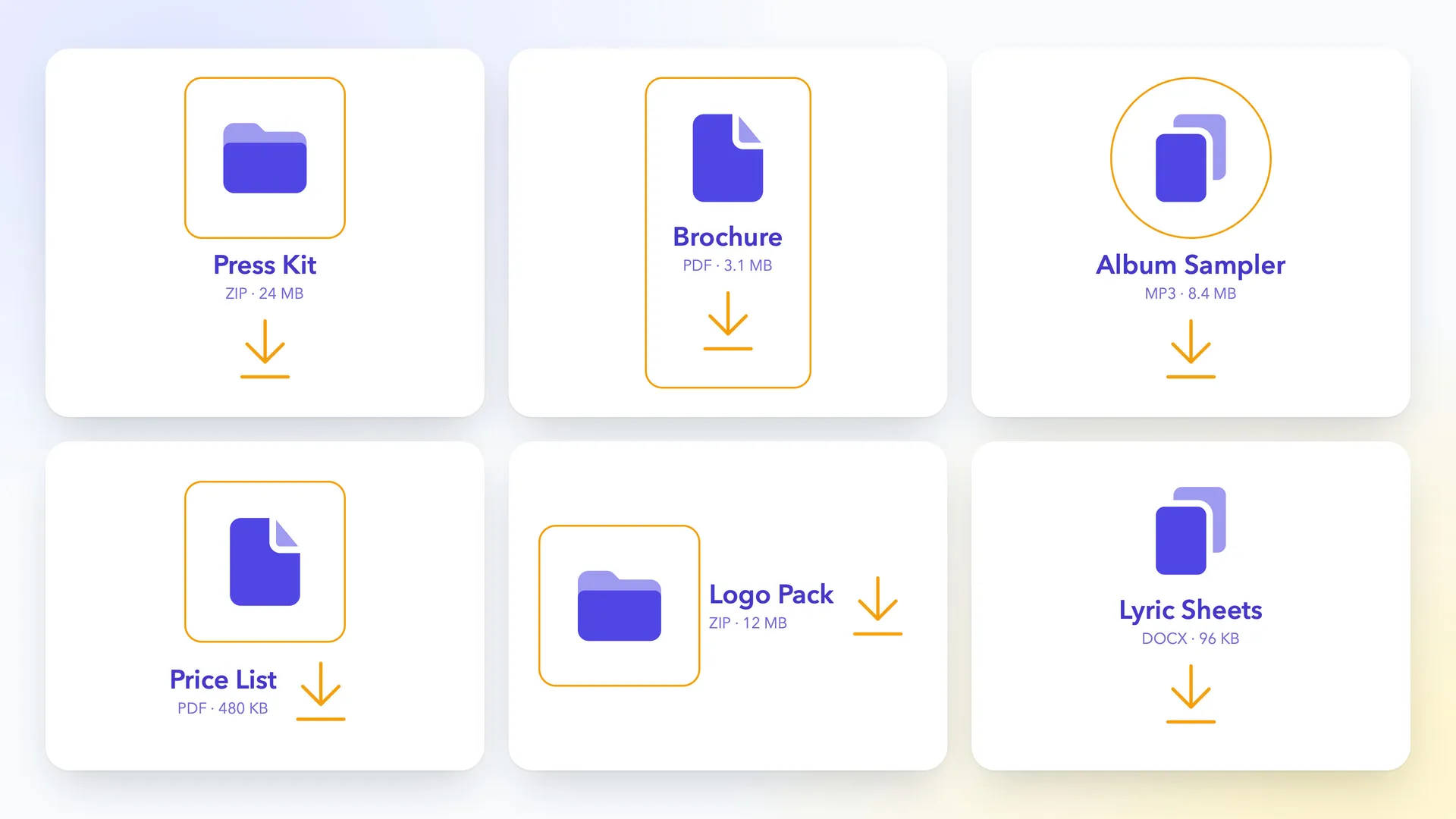
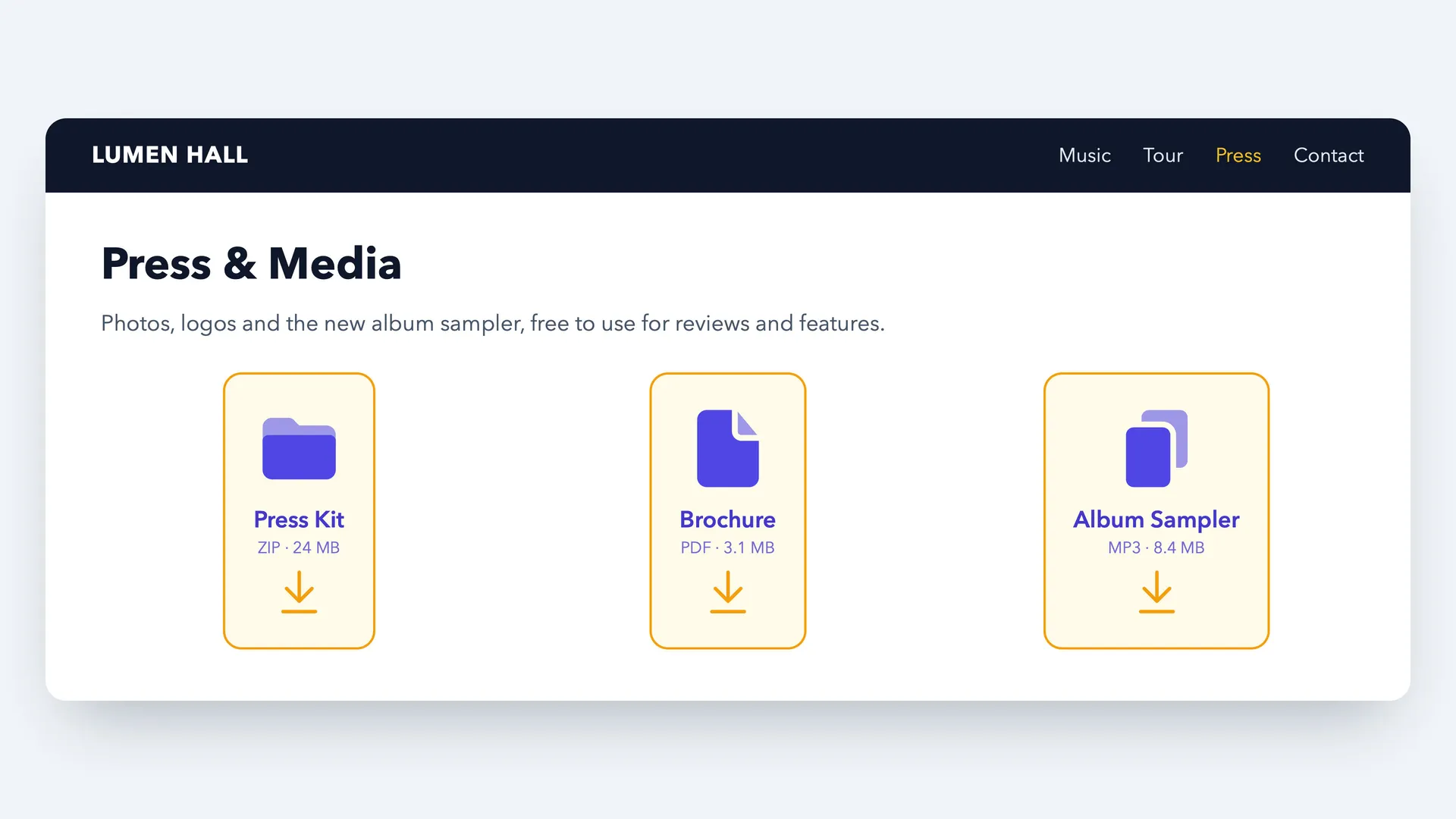
A download link that looks the part: a framed folder or document icon, a large arrow, the file's type and size, in six styles and four sizes.
By Windy Town
- Updated
- 25 Nov 2026
- Build
- 2
- Released
- 25 Nov 2026
- Requires
- RapidWeaver Elements
Screenshots
About Download Files
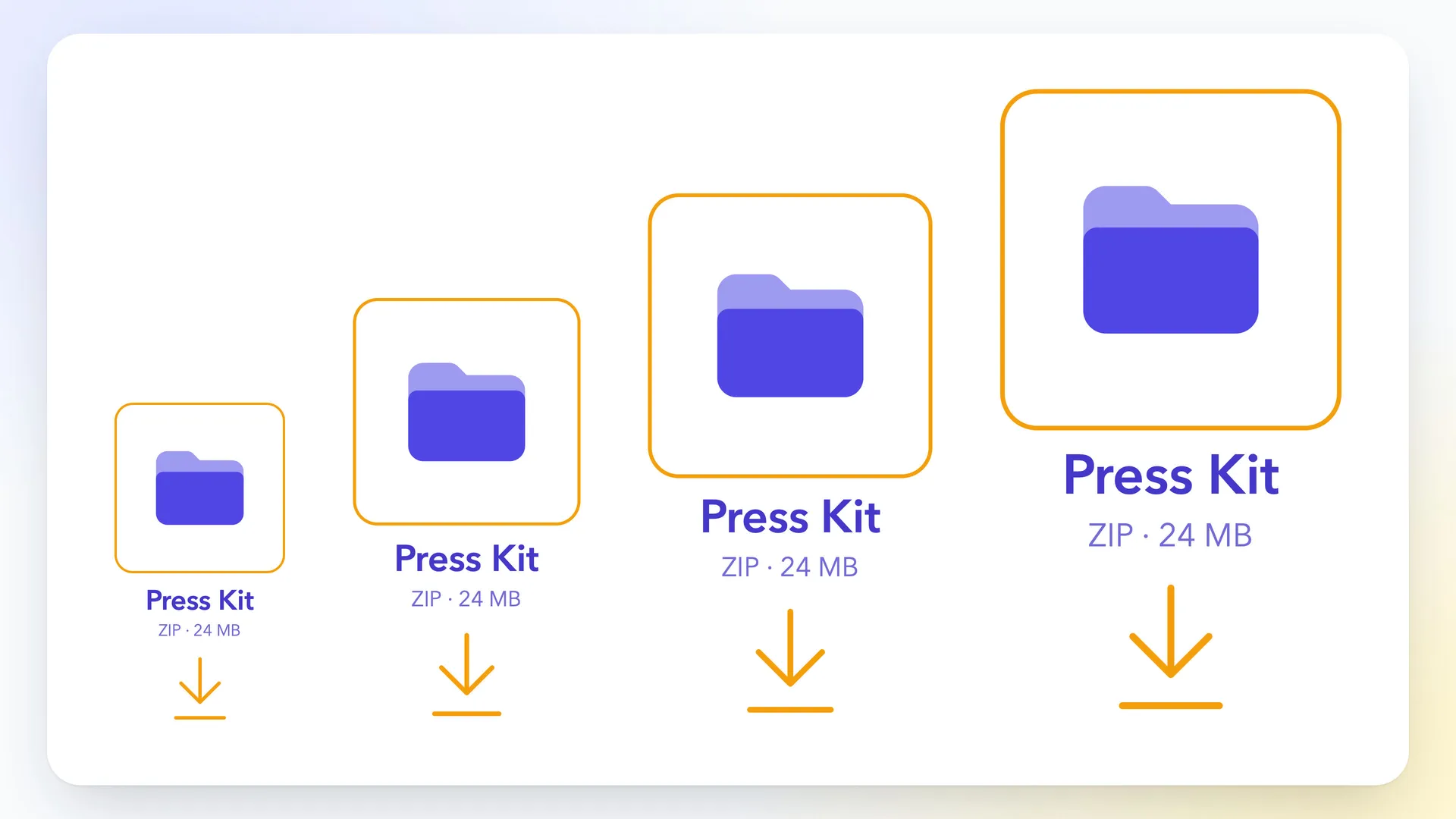
A download link that looks the part: a framed folder or document icon, a large arrow, the file's type and size, in six styles and four sizes.
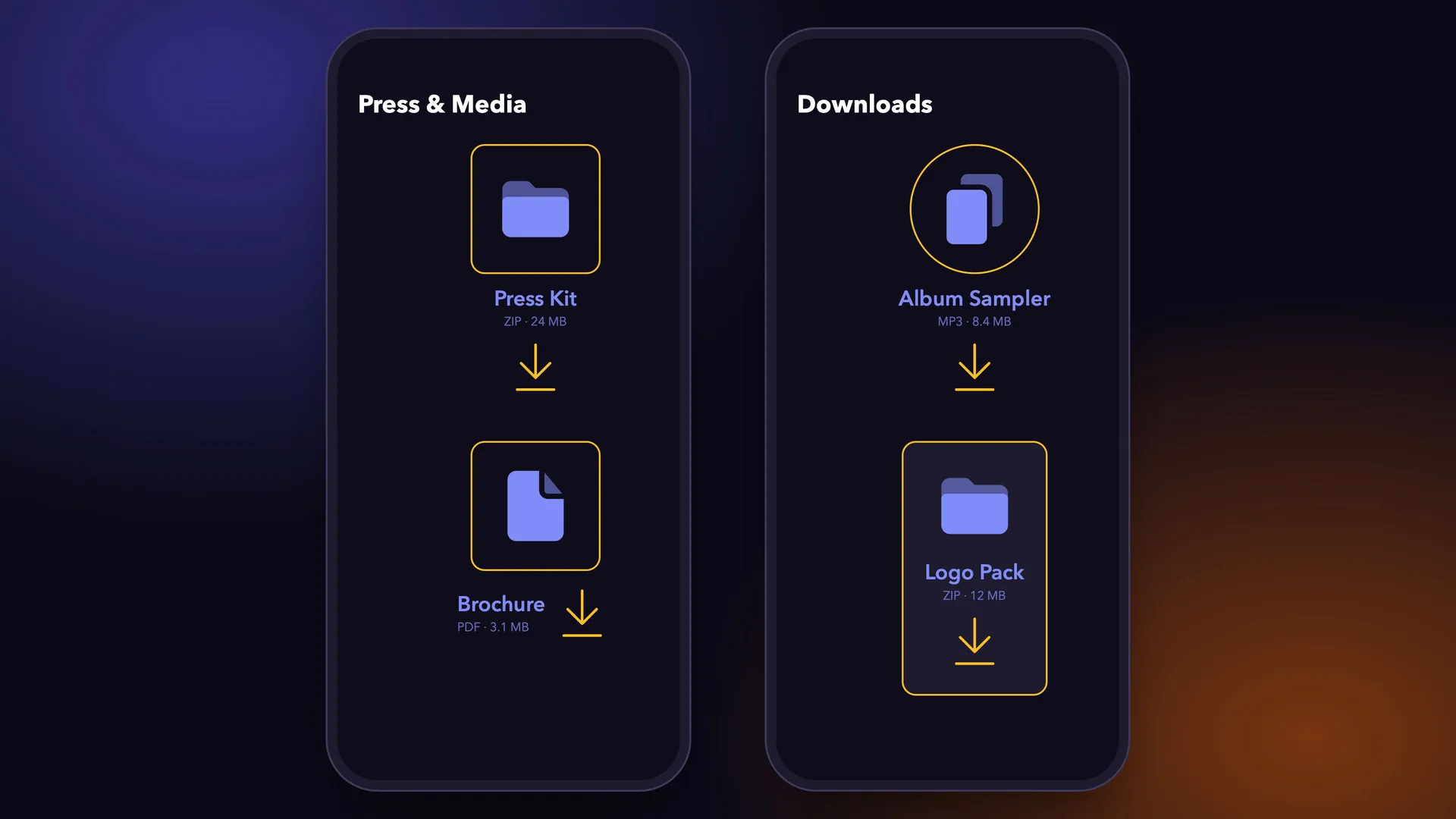
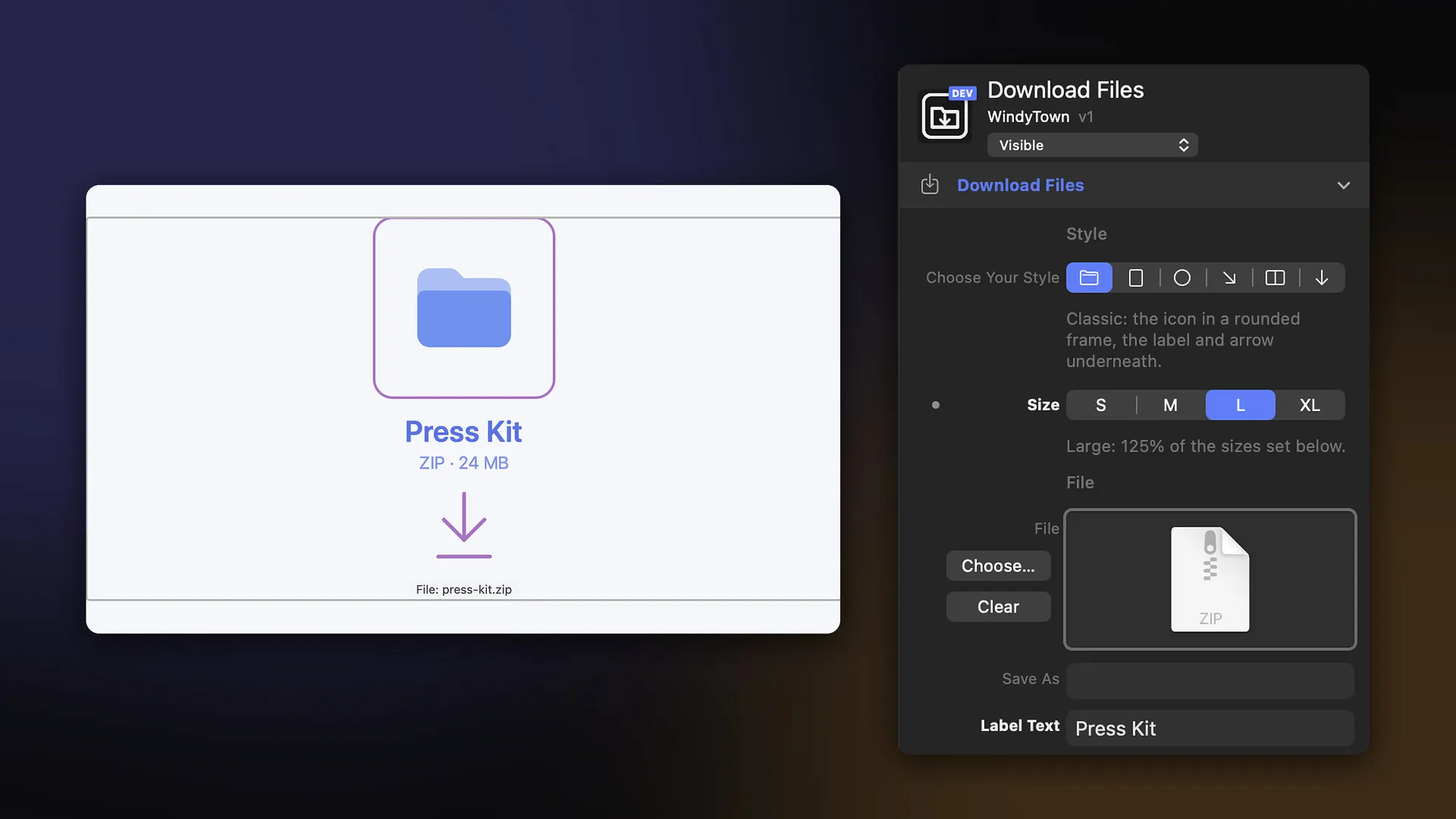
Drag any file onto the component, or choose it in the Inspector: a zip, a PDF, an MP3, a spreadsheet. Pick a style from six pictures at the top of the Inspector (Classic, Tile, Circle, Inline, Side or Minimal), then a size from S to XL, and the canvas changes as you click. Size can be different on phones and desktops.
- The file's type and size are shown under the label, read from the file itself
- Icon in your theme colour, frame in your accent colour, label in any theme font
- Folder, document or files icon; no background unless you add a fill
- Lift or grow on hover, a focus ring for keyboard users, reduced motion respected
- Files you choose from another website open in a new tab instead of leaving your page
- Screen readers hear the label, file name, type and size
- Fits narrow columns and phones: layouts wrap instead of overflowing
- Works inside CMS collections and with Load More
- Tailwind 3 and 4 themes, light and dark mode
- No PHP and no JavaScript: the published page is one plain link
- download · file · button · media · zip
You might also like
More add-ons for RapidWeaver Elements.
-
PDF Viewer
Component · Windy Town
$22.49 Save 25% -
Cyclops Content Studio
Component · Cyclops Studios
$79.20 Save 20% -
CMS COLLECTION plus
Component · beaver-media GbR
-
-
-
EMPTY SPACER
Component · beaver-media GbR
-
-
SEO SCHEMA
Component · beaver-media GbR