How to make a portfolio website

Dan Counsell · Founder of Realmac SoftwareUpdated
We’ve made RapidWeaver, a website builder for Mac, since 2004. Each guide works with any tool, then shows how in RapidWeaver Elements.
A portfolio website is a sales page for your skills. Whether you design, illustrate, write, build or photograph, the visitor is asking one question: can this person do what I need? Every part of the site should answer it.
Choose the work you want more of
Pick four to eight projects. Choose the work you’d like to be hired for again, not everything you’ve done. If half your clients want logos and you’d rather do websites, lead with websites.
Write short case studies
Pictures alone leave the visitor guessing. Add three short paragraphs to each project:
- The brief. Who it was for and what they needed.
- What you did. Your part, especially if you worked in a team.
- The result. A launch, a number, a quote from the client.
Portfolio website ideas
- Lead with your best project, full width. Not a grid of twelve equal thumbnails.
- Show the process. Sketches, drafts and rejected ideas show how you think.
- Add one line about who you work with. “I design websites for independent shops” is easier to hire than “Designer”.
- Put contact details on every page. Don’t make people hunt for them.
Build it in RapidWeaver Elements
- Start a new project in RapidWeaver Elements. The Kinetic starter project is a personal profile for designers and creators.
- Make one page per project, or keep projects in the built-in CMS so each one is a Markdown file with its images, and a single template lays them all out the same way.
- Use the Grid component for the project list and Gallery for project images.
- Size and compress images before you add them, so pages load fast. Our Squash guides show how.
- Publish to your own hosting under your own domain.
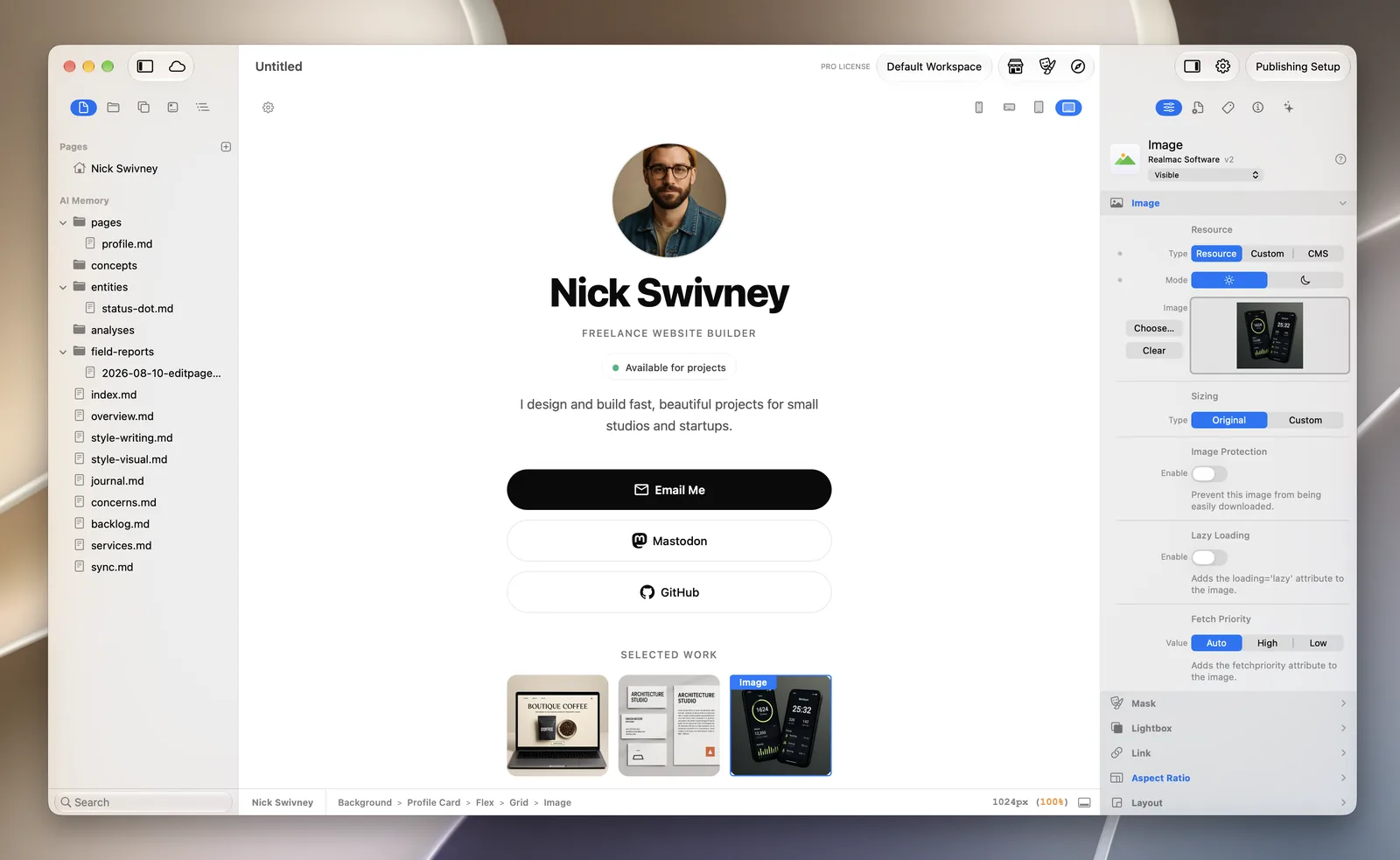
If you build portfolio sites for clients, you’ll need an Elements Pro licence, which allows you to sell the websites you make.
Questions about portfolio websites
How many projects should be in a portfolio?
Four to eight strong projects is plenty. Fewer, better pieces with short write-ups beat a long grid of thumbnails.
Should I put prices on my portfolio?
“From” prices or typical project ranges help people decide whether to get in touch, and save you time on enquiries that don’t fit.
Can I make a portfolio website without coding?
Yes. RapidWeaver Elements lets you design pages visually and writes the code for you.
