How to make a personal website

Dan Counsell · Founder of Realmac SoftwareUpdated
We’ve made RapidWeaver, a website builder for Mac, since 2004. Each guide works with any tool, then shows how in RapidWeaver Elements.
A personal website is the one place online that’s entirely yours. Social profiles come and go, but yourname.com stays where you put it, and it says what you want it to say.
Decide what it’s for
Pick one main job. Most personal sites do one of these:
- Get hired. Show your work and make it easy to get in touch.
- Share what you write or make. A blog, photos, music or projects.
- Be findable. A short, clear page that comes up when someone searches your name.
Write that job at the top of a page of notes. When you’re unsure whether something belongs on the site, check it against that line.
What to put on a personal website
| Page | What goes on it |
|---|---|
| Home | Your name, one sentence on what you do, a photo, and a link to your best work |
| About | A few paragraphs in your own voice: what you do, how you got here, what you care about |
| Work or writing | Three to six of your best pieces, each with a line of context |
| Contact | An email address or a short form, plus the profiles you actually use |
You don’t need all four on day one. A single page with your name, a paragraph and an email address is a fine start.
Personal website ideas to borrow
- A “now” page. A short page about what you’re working on this month. Update it when things change.
- A reading or listening list. Easy to keep up and says a lot about you.
- Case studies instead of a CV. Pick two projects and say what the problem was, what you did and what happened.
- A uses page. The tools, apps and kit you use every day. People love these.
- A digital garden. Notes that grow over time rather than polished posts. Our manual has a guide to building a digital garden in Elements.
Use your own domain
Buy your name as a domain if you can (.com first, then your country’s ending or .me). It’s the address you’ll give out for years, so it’s worth paying for. Then pick hosting; see how to host a website.
Build it in RapidWeaver Elements
- Open RapidWeaver Elements and choose New Project.
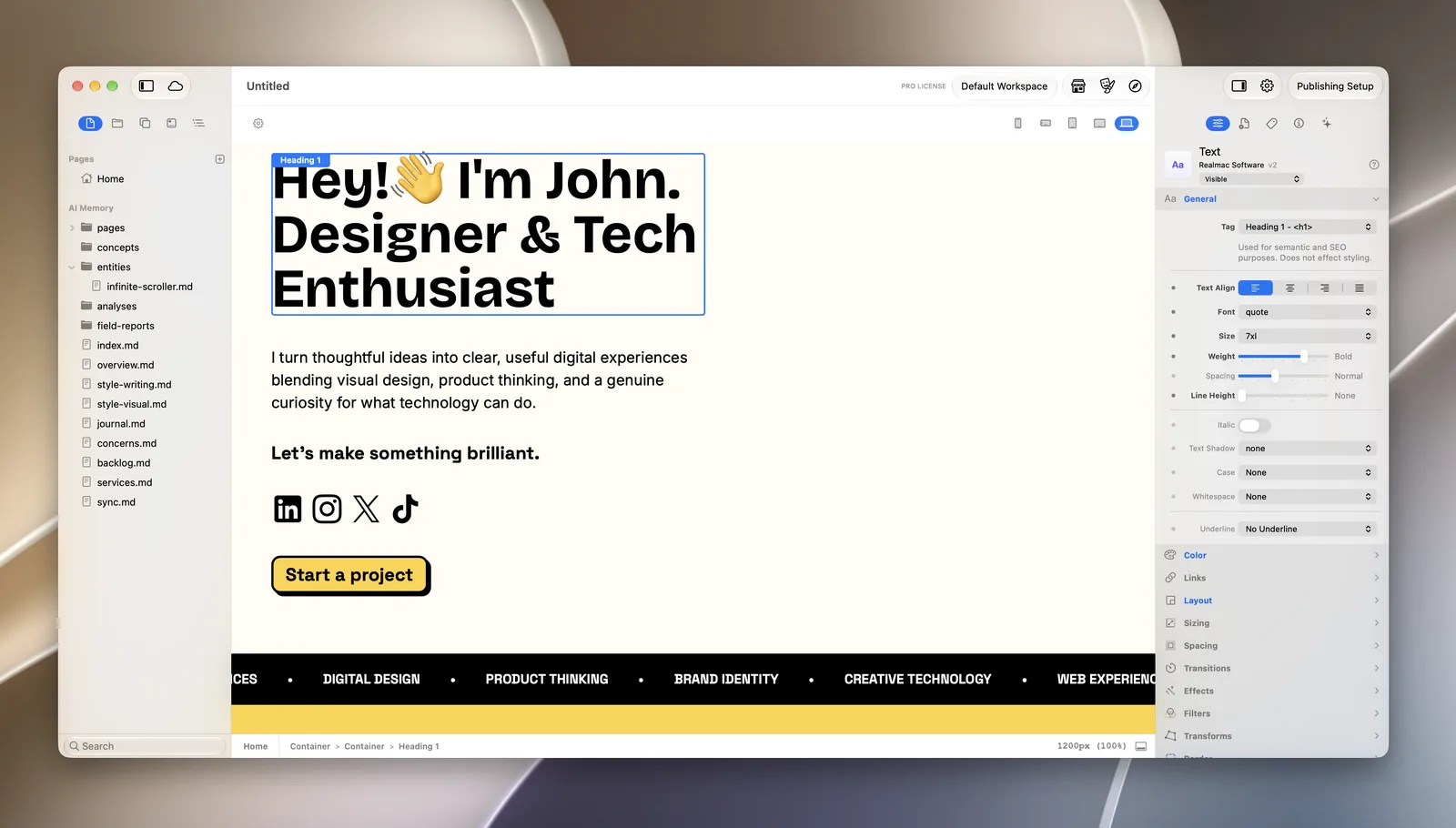
- Pick the Kinetic starter project, a personal profile with a short bio and social links, or start with a blank page.
- Change the text, drop in your photo, and set your colours and fonts in the Theme Studio.
- Add an about page and a contact page from the page list.
- Give each page a title and description in the Metadata panel, so your name shows properly in search results.
- Publish to your hosting from Project Settings > Publishing.
Want a blog too? The built-in CMS keeps posts as Markdown files you own. See how to make a blog website.
Questions about personal websites
How much does a personal website cost?
Mostly the domain and hosting, which you pay for every year whichever builder you use. RapidWeaver Elements starts at $99 with a year of updates. It renews each year, but you can cancel any time and keep the app. See how much a website costs.
Should my personal website have a blog?
Only if you’ll write at least once a month. An old blog with one post from three years ago looks worse than no blog.
What’s the best domain for a personal website?
Your full name with .com. If it’s taken, try your name with your country’s domain ending, a middle initial, or .me.
