What is a flat-file CMS?

Dan Counsell · Founder of Realmac SoftwareUpdated
We’ve made RapidWeaver, a website builder for Mac, since 2004. Each guide works with any tool, then shows how in RapidWeaver Elements.
If your site has content that grows, like blog posts, recipes, projects or team members, you don’t want to design a new page for each one. A CMS lets you write the content once and have it laid out for you.
What is a CMS?
A content management system keeps your content separate from your design. You write a post, the CMS puts it into your blog layout, adds it to the list of posts and links it up.
WordPress is the best-known CMS. Most hosted builders have one built in.
Database CMS vs flat-file CMS
Most big CMSs, WordPress included, store content in a database. A flat-file CMS stores each item as a file instead, usually Markdown with a few settings at the top.
| Database CMS | Flat-file CMS | |
|---|---|---|
| Where content lives | A MySQL or similar database | Files in a folder |
| Hosting | PHP plus a database | PHP or similar, no database |
| Backups | Export the database | Copy the folder |
| Moving hosts | Export, import, fix settings | Upload the files |
| Version control | Awkward | Works with Git |
| Best for | Big sites, many editors, thousands of posts | Personal, business and portfolio sites |
What a Markdown file looks like
---
title: Our new spring menu
date: 2026-03-01
image: spring-menu.jpg
---

We've added three new dishes this spring...
The part between the dashes is the front matter: settings like title and date. Below it is the post, in Markdown, where **bold** makes bold text and ## Heading makes a heading.
The good parts and the limits
Flat-file sites are fast, there’s no database to break or be hacked, and you can open your content in any text editor. The limits show on very large sites, or when many people need to edit at once with different permissions.
The CMS in RapidWeaver Elements
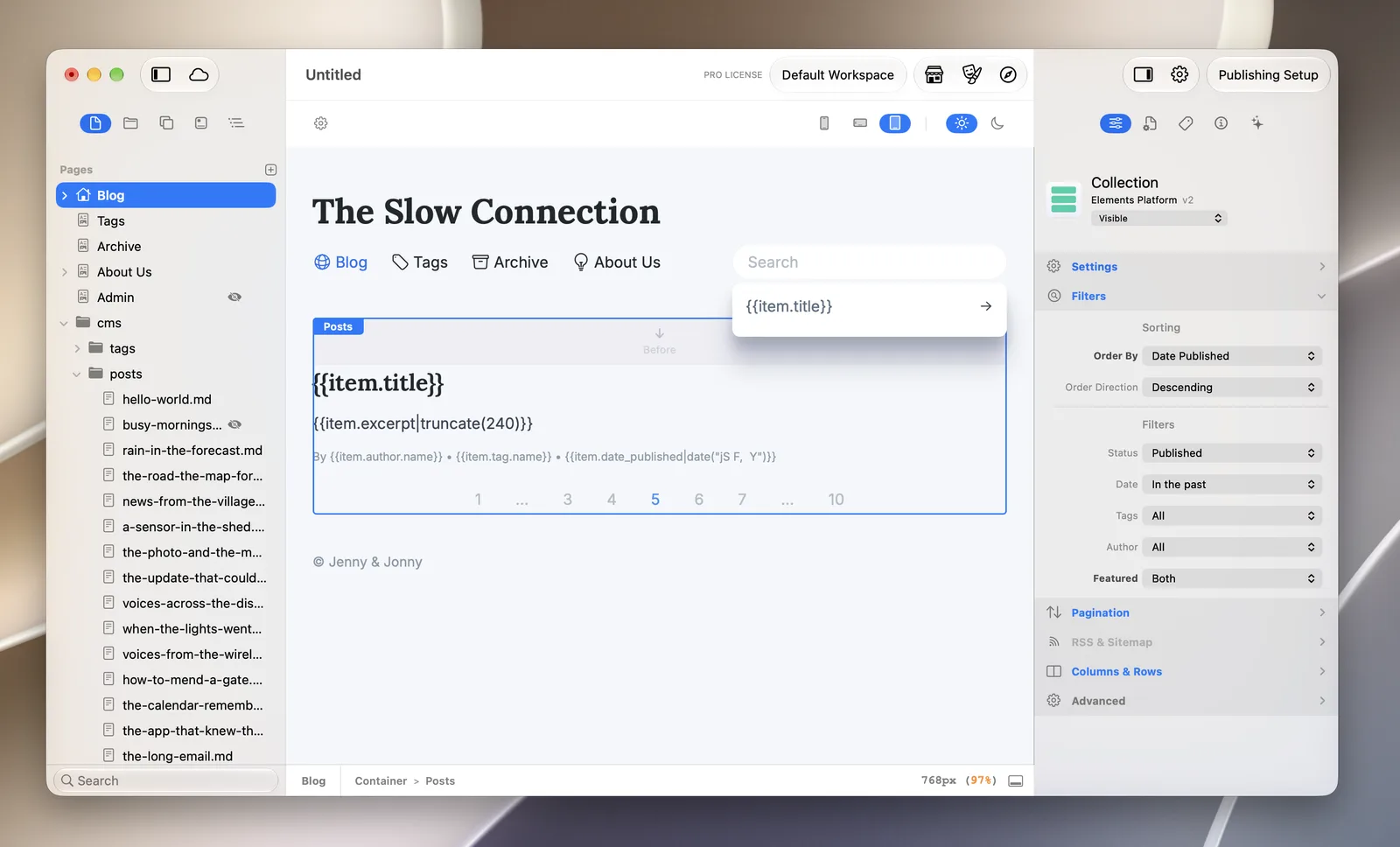
RapidWeaver Elements has a Markdown-based CMS built in. Posts are Markdown files with front matter, and CMS components lay them out as lists, single posts, tags and more. There’s no database.
- The base CMS comes free with every Elements licence.
- It needs PHP 8.4 or later on your host, and pages that show CMS content need the
.phpextension. - The free Online Editor lets you write posts in a browser. CMS Pro adds more users, version history and AI tools, as a one-time purchase for each domain. See Elements CMS for what’s in each plan.
Questions about flat-file CMSs
Is a flat-file CMS secure?
There’s less to attack: no database and, in many setups, no login page. You still need to keep PHP up to date on your host and use strong passwords for anything with a login.
Can a flat-file CMS handle a lot of posts?
Hundreds of posts are fine. If you’ll have tens of thousands of items or many editors, a database CMS may suit you better.
Can I move my WordPress posts to a flat-file CMS?
Yes. Export tools can turn WordPress posts into Markdown files with front matter. Images need to be copied across too.
